 1 / 3
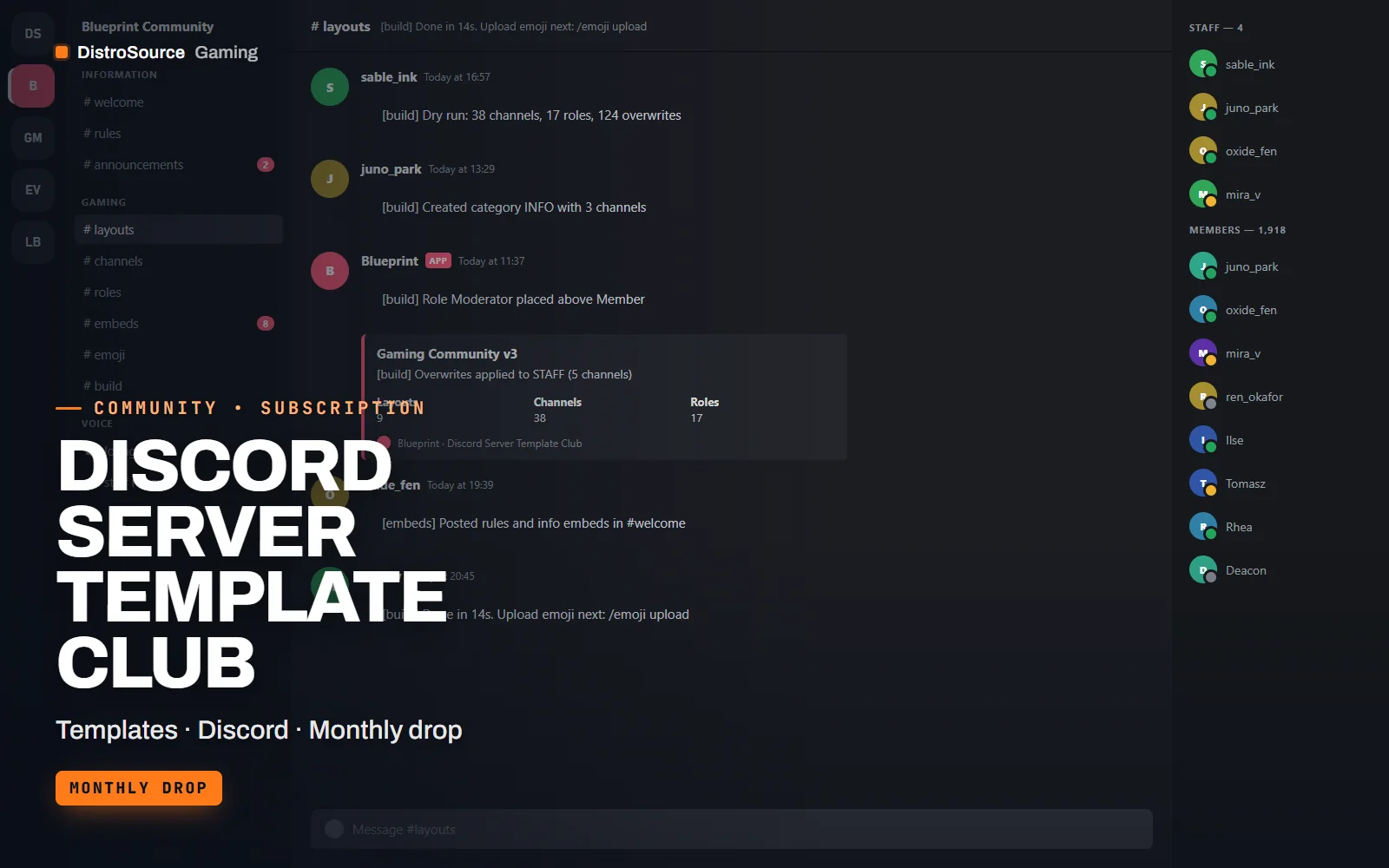
1 / 3Built interface — Welcome channel
Overview
Discord Server Template Club delivers a finished server layout every month, and the ones you claim stay yours after you cancel. Each layout is built for a specific kind of community: a gaming server with looking-for-group and voice lobbies, an esports organisation with roster and match channels, or a creator hub with announcements, clips and subscriber areas. The structure, the role ladder and the permission overwrites are all worked out before you see it.
A layout arrives as a JSON definition plus a small Discord.js setup bot. You run the bot with your own token, point it at an empty server or a fresh category, and one command creates the categories, channels, roles and permission overwrites in order, then posts the rules, information and self-role embeds. A dry-run flag prints what would be created so you can review the plan first. Nothing is applied by us; the command runs from your machine.
Every layout also includes a matching emoji set at 128 px, channel banner images, an editable copy of the rules and welcome text, and a setup guide that explains which roles to hand to which staff and why the permission overwrites are shaped the way they are. Claim the current month's layout while subscribed and it remains yours; the whole library so far is open from your first day.
What you get
- A new server layout each month as a JSON definition with categories, channels and roles
- Discord.js setup bot with a build command and a dry-run flag
- Role hierarchy with permission overwrites worked out per channel
- Rules, information and self-role embeds as editable JSON and text
- Emoji set at 128 px and channel banner images for each layout
- Setup guide covering staff roles, onboarding order and what to change
- Layouts for gaming communities, esports organisations and creator hubs
Eligible resources
The plan covers these resource types. Individual resources are listed in your Gaming Library as they publish.
- Server layouts
- Setup bot
- Role hierarchies
- Rules embeds
- Emoji sets
- Setup guides
Features
- Built by one command
- The setup bot reads the layout file and creates categories, channels, roles and overwrites in the right order from your own token.
- Permissions already reasoned
- Each layout ships with overwrites per channel and a guide explaining them, so staff channels are private on day one.
- Claimed layouts stay yours
- Every layout you claim while subscribed remains yours to use and edit after the subscription ends.
Compatibility and requirements
Works with
- Discord.js v14 on Node.js 20 or newer for the setup bot
- Works on a new server or inside a fresh category of an existing one
- Emoji at 128 px PNG, banners at 960 by 540 px
You need
- A Discord server where you hold Administrator for the build step
- A bot application and token from the Discord Developer Portal
- Node.js on the machine that runs the build command
Updates and content cadence
- One new server layout is added to the plan each month
- The current library of layouts is available from day one
- Choose the month's layout to claim; what you claim stays yours
License
- Licensed for your own community, server, team or channel.
- You may edit and run the tools for that community.
- Reselling the files or offering them as templates is not permitted.
Installation
- 1Download Discord Server Template Club from your Gaming Library.
- 2Choose the layout folder you want and copy its layout.json next to the setup bot.
- 3Put your bot token in the .env file and run npm install.
- 4Run npm run build -- --dry-run to review the plan, then without the flag to create everything.
- 5Upload the emoji set and banners, then edit the rules text to suit your community.
If you cancel
- Access and updates continue until the end of the period you paid for.
- Resources you claimed while subscribed remain yours to use.
- No further layouts are added to your library after the final period.
More from DistroSource Gaming
Browse all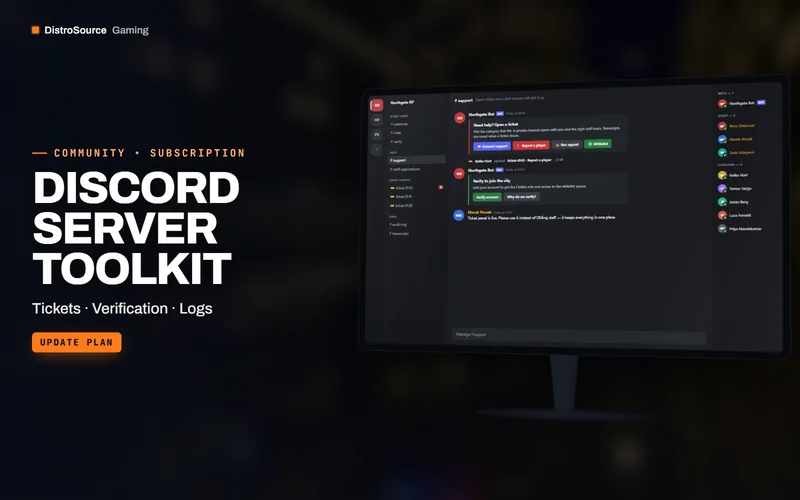 3
3Server & CommunityDiscord Resources
Discord Server Toolkit
Self-hosted Discord bots for tickets, verification, applications and logs, configured from a web dashboard.
- Discord
- Bots
- Tickets
View details$58/mo
Subscription
 3
3Server & CommunityModeration
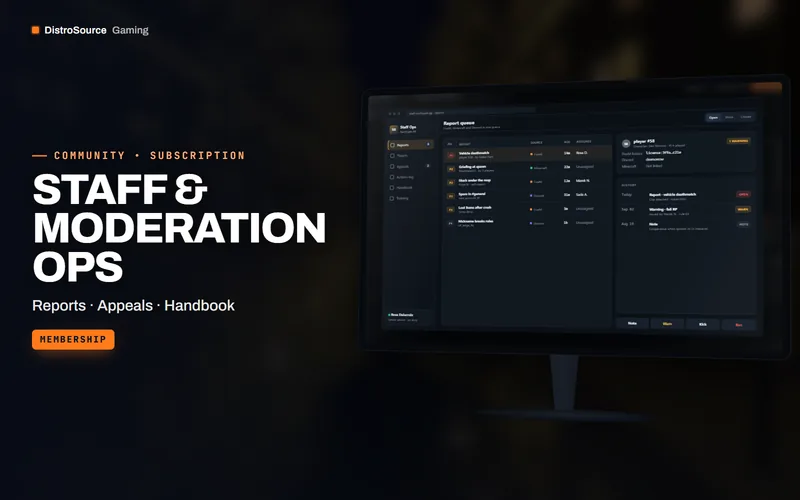
Staff & Moderation Ops
Staff dashboard, report and appeal workflows, handbook templates and training for moderation teams.
- Moderation
- Staff
- Membership
View details$79/mo
Subscription
 3
3Server & CommunityOnboarding
Onboarding Playbook
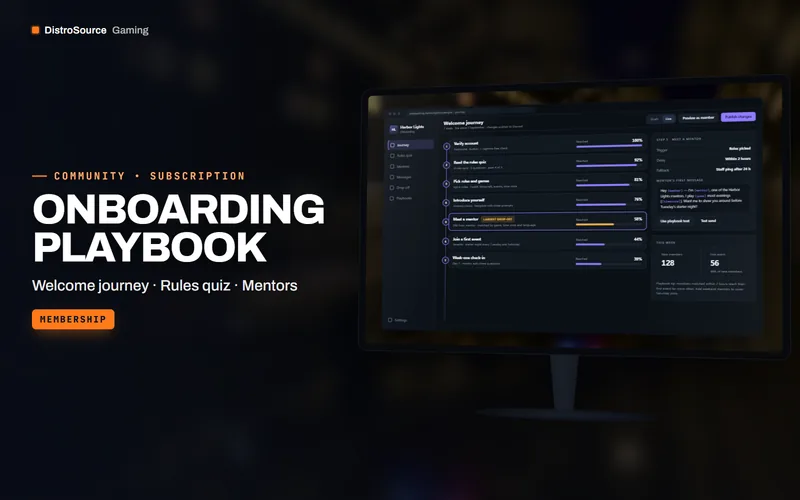
An onboarding system for game communities — welcome journey, rules quiz, mentor programme and week-one check-ins — with a new playbook every month.
- Onboarding
- Discord
- Membership
View details$121/mo
Subscription
$10/mo
Discord Server Template Club