
 1 / 3
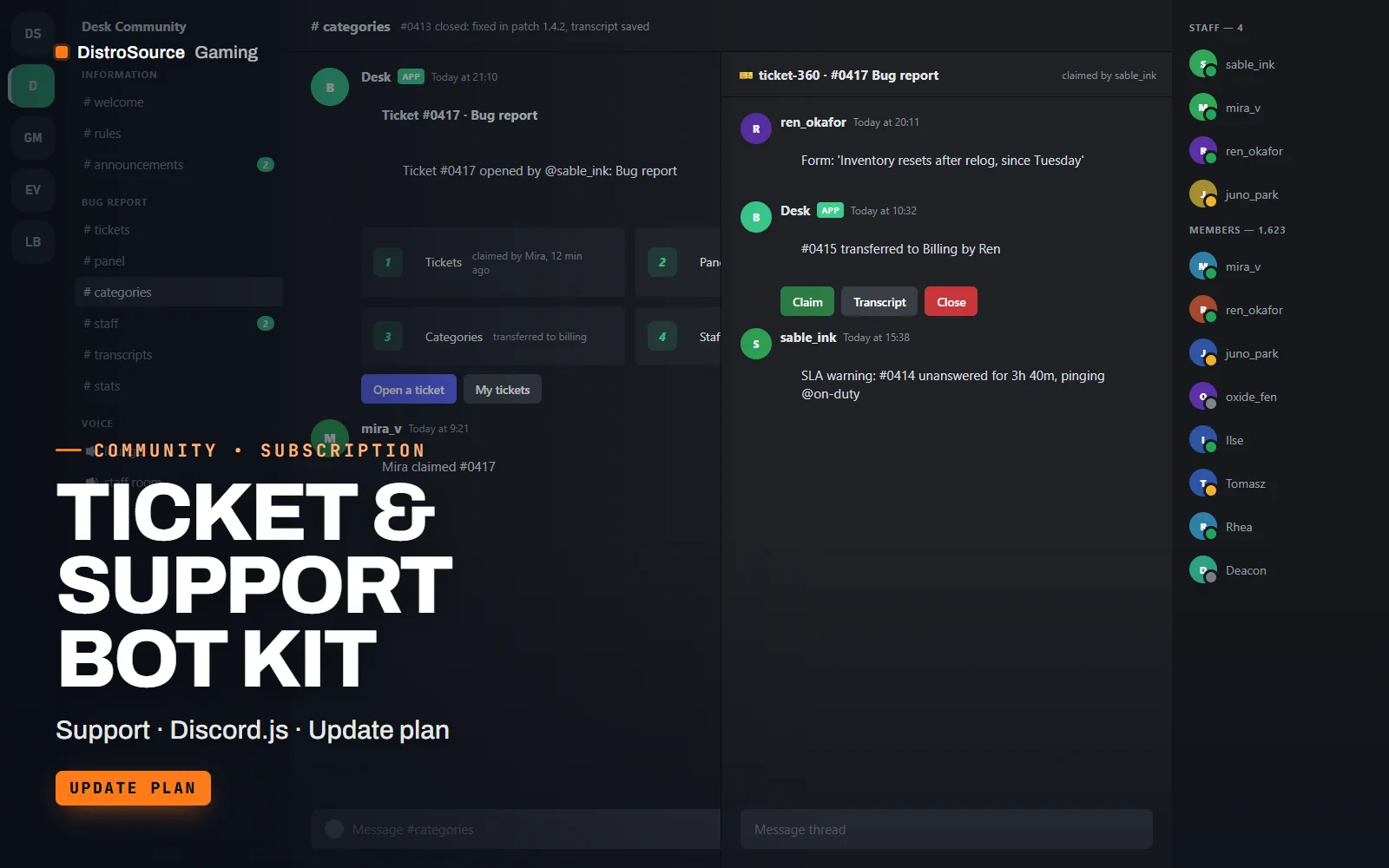
1 / 3Built interface — Ticket panel and thread
Overview
Ticket & Support Bot Kit moves player support out of DMs and into a structure your staff can actually manage. A panel message lists ticket categories such as bug report, ban appeal, purchase issue and partnership, each with its own button. Pressing one opens a private thread visible only to the member and the staff roles you assign, with an opening form so the first message already contains what staff need.
Inside the thread, staff claim the ticket so nobody answers twice, transfer it to another team, add a member, set a priority or close it with a reason. Each category has an SLA timer measured in hours you choose; when a ticket sits unanswered past it, the bot pings the on-duty role once rather than every minute. Closing a ticket writes an HTML transcript to a log channel and sends the member a copy on request.
A stats embed posted to your staff channel each week summarises tickets opened and closed, median first response, the busiest category and who closed the most. The bot is delivered as Discord.js source with one config file; you host it on your own VPS or Node.js process and the transcripts never leave your server. The plan keeps the code current as Discord.js and the Discord API change.
What you get
- Discord.js bot source with a ticket panel, private threads and an opening form per category
- Claim, transfer, add member, priority and close commands with reason logging
- SLA timers per category that ping the on-duty role once when exceeded
- HTML transcripts written to a log channel and sent to the member on request
- Weekly stats embed with open and close counts, response times and top closers
- Config file for categories, staff roles, SLA hours and channel targets
- Hosting guide for a VPS, Docker or a Node.js process manager
Eligible resources
The plan covers these resource types. Individual resources are listed in your Gaming Library as they publish.
- Bot source
- Ticket panel
- Thread commands
- Transcript writer
- Stats embed
- Config file
Features
- Claim before you answer
- Staff claim a ticket in one click, so two people never reply to the same member with different answers.
- Timers that ping once
- Each category has an SLA in hours; an overdue ticket pings the on-duty role a single time instead of spamming.
- Transcripts you keep
- Closed tickets become HTML transcripts in your log channel, stored on your own hosting rather than a third-party service.
Compatibility and requirements
Works with
- Discord.js v14 on Node.js 20 or newer
- Private threads, buttons and modals via the Discord interactions API
- SQLite by default for ticket records and stats
You need
- A Discord server with Community features and private threads available
- A bot application and token from the Discord Developer Portal
- A host that can run a Node.js process continuously
Updates and content cadence
- The full bot and config from your first day
- Compatibility updates as Discord.js and the Discord API change
- New panel and transcript options as they are written
License
- Licensed for your own community, server, team or channel.
- You may edit and run the tools for that community.
- Reselling the files or offering them as templates is not permitted.
Installation
- 1Download Ticket & Support Bot Kit from your Gaming Library.
- 2Create a bot application in the Discord Developer Portal and copy its token into the .env file.
- 3Define your categories, staff roles and SLA hours in config.json.
- 4Run npm install, then npm run deploy to register the commands.
- 5Start the bot and run /panel in the channel where members should open tickets.
If you cancel
- Access and updates continue until the end of the period you paid for.
- The licence to run the bot ends with the subscription.
- Stop running the bot once access ends.
More from DistroSource Gaming
Browse all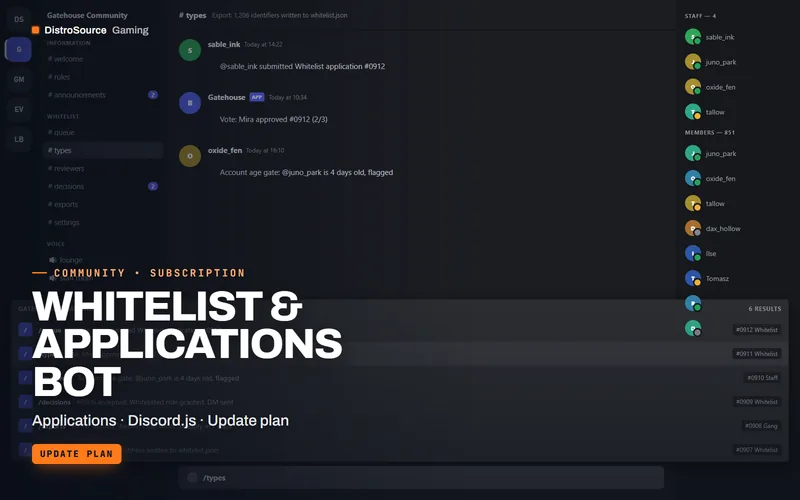 3
3Server & CommunityDiscord Bots
Whitelist & Applications Bot
Applications as Discord forms with per-type questions, reviewer voting, accept and deny templates, automatic role grants and an allowlist export for FiveM and Minecraft servers, self-hosted from source.
- Applications
- Discord.js
- Update plan
View details$9/mo
Subscription
 3
3Server & CommunityDiscord Bots
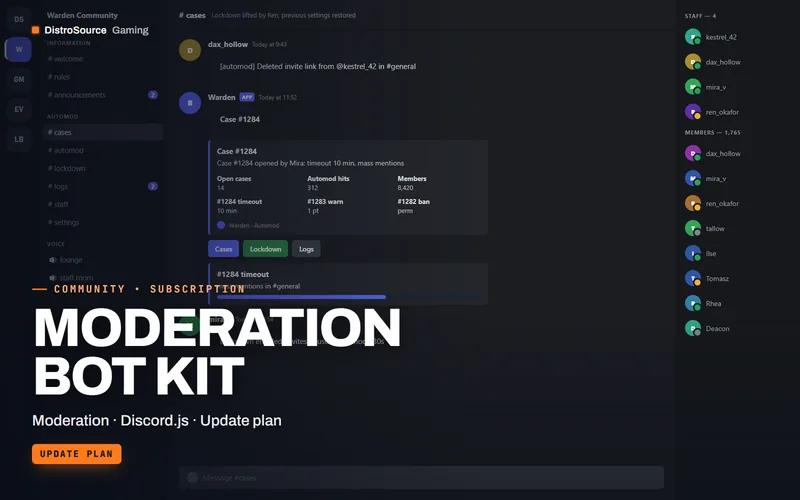
Moderation Bot Kit
A self-hosted Discord moderation bot with automod rules, warning cases, timeouts, raid lockdown and logging channels, delivered as Discord.js source you run on your own hosting.
- Moderation
- Discord.js
- Update plan
View details$8/mo
Subscription
 3
3Server & CommunityDiscord Bots
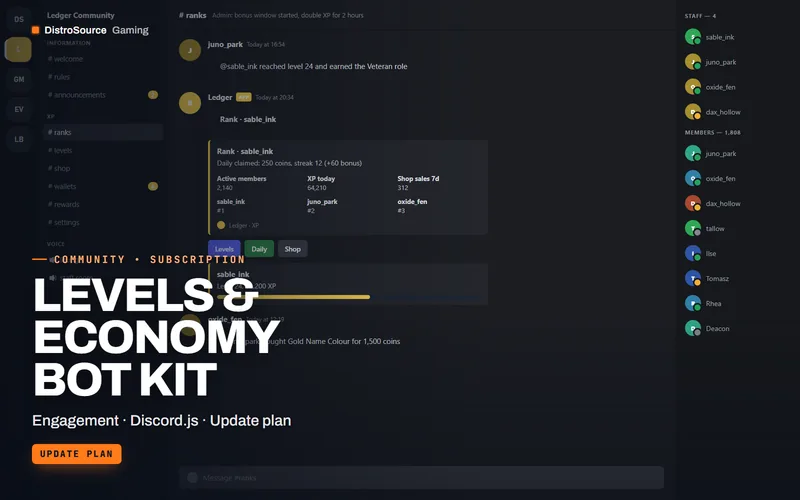
Levels & Economy Bot Kit
XP and levels with role rewards, a server currency with shop and daily claims, leaderboards and rank cards, delivered as Discord.js source with a config file you own.
- Engagement
- Discord.js
- Update plan
View details$6/mo
Subscription
$7/mo
Ticket & Support Bot Kit