 1 / 3
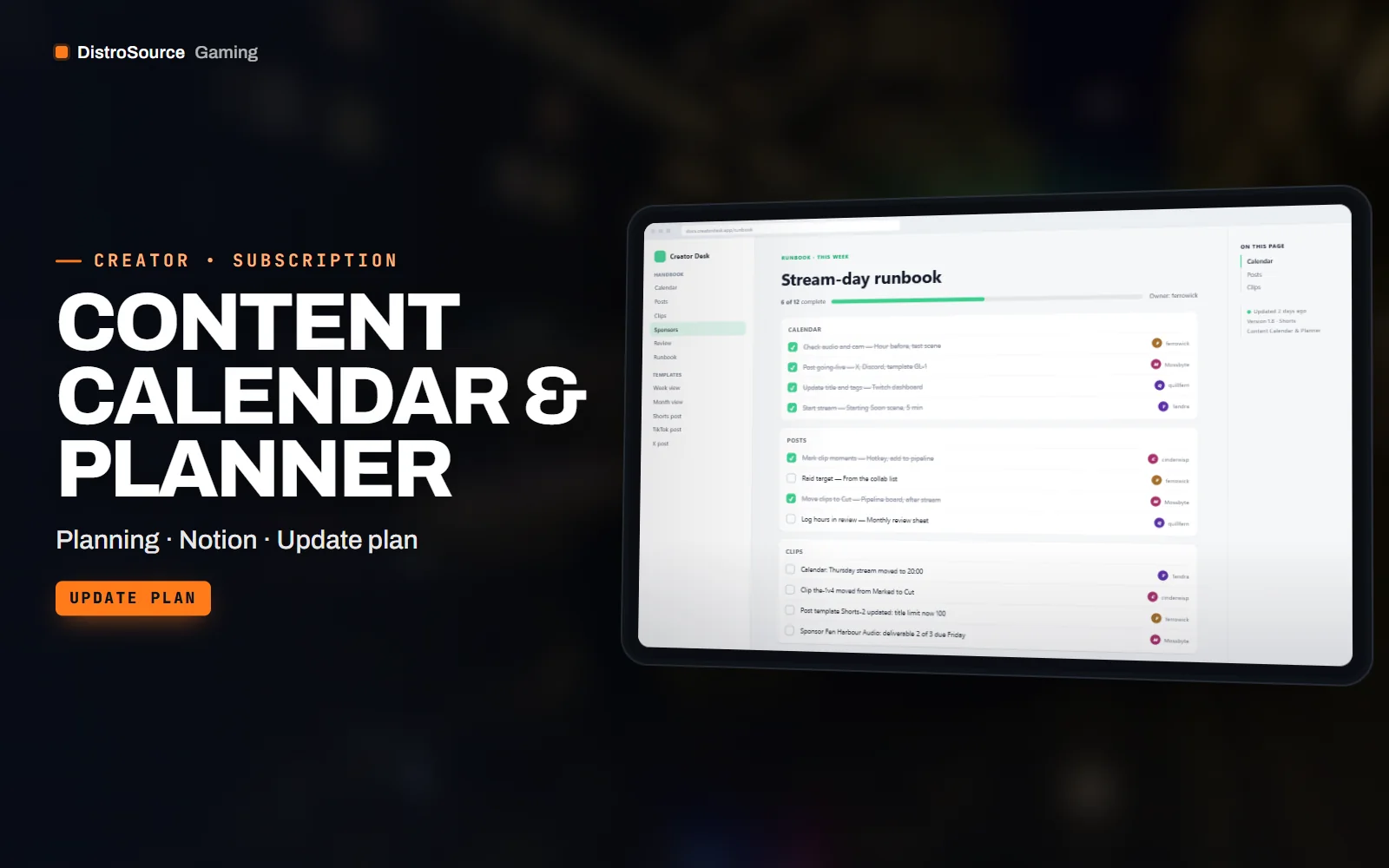
1 / 3Built interface — Stream-day runbook
Overview
Content Calendar & Planner is a set of working documents for a creator who streams and posts across several platforms. The core is a calendar with a stream schedule, upload slots and post slots for Shorts, TikTok, X and Discord, delivered as a Notion template and as a Google Sheets workbook so you can use whichever you already open every day. Both versions share the same fields, so switching later loses nothing.
Around the calendar sit the pieces that keep a channel consistent: post templates per platform with character limits and hashtag slots, a clip pipeline board that moves a moment from marked in the VOD through cut, captioned, scheduled and posted, a sponsor tracker with deliverables and dates, and a monthly review sheet that records hours streamed, uploads, follower change and what you want to try next month.
The planner is an update plan. When a platform changes a character limit, a video length rule or a posting format, the affected template is revised and the new version reaches your Gaming Library, with a short note on what changed. There is no hosted service behind it: you import the Notion export into your own workspace or copy the workbook into your own Drive. Files are delivered by hand after payment.
What you get
- Content calendar with stream, upload and post slots as a Notion template and a Sheets workbook
- Post templates for Shorts, TikTok, X and Discord with limits and hashtag slots
- Clip pipeline board from marked in VOD to posted, with owner and due date fields
- Sponsor tracker with deliverables, dates, rates and invoice status
- Monthly review sheet for hours, uploads, follower change and next month's plan
- Weekly planning checklist and a stream-day runbook as printable pages
- Change notes whenever a platform rule alters a template
Eligible resources
The plan covers these resource types. Individual resources are listed in your Gaming Library as they publish.
- Calendars
- Post templates
- Pipeline boards
- Sponsor trackers
- Review sheets
- Runbooks
Features
- Same fields, two tools
- The Notion template and the Sheets workbook use identical fields, so a creator can start in one and move to the other without retyping.
- Clips do not get lost
- The pipeline board tracks every marked moment through cut, captioned, scheduled and posted, so a good clip does not sit forgotten in a VOD.
- Revised when rules change
- When a platform changes a limit or a format, the affected template is updated and reissued to your library with a note on the change.
Compatibility and requirements
Works with
- Notion, imported into your own workspace
- Google Sheets, copied into your own Drive, also opens in Excel
- Printable PDF pages for the checklists and runbook
You need
- A Notion account or a Google account for the workbook
- A PDF reader for the printable pages
Updates and content cadence
- The full planner set from your first day
- Template revisions when a platform changes limits, formats or posting rules
- New templates added as new platforms or formats become worth planning for
License
- Licensed for your own community, server, team or channel.
- You may edit and run the tools for that community.
- Reselling the files or offering them as templates is not permitted.
Installation
- 1Download Content Calendar & Planner from your Gaming Library.
- 2Import the Notion export from the zip into your workspace, or upload the .xlsx to Google Sheets.
- 3Fill in your stream schedule and platform handles on the settings page.
- 4Print or pin the weekly checklist and the stream-day runbook.
If you cancel
- Access and updates continue until the end of the period you paid for.
- The licence to use the planner templates ends with the subscription.
- Your own copies, entries and exports stay with you.
More from DistroSource Gaming
Browse all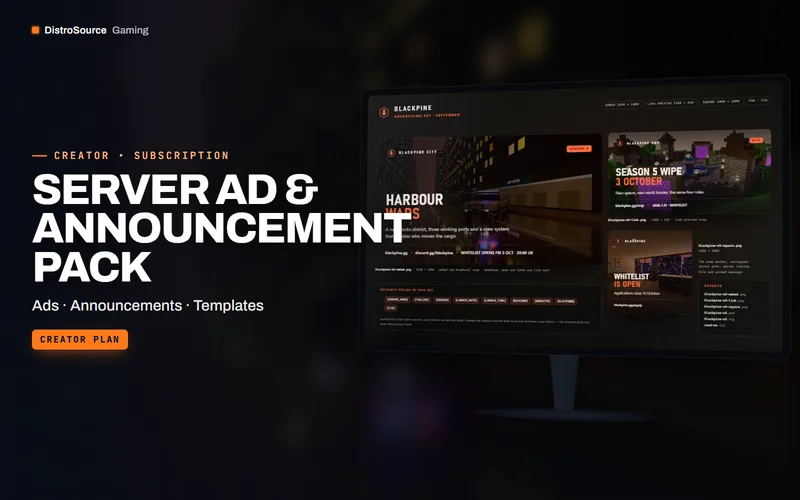 3
3Creator & BrandingSocial Graphics
Server Ad & Announcement Pack
Advertising banners and announcement posts for server listings, partner channels and update days, with editable sources.
- Ads
- Announcements
- Templates
View details$36/mo
Subscription
 3
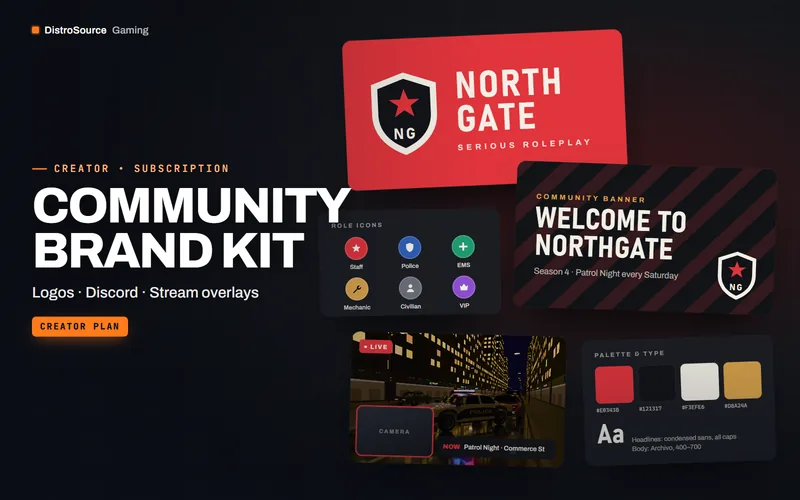
3Creator & BrandingBrand Kits
Community Brand Kit
A monthly kit of editable logos, Discord banners, stream overlays and social templates.
- Branding
- Discord
- Overlays
View details$24/mo
Subscription
 3
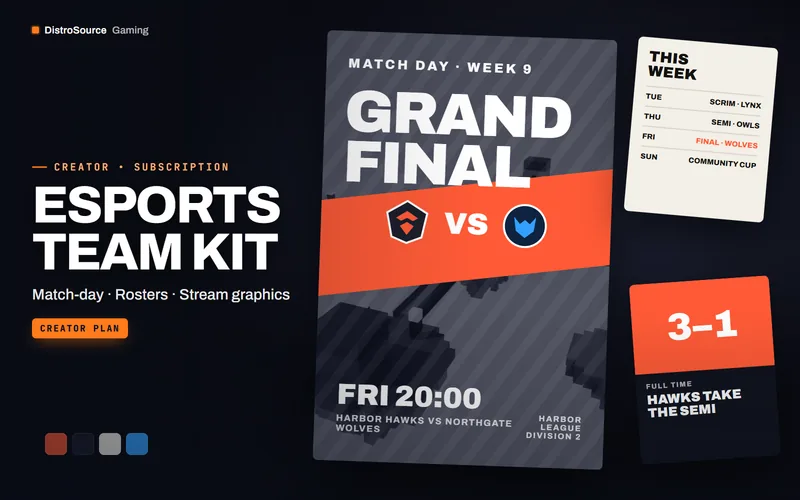
3Creator & BrandingEsports Graphics
Esports Team Kit
Match-day posters, roster cards, scoreboards and stream graphics for esports teams, with new sets every month.
- Esports
- Match graphics
- Team
View details$91/mo
Subscription
$6/mo
Content Calendar & Planner