 1 / 3
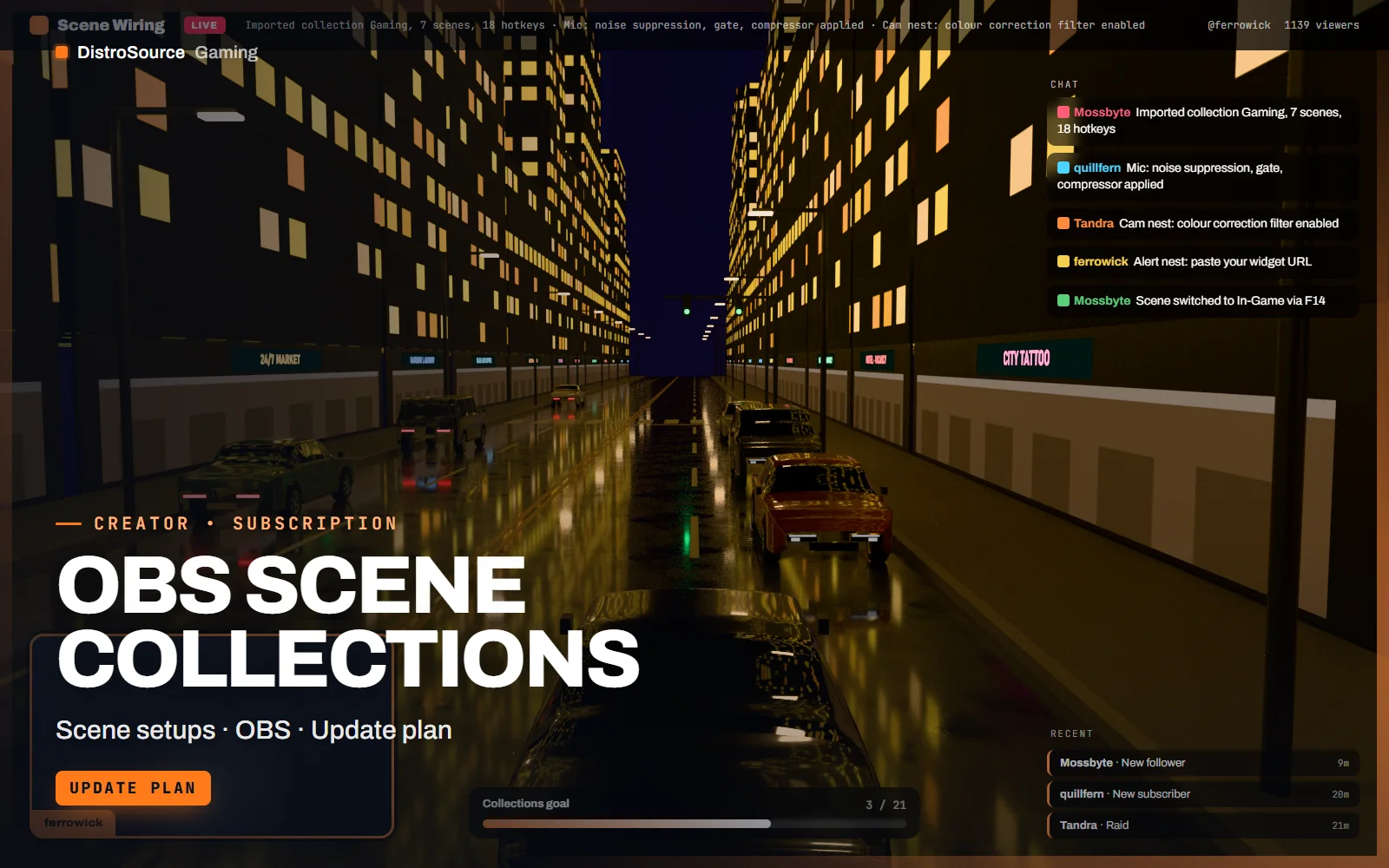
1 / 3Built interface — Gaming scene
Overview
OBS Scene Collections is a set of three ready-made collections for the formats most channels run: a gaming collection with game capture, webcam, chat and alert scenes; a chatting collection built around a full-height camera with a media scene for reacting to videos; and a podcast collection with two and three guest layouts, a name plate per seat and an audio-only fallback. Each imports as one file and is usable after replacing the placeholder sources.
The value is in the wiring rather than the artwork. Hotkeys are assigned for every scene switch, mute and the stinger, audio filters are set on the microphone source with noise suppression, a gate and a compressor in the right order, the webcam has a colour correction filter, and nested scenes hold the webcam and alerts so a change in one place updates every scene. A neutral overlay is included so the collections work on their own.
The collections are maintained as an update plan. OBS releases change source types, filter names and the scene collection format from time to time, and each release is checked against the three collections; when something breaks or a better option appears, the collection is revised and reissued to your Gaming Library with a note on what changed. The import guide covers Windows and macOS paths, the placeholder sources and the hotkey map. Files are delivered by hand after payment.
What you get
- Three scene collections for gaming, chatting and podcast formats as OBS .json files
- Hotkeys mapped for every scene switch, microphone mute and the stinger transition
- Microphone filter chain with noise suppression, gate and compressor in order
- Nested webcam and alert scenes so one edit updates every scene
- Podcast layouts for two and three guests with name plates and an audio-only fallback
- Neutral overlay set so each collection works without other graphics
- Import guide for Windows and macOS with a printable hotkey map
Eligible resources
The plan covers these resource types. Individual resources are listed in your Gaming Library as they publish.
- Scene collections
- Hotkey maps
- Filter chains
- Nested scenes
- Import guides
Features
- Wired, not just drawn
- Hotkeys, filters and nested scenes are already set, so importing a collection gives you a working setup rather than a set of pictures.
- Checked against each release
- Every OBS release is tested against the three collections, and anything that breaks is revised and reissued with a note on the change.
- Edit once, update everywhere
- The webcam and alerts live in nested scenes, so moving the camera or changing an alert size is one edit rather than seven.
Compatibility and requirements
Works with
- OBS Studio 29 or later on Windows and macOS
- StreamElements and Streamlabs widget URLs for chat and alert browser sources
- Any webcam, capture card or game capture source
- Works alongside Overlay Vault and Panels & Widgets Kit graphics
You need
- OBS Studio on your streaming PC
- A 1920 by 1080 canvas, the size every collection is built for
Updates and content cadence
- All three collections from your first day
- Revisions when an OBS release changes source types, filters or the collection format
- New format collections added as they are built
License
- Licensed for your own community, server, team or channel.
- You may edit and run the tools for that community.
- Reselling the files or offering them as templates is not permitted.
Installation
- 1Download OBS Scene Collections from your Gaming Library.
- 2Unzip the collection you want and keep its folder in place, sources reference it by path.
- 3In OBS choose Scene Collection, Import, and select the collection's .json file.
- 4Replace the placeholder sources for your camera, capture and microphone, then paste your widget URLs.
- 5Open the hotkey map and adjust any key that clashes with your game.
If you cancel
- Access and updates continue until the end of the period you paid for.
- The licence to use the scene collections ends with the subscription.
- Your own edits and exports stay with you.
More from DistroSource Gaming
Browse all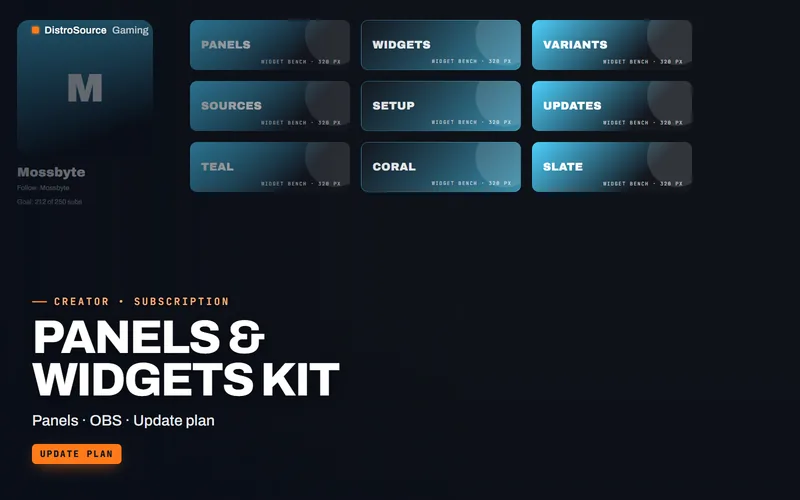 3
3Creator & BrandingPanels & Widgets
Panels & Widgets Kit
Channel panels, chat widgets, goal bars, event tickers and countdowns as editable HTML and PSD, with OBS browser-source setup notes and colour variants kept current across OBS releases.
- Panels
- OBS
- Update plan
View details$8/mo
Subscription
 3
3Creator & BrandingBrand Kits
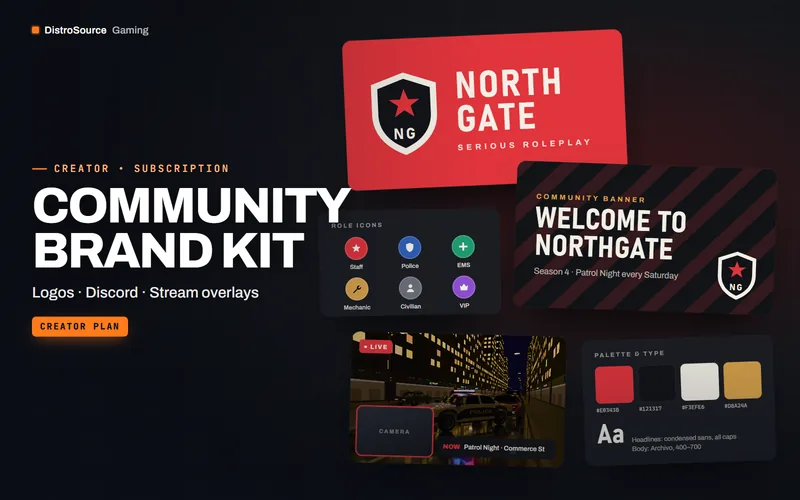
Community Brand Kit
A monthly kit of editable logos, Discord banners, stream overlays and social templates.
- Branding
- Discord
- Overlays
View details$24/mo
Subscription
 3
3Creator & BrandingEsports Graphics
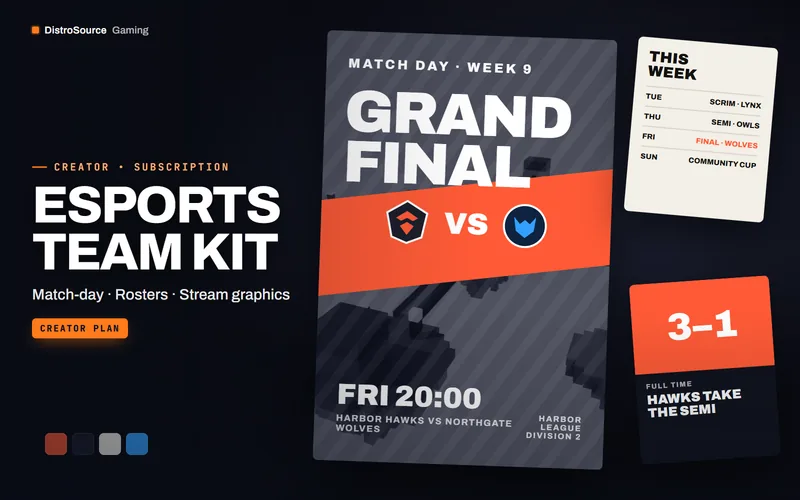
Esports Team Kit
Match-day posters, roster cards, scoreboards and stream graphics for esports teams, with new sets every month.
- Esports
- Match graphics
- Team
View details$91/mo
Subscription
$9/mo
OBS Scene Collections