
 1 / 3
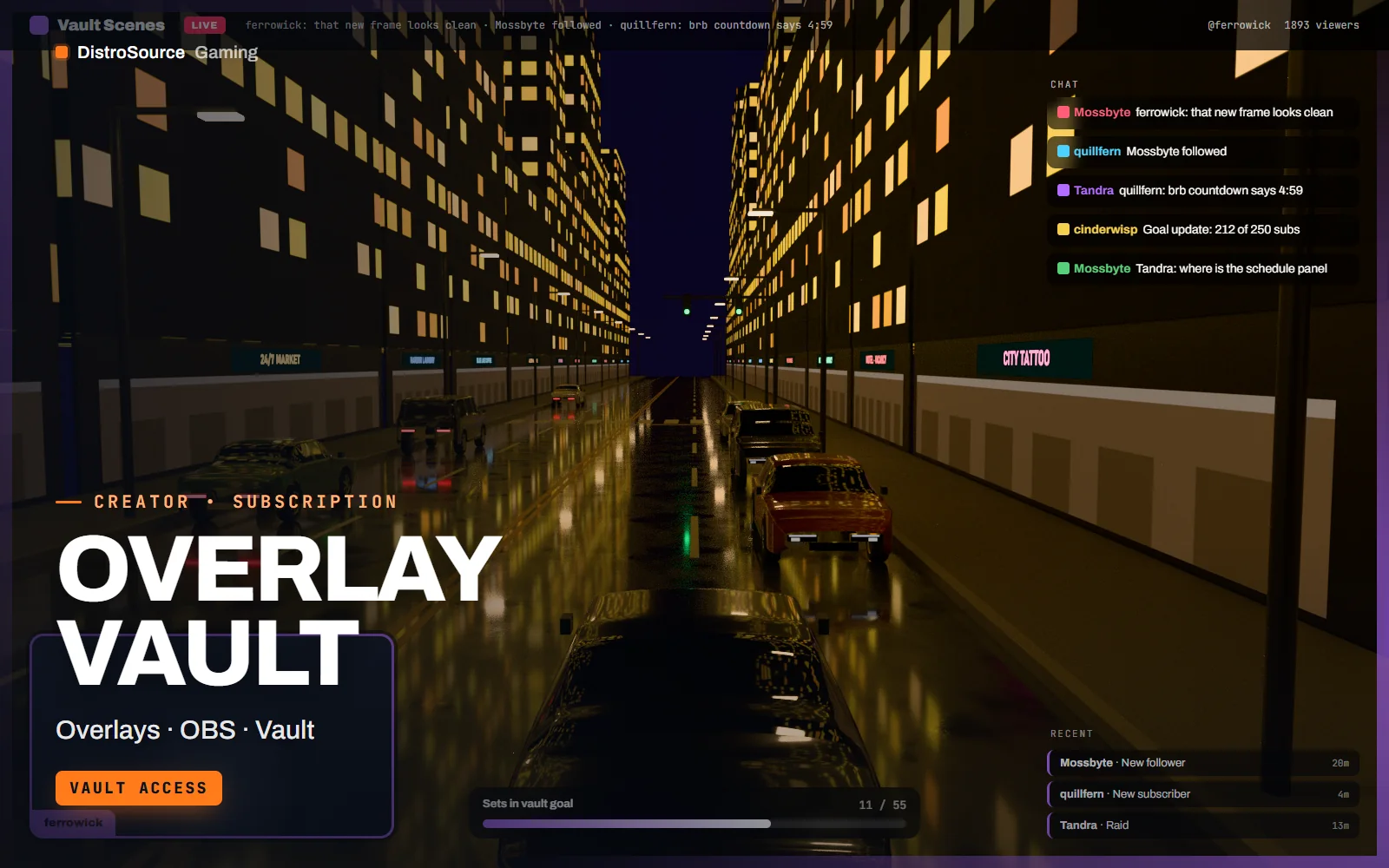
1 / 3Built interface — In-game scene
Overview
Overlay Vault is a library of complete stream overlay sets that you can use for as long as you are subscribed. Each set covers the five scenes a channel needs: starting soon, in-game, just chatting, be right back and stream ending. Within a set, the webcam frame, chat box, goal bar, recent-event ticker and scene labels share one visual language, so the channel looks consistent from the countdown to the outro.
Every set is delivered as layered PNG and WebM elements, an OBS scene collection that places them, and a Streamlabs Desktop overlay file. Animated pieces such as the starting soon loop and the goal bar fill are WebM with alpha. The chat box and event ticker are browser-source HTML with a small CSS file for colours and fonts, so they can be matched to your channel without opening an editor.
The plan page lists the sets currently in the vault, and new sets join the library as they are finished. Sets are organised by mood rather than by game, from minimal dark and clean light through to bold colour and retro CRT, so a variety channel can switch looks between categories. Files are delivered by hand after payment. The vault licence covers publishing the overlays on your own channel while your subscription is active.
What you get
- Every overlay set in the vault while subscribed, listed on the plan page
- Five scenes per set: starting soon, in-game, just chatting, BRB and ending
- Webcam frames in 16:9 and 4:3 plus a full-height frame for chatting scenes
- Goal bar, chat box and recent-event ticker as browser sources with a CSS colour file
- OBS scene collection and Streamlabs Desktop overlay file for each set
- Animated starting soon and ending loops as WebM with alpha and a music-free audio bed
- Layered PSD sources for every static element in each set
Eligible resources
The plan covers these resource types. Individual resources are listed in your Gaming Library as they publish.
- Overlay sets
- Scene collections
- Webcam frames
- Browser widgets
- Layered sources
Features
- Whole library, one plan
- Every set in the vault is available from the day you join, so you can pull a second look for a new category without another purchase.
- Scenes already wired
- The OBS scene collection places every element, so importing a set gives you five working scenes rather than a folder of images.
- Colours without an editor
- Chat box, ticker and goal bar read their colours and font from one CSS file, so matching a set to your channel takes minutes.
Compatibility and requirements
Works with
- OBS Studio 29 or later, scene collection import
- Streamlabs Desktop overlay import
- StreamElements and Streamlabs widget URLs for goal and event data in the browser sources
- Photoshop or Affinity Photo for the PSD sources, optional
You need
- OBS Studio or Streamlabs Desktop on your streaming PC
- A 1920 by 1080 canvas, the size every set is built for
Updates and content cadence
- Use every overlay set in the vault while your subscription is active
- The plan page lists the current contents of the vault
- New sets join the library as they are finished
License
- Licensed for your own community, server, team or channel.
- You may edit and publish the designs for that community.
- Reselling the files or offering them as templates is not permitted.
Installation
- 1Download Overlay Vault from your Gaming Library.
- 2Unzip the set you want and keep its folder in place, the scene collection references it by path.
- 3In OBS choose Scene Collection, Import, and select the set's .json file.
- 4Open the browser sources and paste your StreamElements or Streamlabs widget URLs where marked.
- 5Edit colours.css if you want the chat box and goal bar in your channel colours.
If you cancel
- Access and updates continue until the end of the period you paid for.
- The licence to publish the overlays ends with the subscription.
- Stop publishing the overlays once access ends.
More from DistroSource Gaming
Browse all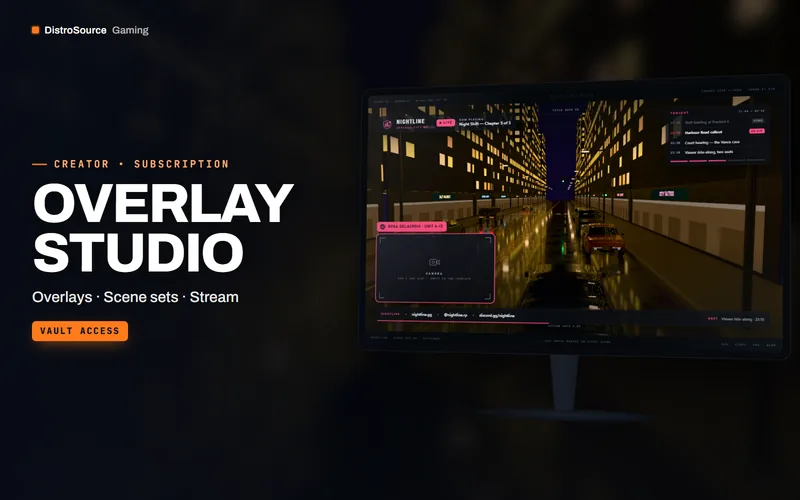 3
3Creator & BrandingStream Overlays
Overlay Studio
Complete stream scene sets — gameplay, starting soon, BRB, ending and panels — designed as one look, with a new set every month.
- Overlays
- Scene sets
- Stream
View details$66/mo
Subscription
 3
3Creator & BrandingStream Overlays
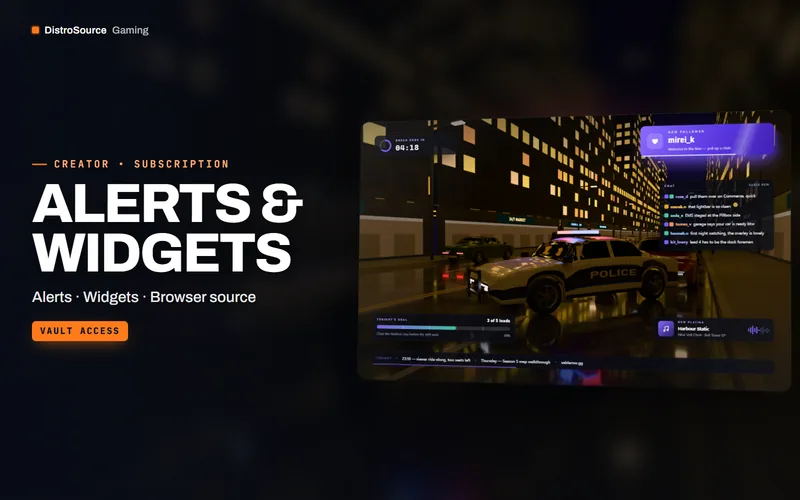
Alerts & Widgets
Browser-source alerts, chat box, goal bars and timers that run locally, with a settings page instead of a redesign.
- Alerts
- Widgets
- Browser source
View details$57/mo
Subscription
 3
3Creator & BrandingStream Overlays
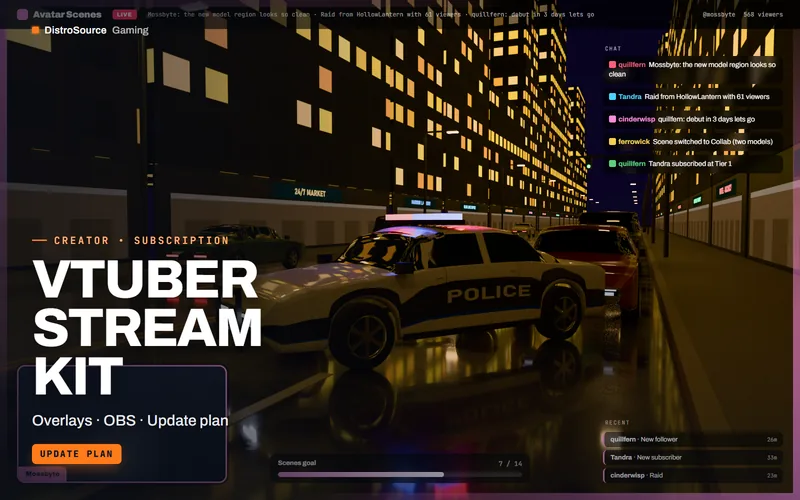
VTuber Stream Kit
Stream scenes built around an avatar: frames that leave room for the model, transitions, chat and alert placements, a debut countdown and a schedule panel, revised as scene needs change.
- Overlays
- OBS
- Update plan
View details$16/mo
Subscription
$15/mo
Overlay Vault