 1 / 3
1 / 3Built interface — Caption variants
Overview
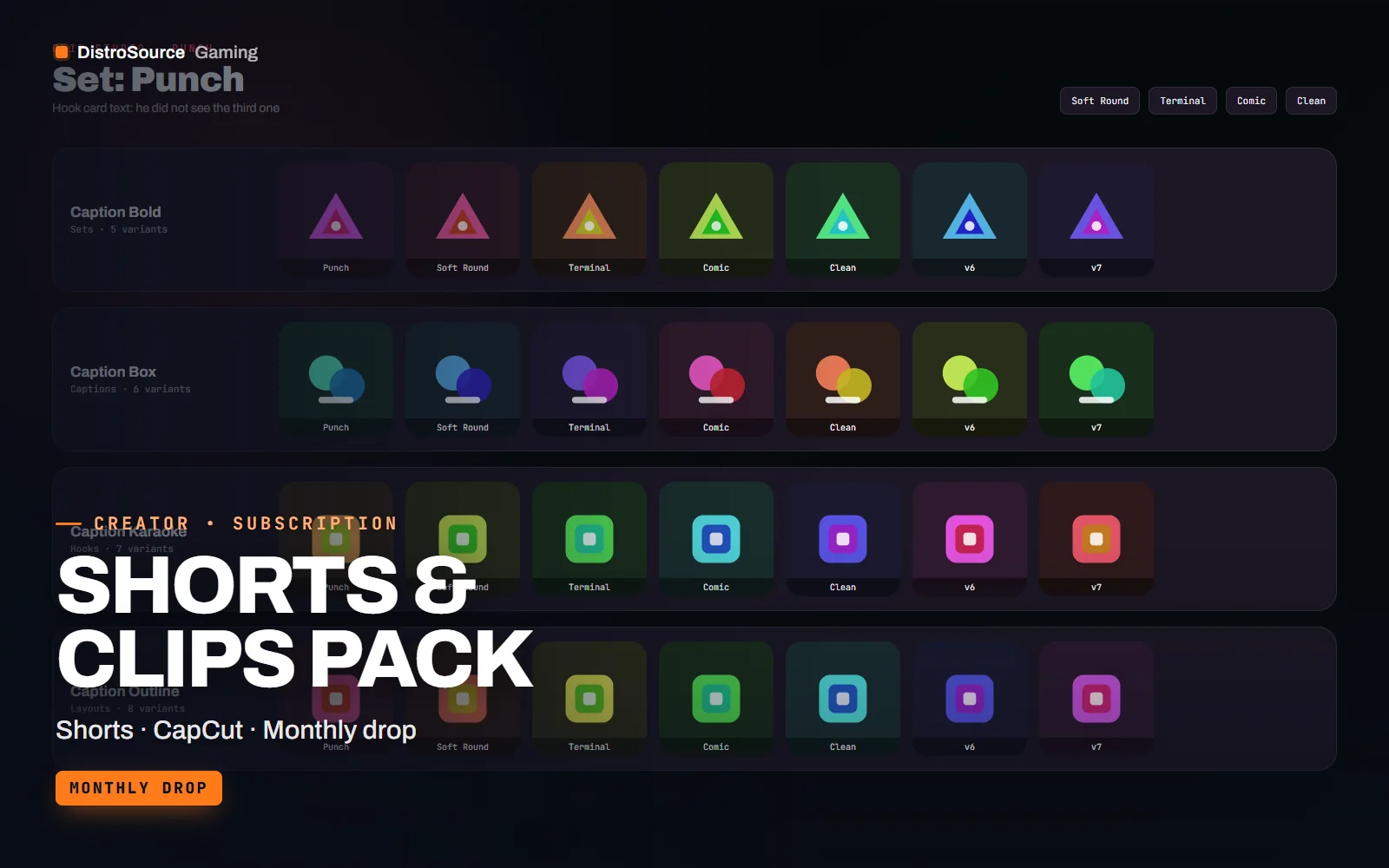
Shorts & Clips Pack is a monthly set of vertical templates for the clips a channel cuts from its streams and videos. Every piece is built at 1080 by 1920 for Shorts, TikTok and Reels. A set includes caption styles with word highlight timing, a progress bar, hook cards for the first two seconds, split-screen layouts for gameplay over webcam, reaction frames and a sticker sheet, all in one style.
Templates are delivered three ways. CapCut users get a project with the pieces on separate tracks and captions as editable text; Premiere users get .mogrt files for the Essential Graphics panel; Resolve users get a project with Fusion macros. Caption styles are built so the auto-caption output of each editor can be pasted in and restyled rather than retyped. Stickers are transparent PNG and animated WebM.
One new set is added to the plan each month and the sets released so far are available from your first day. Each set comes with a preview clip, a safe-zone guide showing where each platform's interface covers the frame, and a fonts list with download links. Files are delivered by hand after payment. The licence covers publishing clips made with the templates on channels you run while subscribed.
What you get
- Four caption styles per set with word highlight timing built in
- Progress bar, hook cards and a countdown sticker sized at 1080 by 1920
- Split-screen and reaction layouts for gameplay over webcam footage
- Sticker sheet as transparent PNG and animated WebM in the set's style
- CapCut project, Premiere .mogrt files and a Resolve project with Fusion macros
- Safe-zone guide for Shorts, TikTok and Reels interface overlays
- Preview clip and fonts list with download links for every set
Eligible resources
The plan covers these resource types. Individual resources are listed in your Gaming Library as they publish.
- Caption styles
- Hook cards
- Progress bars
- Split-screen layouts
- Sticker sheets
- Safe-zone guides
Features
- Restyle, do not retype
- Caption styles accept the auto-caption text from each editor, so a clip's subtitles are restyled in a few clicks rather than typed again.
- Built for phone editing
- The CapCut project keeps each piece on its own track with editable text, so a clip can be finished on a phone between streams.
- Safe zones marked
- A guide layer shows where each platform's buttons and captions cover the frame, so nothing important lands under the interface.
Compatibility and requirements
Works with
- CapCut desktop and mobile projects
- Premiere Pro 2023 or later, .mogrt via Essential Graphics
- DaVinci Resolve 18 or later with Fusion macros
- 1080 by 1920 vertical compositions at 30 and 60 fps
You need
- CapCut, Premiere Pro or DaVinci Resolve installed
- The free fonts listed in each set's notes
Updates and content cadence
- One new vertical template set is added to the plan each month
- The current library is available from day one
- Safe-zone guides are revised when a platform changes its interface layout
License
- Licensed for your own community, server, team or channel.
- You may edit and publish the designs for that community.
- Reselling the files or offering them as templates is not permitted.
Installation
- 1Download Shorts & Clips Pack from your Gaming Library.
- 2Install the fonts listed in fonts.md for the set.
- 3Open the CapCut or Resolve project, or import the .mogrt files into Premiere.
- 4Paste your auto-caption text into the caption style and drop your clip under the layout.
- 5Check the safe-zone guide layer before you export at 1080 by 1920.
If you cancel
- Access and updates continue until the end of the period you paid for.
- The licence to use the templates ends with the subscription.
- Your own edits and exports stay with you.
More from DistroSource Gaming
Browse all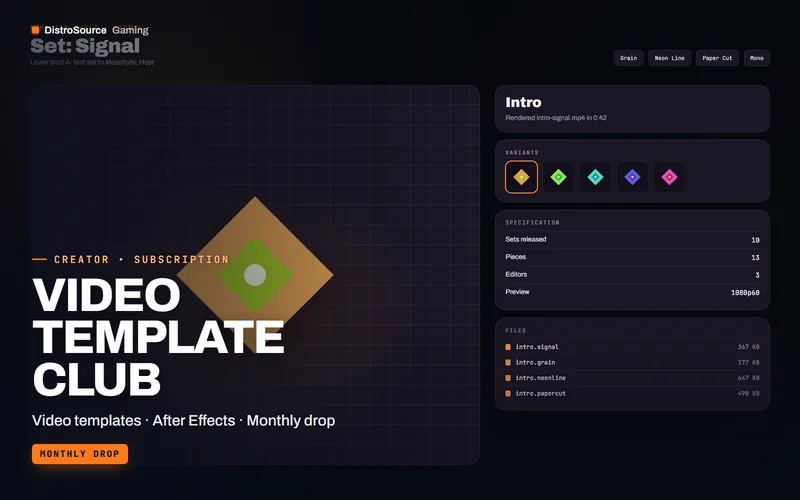 3
3Creator & BrandingVideo Templates
Video Template Club
Intros, lower thirds, transitions, end screens and Shorts layouts for After Effects, Premiere and DaVinci Resolve, one new set each month with a preview and a fonts list.
- Video templates
- After Effects
- Monthly drop
View details$14/mo
Subscription
 3
3Creator & BrandingBrand Kits
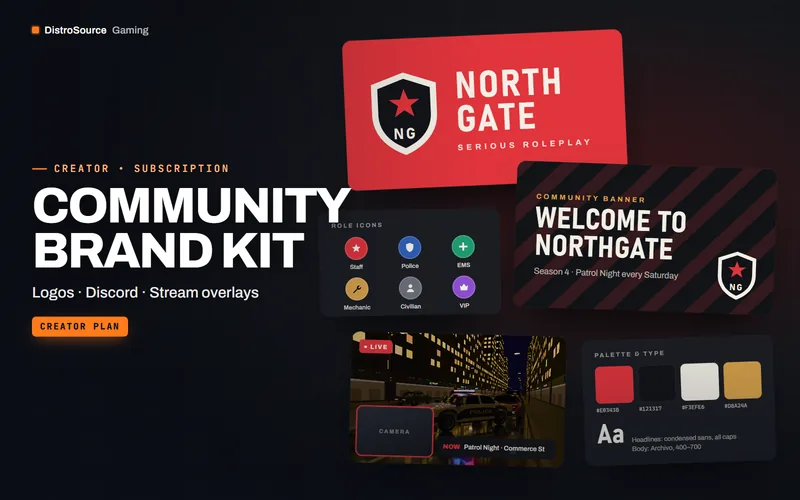
Community Brand Kit
A monthly kit of editable logos, Discord banners, stream overlays and social templates.
- Branding
- Discord
- Overlays
View details$24/mo
Subscription
 3
3Creator & BrandingEsports Graphics
Esports Team Kit
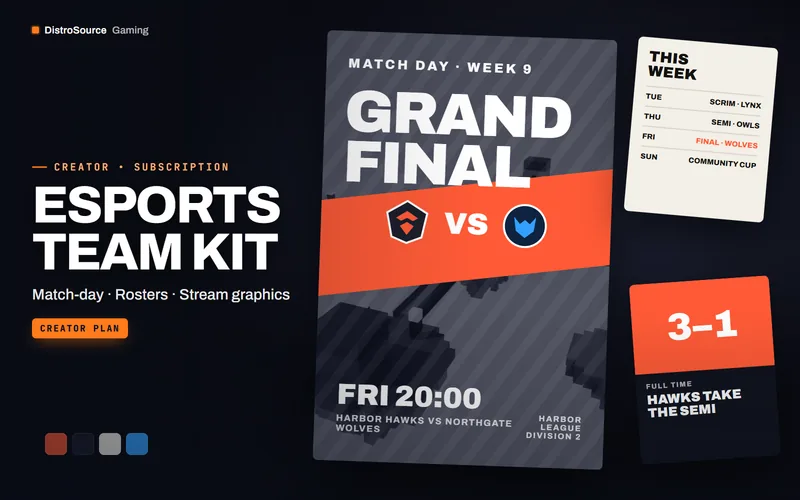
Match-day posters, roster cards, scoreboards and stream graphics for esports teams, with new sets every month.
- Esports
- Match graphics
- Team
View details$91/mo
Subscription
$10/mo
Shorts & Clips Pack