 1 / 3
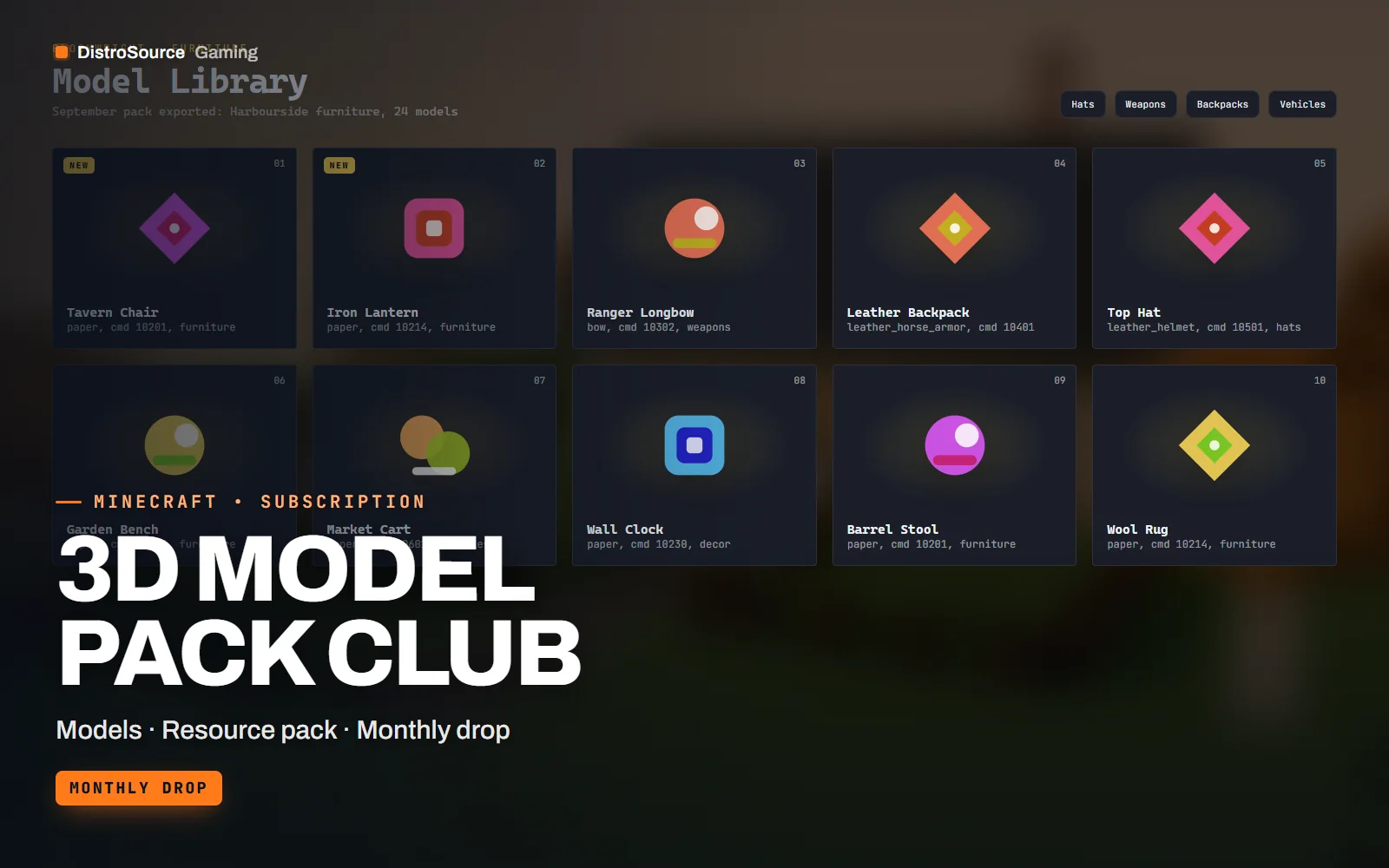
1 / 3Built interface — Model grid
Overview
3D Model Pack Club is a monthly set of Java Edition models that work through custom model data, so they need a resource pack and a plugin that assigns the model IDs, not a mod. Each month's pack has a theme, such as tavern furniture, winter hats, a weapon set, backpacks, a vehicle set or garden decor, and comes as the Blockbench project files alongside the exported JSON models and textures.
The merged resource pack is the part that saves the most time. Every pack in the library is combined into one pack.zip with non-overlapping custom model data ranges, a predicate file per base item and a manifest listing each model's ID, base item and display name. That manifest is what you paste into ItemsAdder, Oraxen or your own plugin config to make the items exist on the server.
Models are built for the Java rendering rules: within the 3 by 3 by 3 block display limit, with display transforms set for hand, head, ground and item frame, and with textures at 16 or 32 pixels per block face so they sit beside vanilla items without looking pasted in. Furniture models include a matching barrier or armour stand placement note for whichever placement plugin you use.
A new pack is added each month and the current library is available from the first day of the subscription. Blockbench sources are included so you can recolour, rescale or remix a model for your own server, and every export is checked on a Paper 1.21 server with a vanilla client before release. Each drop also ships preview renders sized for shop GUIs and web listings, so a new cosmetic can be sold the day it arrives.
What you get
- A new themed model pack each month plus the current library from day one
- Blockbench .bbmodel sources for every model in the library
- Exported JSON models and textures ready for a resource pack
- Merged pack.zip with non-overlapping custom model data ranges and predicates
- Manifest per pack listing model ID, base item and display name
- ItemsAdder and Oraxen configuration snippets for every model
- Placement notes for furniture on item displays, barriers or armour stands
- Preview renders of each model for shop GUIs and web listings
Eligible resources
The plan covers these resource types. Individual resources are listed in your Gaming Library as they publish.
- Furniture models
- Hat models
- Weapon models
- Backpack models
- Vehicle models
- Decor models
Features
- No mods on either side
- Everything works through custom model data, a resource pack and a plugin config, so vanilla clients join without installing anything.
- Ranges never collide
- Each pack takes a reserved custom model data range, so adding next month's pack never overwrites an item players already own.
- Sources you can remix
- Blockbench project files come with every pack, so a recolour or a resized variant is an edit rather than a request.
Compatibility and requirements
Works with
- Java Edition 1.20.x and 1.21.x resource pack formats
- ItemsAdder and Oraxen configuration snippets included
- Any plugin that sets custom model data on items
- Blockbench for editing the sources
You need
- A place to host the resource pack, a web server or a pack host
- A Paper server or a plugin that assigns custom model data
- Blockbench, free, for editing sources, optional
Updates and content cadence
- One new model pack is added to the plan each month
- The current library and the merged pack are available from your first day
- Merged pack rebuilt whenever a pack is added or a format changes
License
- Licensed for one server network you own or operate.
- You may edit, re-texture and configure resources for that network.
- Reselling, sharing or re-uploading the files is not permitted.
Installation
- 1Download 3D Model Pack Club from your Gaming Library.
- 2Upload the merged pack.zip to your pack host and set resource-pack in server.properties.
- 3Paste the manifest entries into your ItemsAdder, Oraxen or item plugin config.
- 4Restart the server and give a test item with the listed custom model data.
If you cancel
- Access and updates continue until the end of the period you paid for.
- The licence to use the models ends with the subscription.
- Remove the models from live servers and pack hosts once access ends.
More from DistroSource Gaming
Browse all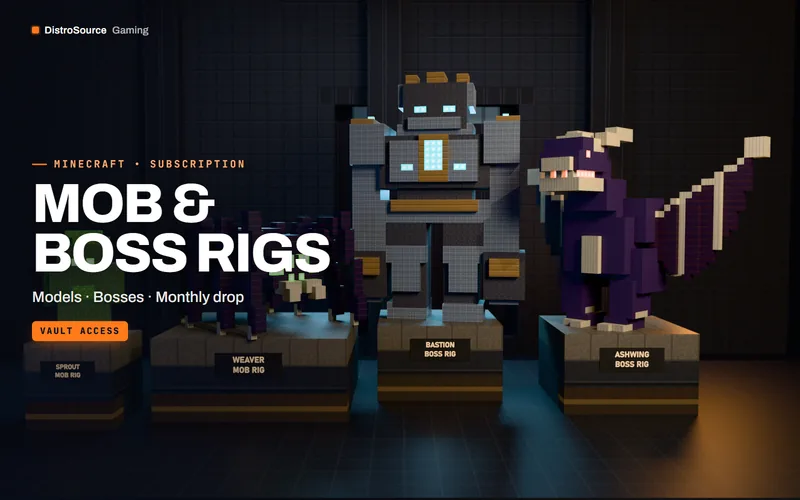 3
3MinecraftModels
Mob & Boss Rigs
Rigged, animated custom mobs and bosses with their spawn, skill and loot configs — new creatures released every month.
- Models
- Bosses
- Monthly drop
View details$168/mo
Subscription
 3
3MinecraftModels
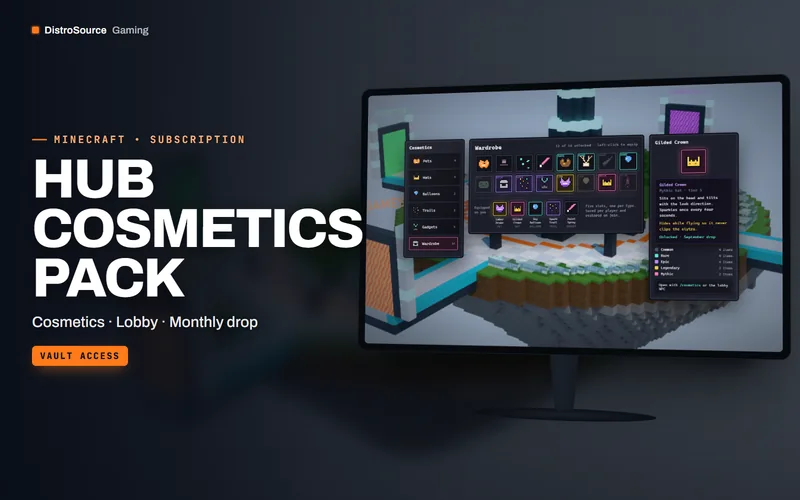
Hub Cosmetics Pack
Pets, hats, balloons, trails and gadgets with models, particle recipes and a menu your lobby can sell from.
- Cosmetics
- Lobby
- Monthly drop
View details$98/mo
Subscription
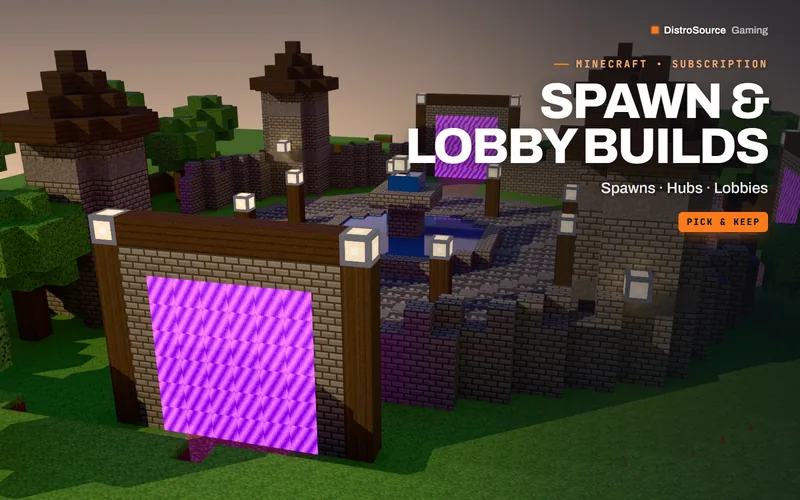 3
3MinecraftSpawns & Lobbies
Spawn & Lobby Builds
Hub spawns and network lobbies for Minecraft servers. Claim two builds a month and keep them.
- Builds
- Spawns
- Pick & keep
View details$14/mo
Subscription
$14/mo
3D Model Pack Club