 1 / 3
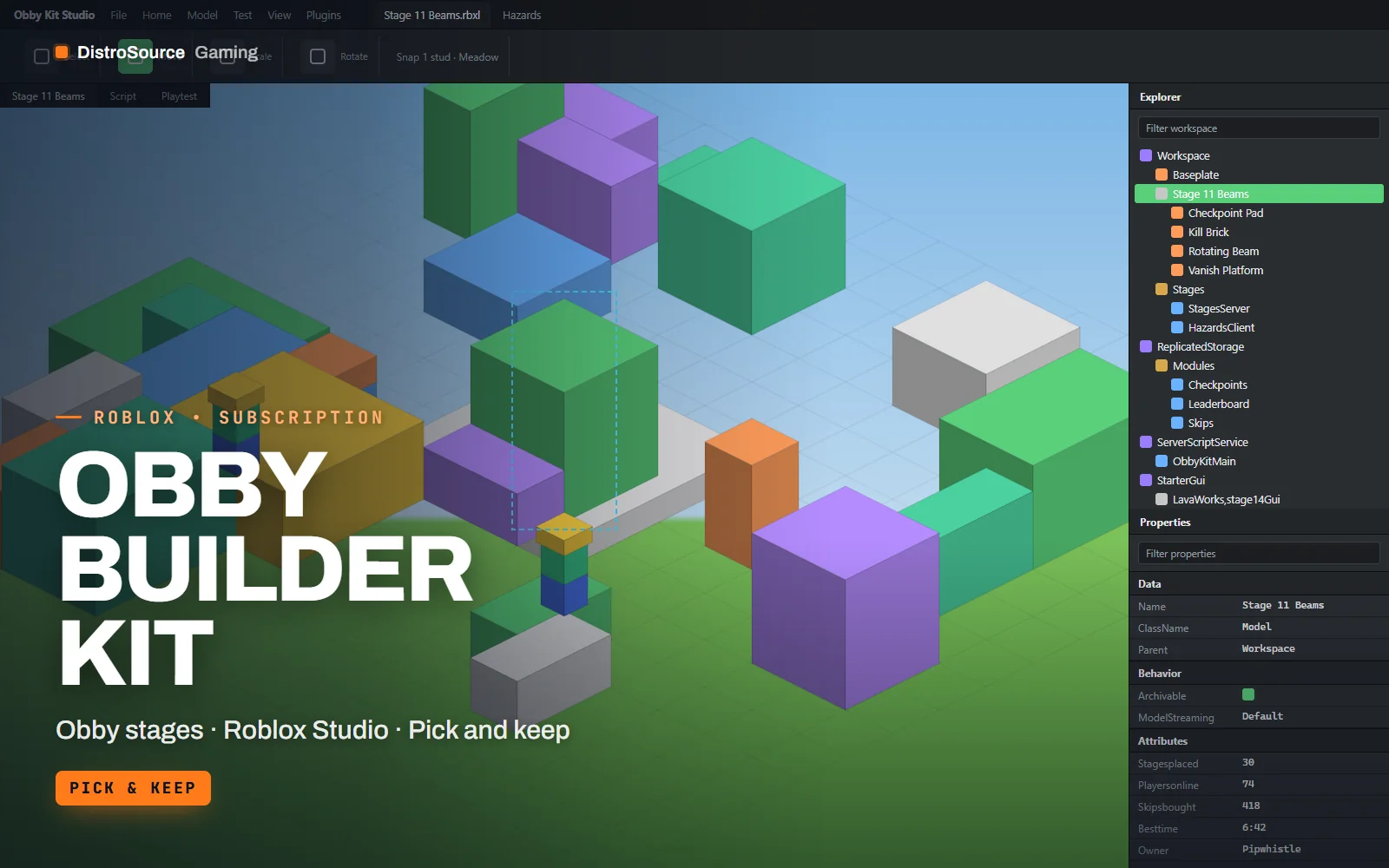
1 / 3Built interface — Lava Works stages
Overview
Obby Builder Kit is a set of stage modules and a small runtime for building obstacle courses in Roblox Studio. Each stage is a model with a spawn checkpoint, a tagged finish pad and optional hazards, so assembling a course is a matter of placing stages end to end and letting the runtime number them. Kill bricks, rotating beams, disappearing platforms, conveyors and swinging hammers are tagged parts that the runtime drives from attributes you edit in Properties.
Checkpoints save to a session-locked profile, so a player who rejoins returns to their stage. A stage skip developer product is wired through MarketplaceService with receipt handling, and a global leaderboard on OrderedDataStore tracks highest stage and best time. The timer HUD, the stage counter and the skip prompt are ScreenGuis that scale for phone and console, and all colours live in one theme table.
The download includes three themed stage sets, Meadow, Lava Works and Sky Ruins, with ten stages each, and a blank stage template for making your own. The kit is a pick-and-keep release: the set you choose for the period stays yours after cancelling, and the runtime files delivered with it remain usable. Further stage sets can be claimed while subscribed.
What you get
- Stage runtime that numbers stages, assigns checkpoints and drives hazards from attributes
- Kill bricks, rotating beams, disappearing platforms, conveyors and hammers as tagged parts
- Checkpoint saving with a session-locked profile and rejoin restore
- Stage skip developer product with server-side receipt handling
- Global leaderboard of highest stage and best time on OrderedDataStore
- Timer, stage counter and skip prompt ScreenGuis scaled for phone and console
- Three themed sets of ten stages plus a blank stage template
Eligible resources
The plan covers these resource types. Individual resources are listed in your Gaming Library as they publish.
- Stage sets
- Hazard parts
- Checkpoint runtime
- Leaderboards
- Obby HUDs
Features
- Stages number themselves
- Place stage models in order and the runtime assigns checkpoints, spawn points and leaderboard values without editing a script.
- Hazards driven by attributes
- Speed, delay and range for every moving part are attributes on the part, editable in Properties while you test.
- Claimed sets stay yours
- The stage set and runtime you choose for a paid period remain usable in your experiences after cancelling.
Compatibility and requirements
Works with
- Roblox Studio, current release
- DataStoreService for checkpoints and the leaderboard
- MarketplaceService for the stage skip product
- R15 and R6 characters, phone and console UI
You need
- A Roblox group or account with an experience you publish
- A stage skip developer product created under your own group, optional
Updates and content cadence
- Choose the stage set for each period you pay for and it stays yours
- The runtime and GUIs are delivered with your first set
- Additional sets can be claimed while your subscription is active
License
- Licensed for experiences published by one Roblox group or account you control.
- You may edit and extend the modules and assets for those experiences.
- Reselling, sharing or re-uploading the files or models is not permitted.
Installation
- 1Download Obby Builder Kit from your Gaming Library.
- 2Insert the runtime .rbxm into ServerScriptService and the GUIs into StarterGui.
- 3Drag stages from the chosen set into Workspace.Stages in the order you want them played.
- 4Set the stage skip product ID in Config and enable API services, then publish.
If you cancel
- Access and updates continue until the end of the period you paid for.
- Resources you claimed while subscribed remain yours to use.
- No further stage sets are added to your library after the subscription ends.
More from DistroSource Gaming
Browse all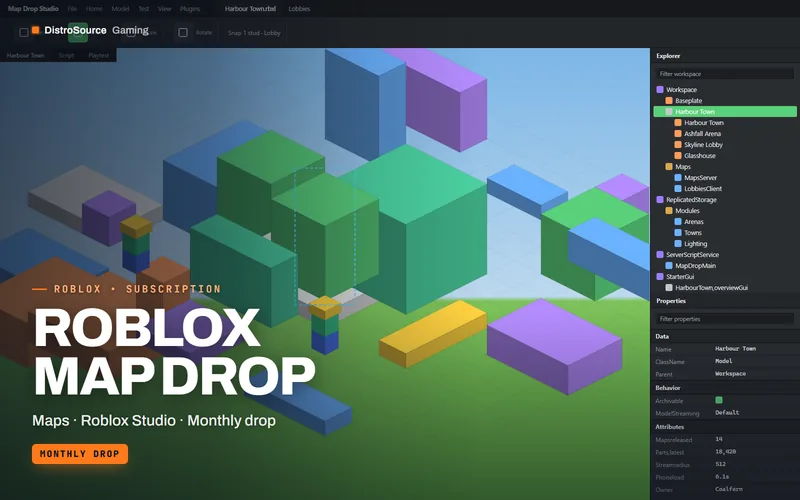 3
3RobloxMaps & Builds
Roblox Map Drop
A finished Roblox map each month, from lobbies and arenas to towns and showcase builds, with lighting set, collision cleaned and streaming enabled, and the maps you claim stay yours.
- Maps
- Roblox Studio
- Monthly drop
View details$18/mo
Subscription
 3
3RobloxBundles
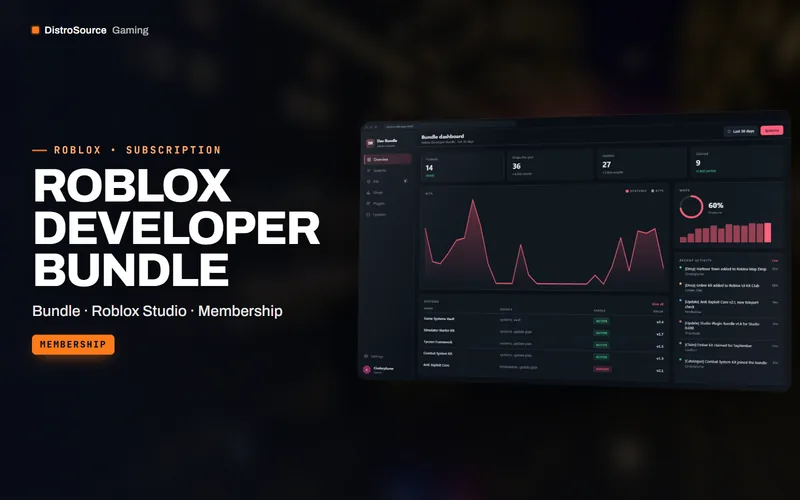
Roblox Developer Bundle
Every DistroSource Roblox product in one plan, covering game systems, UI kits, maps, VFX, animations, combat, monetisation, moderation and Studio plugins, with the monthly drops included while subscribed.
- Bundle
- Roblox Studio
- Membership
View details$49/mo
Subscription
 3
3RobloxGame Systems
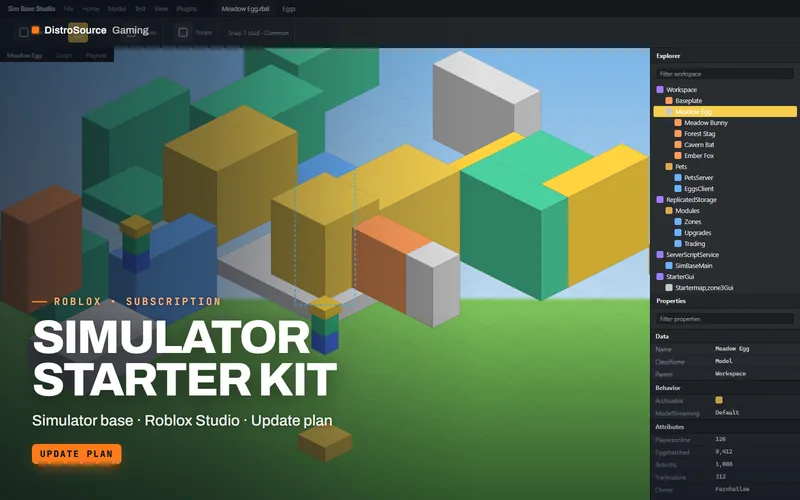
Simulator Starter Kit
A complete simulator game base with pets, eggs, rebirths, gated zones, collecting tools, upgrades, trading and gamepass hooks, plus a starter map and UI, maintained across Studio updates.
- Simulator base
- Roblox Studio
- Update plan
View details$29/mo
Subscription
$10/mo
Obby Builder Kit