 1 / 3
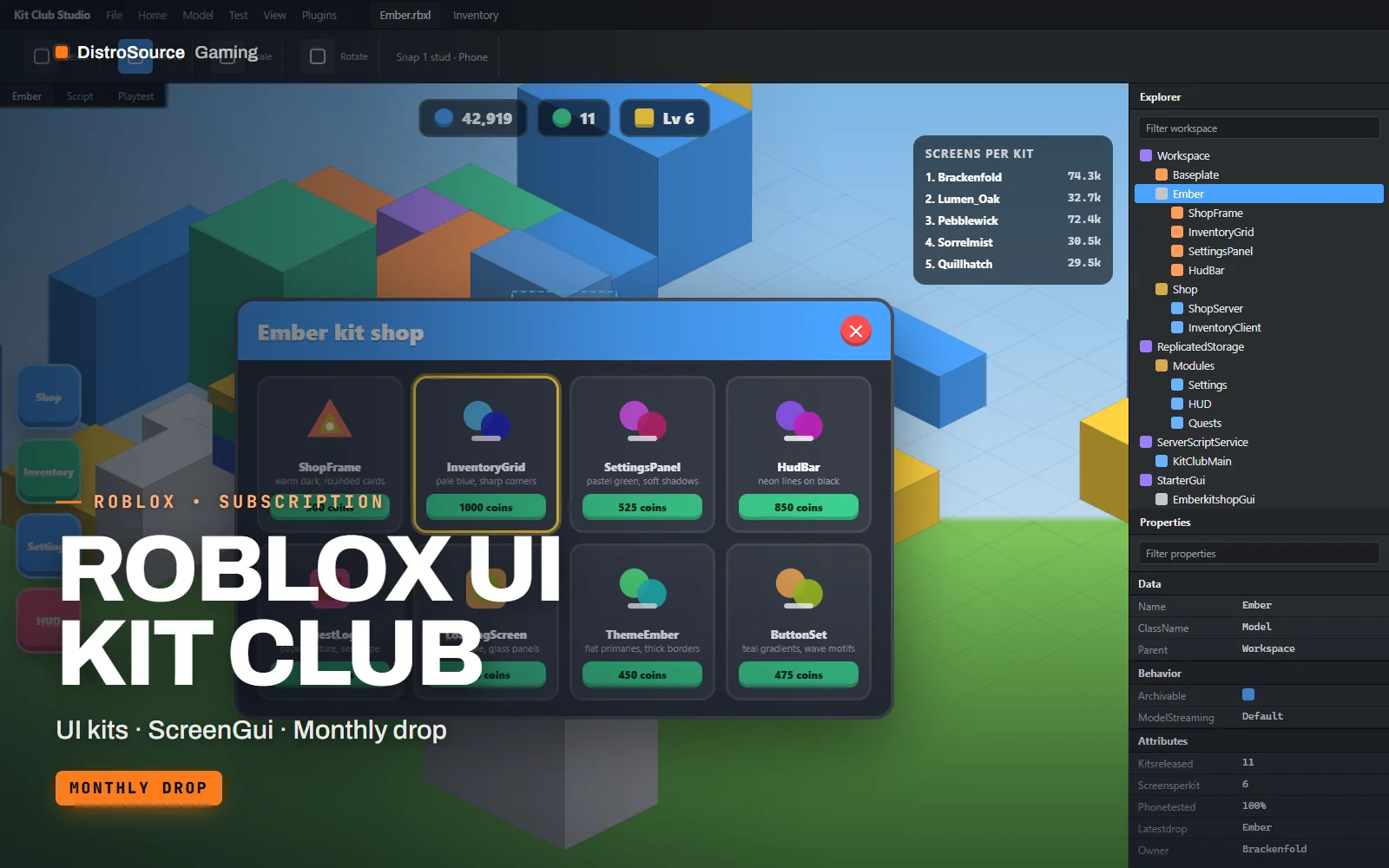
1 / 3Built interface — Ember shop screen
Overview
Roblox UI Kit Club delivers one complete interface kit every month, each in a different visual style: rounded and pastel one month, angular and dark the next. A kit covers the screens most experiences need, a shop, an inventory, a settings panel, a HUD with currency and health, a quest log and a loading screen. Every screen ships as a ScreenGui in a .rbxm file, with a controller ModuleScript that opens, closes and populates it.
The kits are built with UIListLayout, UIGridLayout and UIAspectRatioConstraint rather than fixed pixel offsets, so the same shop reads correctly on a phone in portrait, a tablet and a console at 4K. Text uses TextScaled with sensible size limits, and touch targets stay above 44 pixels on small screens. Colours and corner radii live in a single theme table, so restyling a kit to match your brand is a few edits rather than a rebuild.
Each drop includes a demo place showing every screen bound to sample data, so you can see the inventory filling with items and the quest log updating before you connect your own systems. You choose the kit for the period you have paid for and it remains yours to use after cancelling. Earlier kits can be claimed while subscribed, and the plan page lists the current library.
What you get
- One complete ScreenGui kit added each month in a fresh visual style
- Shop, inventory, settings, HUD, quest log and loading screen in every kit
- Controller ModuleScripts that open, close and populate each screen from tables
- Responsive layouts using constraints that hold on phone, tablet and console
- Single theme table for colours, fonts and corner radii per kit
- Demo place with every screen bound to sample data
- Icon set and button states exported as ImageLabels with asset IDs you upload
Eligible resources
The plan covers these resource types. Individual resources are listed in your Gaming Library as they publish.
- Shop screens
- Inventory screens
- HUD layouts
- Settings panels
- Quest logs
- Loading screens
Features
- Scales without pixel maths
- Layouts rely on UIListLayout, UIGridLayout and aspect constraints, so screens keep their proportions from a phone to a console.
- Restyle from one table
- Each kit reads colours, fonts and radii from a theme ModuleScript, so matching your brand does not mean editing every frame.
- Kits you claim stay yours
- The kit you choose for a paid period remains usable after cancelling, and earlier kits can be claimed while subscribed.
Compatibility and requirements
Works with
- Roblox Studio, current release
- Works alongside Game Systems Vault shop and inventory modules
- Phone, tablet, desktop and console viewports
- Any framework, the controllers only need a data table per screen
You need
- A Roblox group or account with an experience you publish
- Image assets uploaded under your own group or account for the icons
Updates and content cadence
- One new UI kit is added to the plan each month
- The current library of kits is available to claim from day one
- Choose the kit for each period you pay for and it stays yours
License
- Licensed for experiences published by one Roblox group or account you control.
- You may edit and extend the modules and assets for those experiences.
- Reselling, sharing or re-uploading the files or models is not permitted.
Installation
- 1Download Roblox UI Kit Club from your Gaming Library.
- 2Insert the kit .rbxm into StarterGui and the controllers into ReplicatedStorage.
- 3Upload the icon images under your group and paste the asset IDs into the theme table.
- 4Open the demo place to see each screen bound to sample data, then connect your own.
If you cancel
- Access and updates continue until the end of the period you paid for.
- Resources you claimed while subscribed remain yours to use.
- No further kits are added to your library after the subscription ends.
More from DistroSource Gaming
Browse all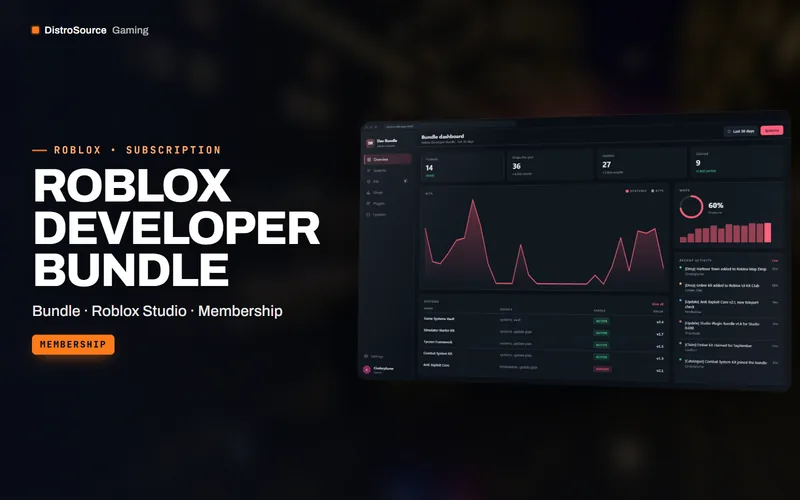 3
3RobloxBundles
Roblox Developer Bundle
Every DistroSource Roblox product in one plan, covering game systems, UI kits, maps, VFX, animations, combat, monetisation, moderation and Studio plugins, with the monthly drops included while subscribed.
- Bundle
- Roblox Studio
- Membership
View details$49/mo
Subscription
 3
3RobloxGame Systems
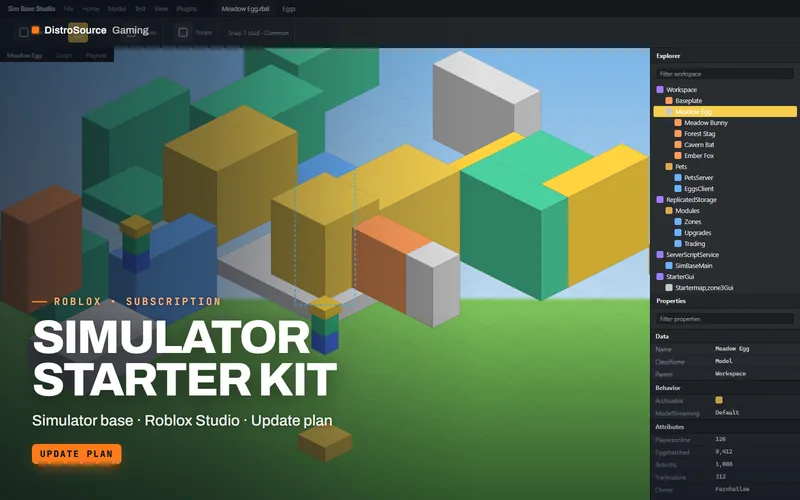
Simulator Starter Kit
A complete simulator game base with pets, eggs, rebirths, gated zones, collecting tools, upgrades, trading and gamepass hooks, plus a starter map and UI, maintained across Studio updates.
- Simulator base
- Roblox Studio
- Update plan
View details$29/mo
Subscription
 3
3RobloxGame Systems
Tycoon Framework
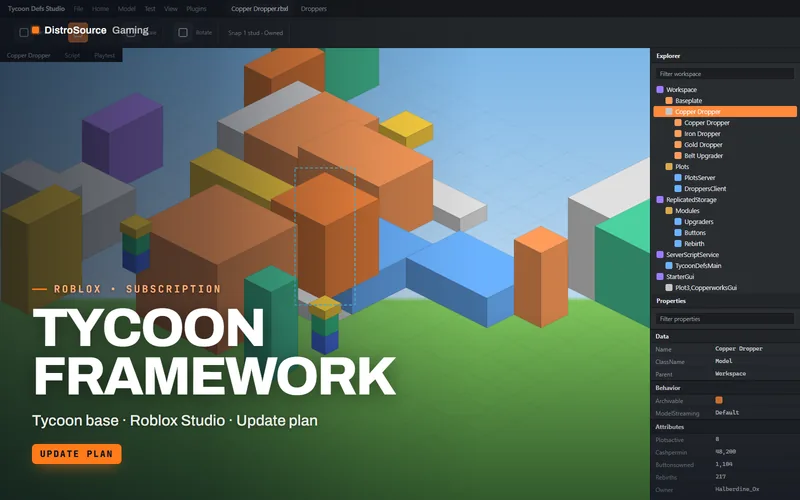
A data-driven tycoon framework where droppers, conveyors, upgraders, collectors and purchase buttons are defined in Luau tables, with saving, rebirth, team plots and an example map.
- Tycoon base
- Roblox Studio
- Update plan
View details$25/mo
Subscription
$12/mo
Roblox UI Kit Club