
 1 / 3
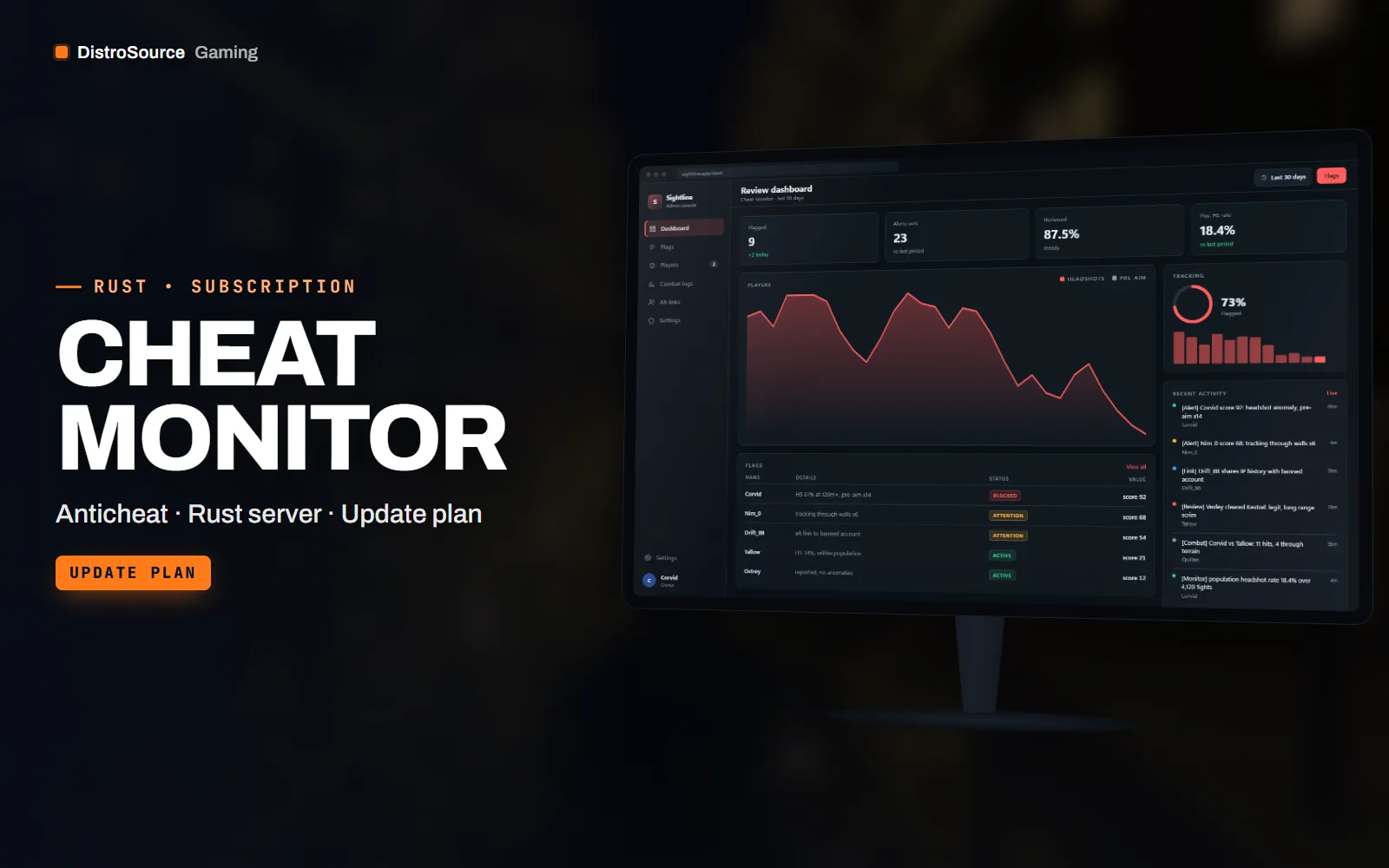
1 / 3Built interface — Review dashboard
Overview
Cheat Monitor watches what the server already knows. It records every hit with distance, body part, weapon and time between shots, and scores each player against the server's own population rather than a fixed threshold. A player whose headshot rate at long range sits far outside everyone else's gets a score and a flag, not a ban. The point is to give staff evidence to review rather than an automatic verdict.
Movement checks look for patterns that only make sense with wall hacks: turning toward players through terrain before they are visible, pre-aiming doors with nobody in line of sight, and tracking through walls during fights. Combat log review reconstructs a fight from both sides with hit positions, so a staff member can compare what each player could see. Alt account links use shared IP history, join timing and team overlap to suggest connections for review.
Alerts post to a Discord webhook with the player, the score, the checks that fired and a link to the review board entry. The review board is a self-hosted web page that reads the plugin's data files and lists flagged players, their scores over time, the evidence per flag and a place for staff to record a decision. Nothing is sent to us; the board runs on your own host next to the server.
Delivered as a C# plugin, a JSON config and the review board as a small Node.js app. While you are subscribed, the checks are revised as cheat behaviour changes, the plugin is rebuilt after each forced wipe and after Oxide, uMod or Carbon updates, and the thresholds document is updated with what the statistics mean.
What you get
- Cheat Monitor plugin as .cs source with hit, movement and session recording
- Headshot and hit anomaly scoring against your server's own population
- ESP-pattern movement checks for pre-aim, tracking through walls and terrain turns
- Combat log review that reconstructs fights from both sides with hit positions
- Alt account link suggestions from IP history, join timing and team overlap
- Discord webhook alerts with score, checks fired and a review link
- Self-hosted review board as a Node.js app reading the plugin data files
- A thresholds guide explaining what each score means and how to tune it
Eligible resources
The plan covers these resource types. Individual resources are listed in your Gaming Library as they publish.
- Monitor plugin
- Detection checks
- Review board app
- Webhook templates
- Thresholds guide
- Config files
Features
- Scored, not auto-banned
- Scores are relative to your own player base, so a good player on a low-pop server is not flagged for being good.
- Both sides of a fight
- Combat log review lines up hits from each player with positions, which shows what could be seen and what could not.
- Evidence in one place
- The review board keeps every flag, score history and staff decision per player, so a ban appeal has a record to read.
Compatibility and requirements
Works with
- Oxide / uMod or Carbon on a current Rust dedicated server
- Review board runs on Node.js 20 or later on your own host
- Discord webhook for alerts, optional
- Works alongside the Rust Admin Toolkit for freeze, spectate and ban actions
You need
- A Rust dedicated server you control with Oxide, uMod or Carbon installed
- A host for the review board with access to the server's oxide/data directory
- A Discord channel with a webhook if you want alerts
Updates and content cadence
- The full plugin, review board and thresholds guide from your first day
- Check revisions as cheat behaviour and Rust combat mechanics change
- Plugin rebuilds after each forced wipe and after Oxide, uMod or Carbon updates
- Thresholds guide and review board revisions while subscribed
License
- Licensed for one server network you own or operate.
- You may edit, re-texture and configure resources for that network.
- Reselling, sharing or re-uploading the files is not permitted.
Installation
- 1Download Cheat Monitor from your Gaming Library.
- 2Copy CheatMonitor.cs into oxide/plugins and set the webhook and data path in its config.
- 3Unpack the review board, run npm install and point its config at the plugin's data directory.
- 4Grant cheatmonitor.review to staff and let the plugin collect a day of data before acting on scores.
If you cancel
- Access and updates continue until the end of the period you paid for.
- The licence to run the monitor and review board ends with the subscription.
- Remove the monitor and review board from live servers once access ends.
More from DistroSource Gaming
Browse all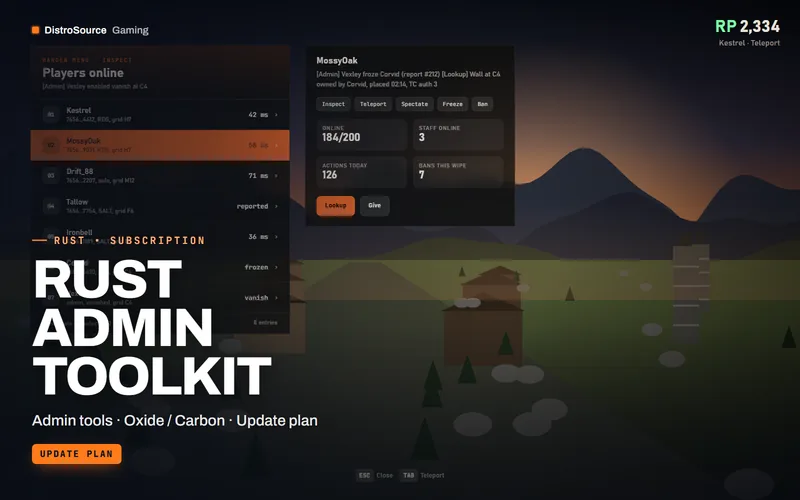 3
3RustAdmin & Anticheat
Rust Admin Toolkit
An in-game admin menu for Rust with player inspect, teleport, vanish, god, base and entity ownership lookup, spectate, item give and a log of every action taken.
- Admin tools
- Oxide / Carbon
- Update plan
View details$14/mo
Subscription
 3
3RustAdmin & Anticheat
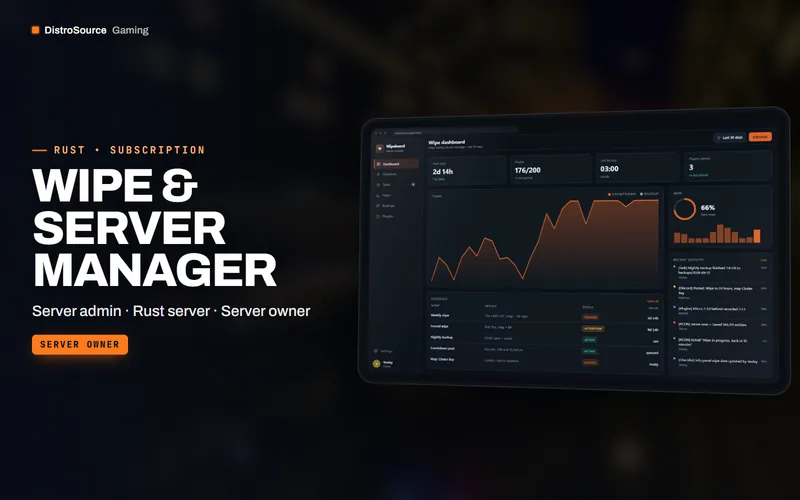
Wipe & Server Manager
A self-hosted panel for Rust wipe day: schedule and countdown, map rotation, backups, RCON task runs, Discord announcements, plugin update checks and a post-wipe checklist.
- Server admin
- Rust server
- Server owner
View details$11/mo
Subscription
 3
3RustBundles
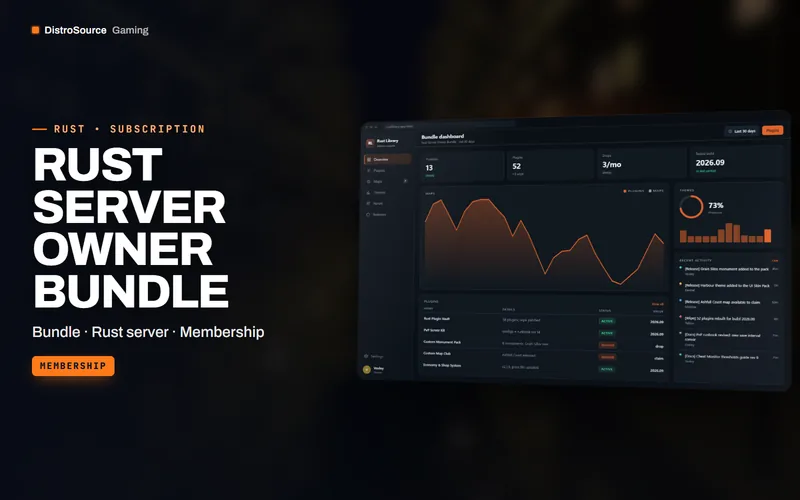
Rust Server Owner Bundle
The whole DistroSource Rust catalogue in one plan: plugin vault, PvP server kit, monuments and maps, economy, events, admin tools and UI skins, with the monthly drops included.
- Bundle
- Rust server
- Membership
View details$79/mo
Subscription
$18/mo
Cheat Monitor