 1 / 3
1 / 3Built interface — Live HUD with bracket
Overview
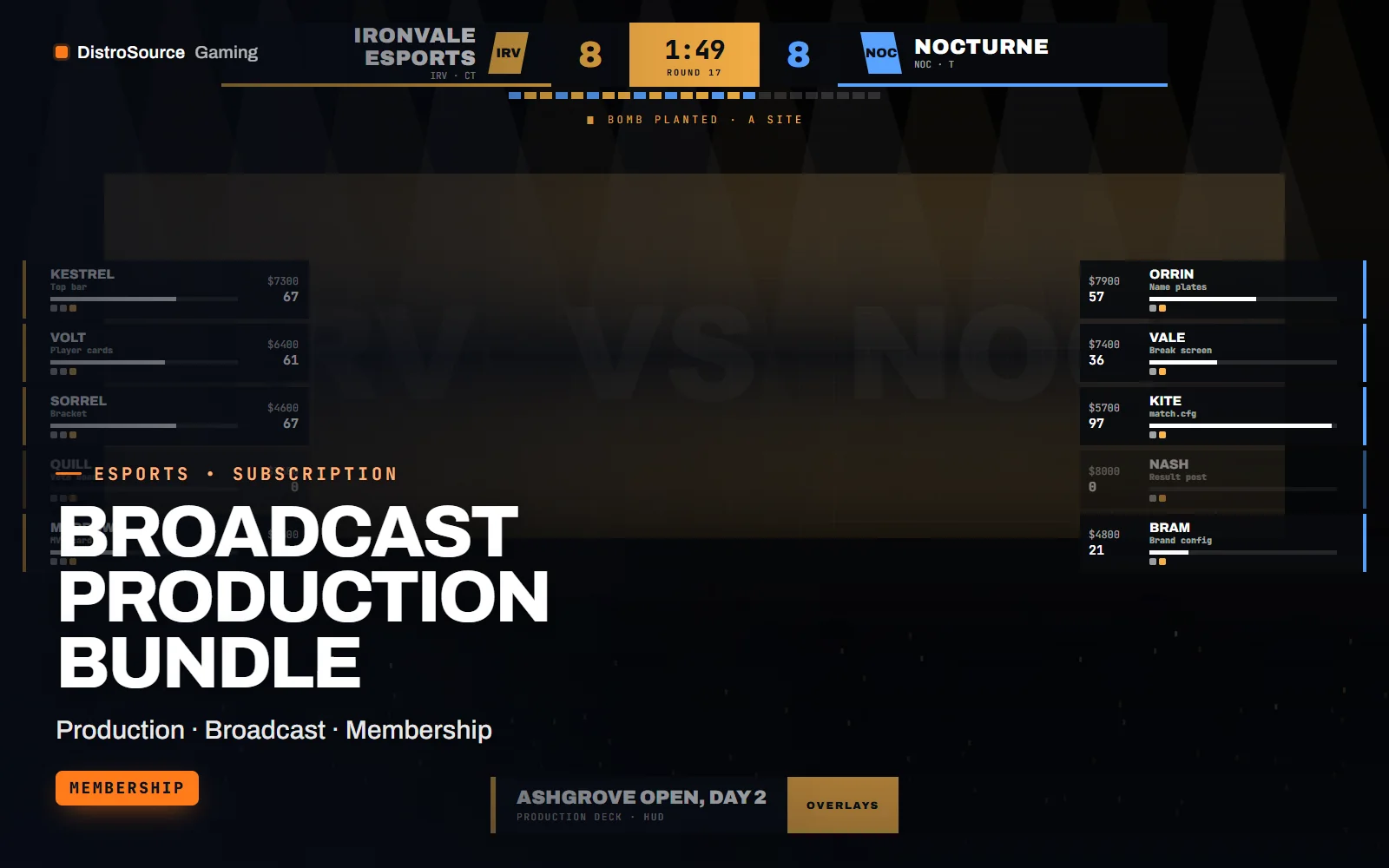
Broadcast Production Bundle is one subscription for an organiser that runs tournaments and broadcasts them. It includes CS2 Broadcast HUD, Valorant Broadcast Pack, Caster & Analyst Desk Kit, Tournament Manager, CS2 Server Kit, Retakes, Surf & Practice Configs and Match Graphics Drop, each delivered exactly as it is on its own plan page, with updates on each plan's cadence.
The pieces cover a full event. Teams register and play through the tournament manager, the matches run on a server configured by the server kit, the Counter-Strike 2 HUD reads the game state feed from the observer, the Valorant overlays are operated by hand from a control panel because Valorant has no game state feed, the desk kit fills the gaps between rounds and the graphics drop covers the social posts.
Because the kits were built for the same production PC, they share a brand config for colours, logos and fonts, and the tournament manager exposes a standings and bracket embed that the HUDs and desk overlays can show. A production guide in the bundle lays out the OBS scene structure, which machine runs which relay and control page, and a rehearsal checklist for the day before.
The plan page lists the current contents of the bundle. As a membership plan, everything in the named catalogue is yours to use while subscribed, including the monthly graphics drops, and updates follow each item's own plan, whether that is a Counter-Strike 2 patch, a Valorant agent release, an OBS update or a Discord API change.
What you get
- CS2 Broadcast HUD with the GSI relay, player cards and economy panel
- Valorant Broadcast Pack with the producer control panel and overlay set
- Caster & Analyst Desk Kit with name plates, head-to-head, polls and the break screen
- Tournament Manager as a self-hosted web app with the Discord bot
- CS2 Server Kit and Retakes, Surf & Practice Configs for match and community servers
- Match Graphics Drop with the current library and one new set each month
- A shared brand config and a production guide with OBS scene structure
- Rehearsal checklist for the day before an event
Eligible resources
The plan covers these resource types. Individual resources are listed in your Gaming Library as they publish.
- Broadcast HUDs
- Desk overlays
- Tournament app
- Server kits
- Match graphics
- Production guide
Features
- Sign-up to stream, one plan
- Registration, brackets, servers, in-game HUDs, desk overlays and social graphics are delivered together for one production.
- One brand across every overlay
- A shared config sets colours, logos and fonts, and the bracket embed from the tournament manager appears in the HUDs and desk.
- Updated on every front
- Counter-Strike 2 patches, Valorant agent releases, OBS updates and Discord API changes are each handled on their own plan's cadence.
Compatibility and requirements
Works with
- OBS Studio 30 or newer with browser sources on the production PC
- Node.js 20 or newer for the relays, control panels and tournament manager
- Counter-Strike 2 dedicated server with CounterStrikeSharp and MatchZy
- Photoshop or Figma for the graphics sources
You need
- A production PC and a VPS or hosting you control
- A Counter-Strike 2 server and a Discord server for the bot
- A producer to operate the Valorant and desk control panels
Updates and content cadence
- Everything in the bundle catalogue while subscribed, with the monthly graphics drops included
- The plan page lists the current contents of the bundle
- Each item updates on the cadence of its own plan, from CS2 patches to OBS releases and Discord API changes
License
- Licensed for your own community, server, team or channel.
- You may edit and publish the designs (or run the tools) for that community.
- Reselling the files or offering them as templates is not permitted.
Installation
- 1Download Broadcast Production Bundle from your Gaming Library.
- 2Set the shared brand config with your tournament colours, logos and fonts.
- 3Deploy the tournament manager and configure the servers following each kit's guide.
- 4Add the HUD, overlay and desk URLs as OBS browser sources from the production guide.
- 5Run the rehearsal checklist with a test match the day before the event.
If you cancel
- Access and updates continue until the end of the period you paid for.
- The licence to run the tools and publish the overlays ends with the subscription.
- Remove the apps and server kits from live servers and stop publishing the overlays once access ends.
More from DistroSource Gaming
Browse all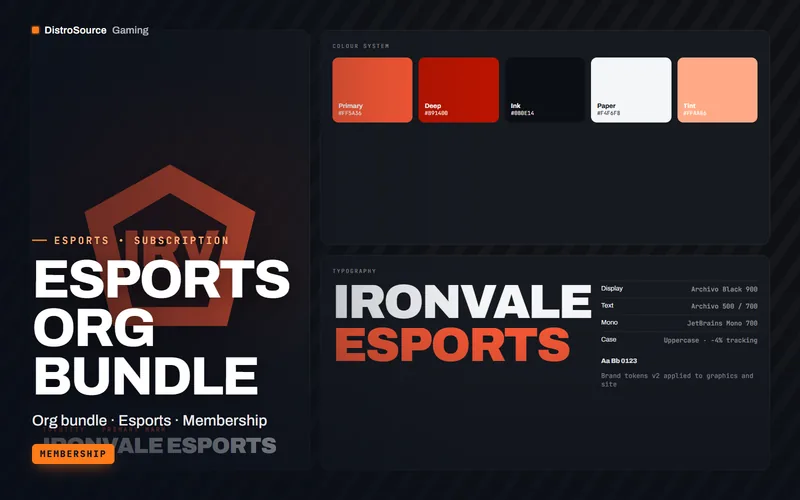 3
3CS2, Valorant & EsportsBundles
Esports Org Bundle
One plan for an organisation running several rosters: the team kit, match graphics drops, scrim and roster tools, stats and scouting and the league website kit together.
- Org bundle
- Esports
- Membership
View details$89/mo
Subscription
 3
3CS2, Valorant & EsportsBroadcast HUDs
CS2 Broadcast HUD
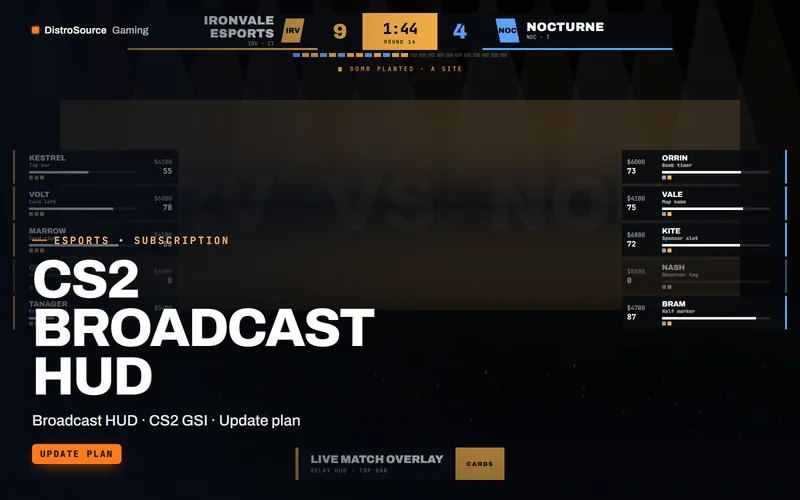
An observer HUD for Counter-Strike 2 broadcasts that reads the game state integration feed and renders score, timers, player cards and economy as OBS browser sources.
- Broadcast HUD
- CS2 GSI
- Update plan
View details$49/mo
Subscription
 3
3CS2, Valorant & EsportsBroadcast HUDs
Valorant Broadcast Pack
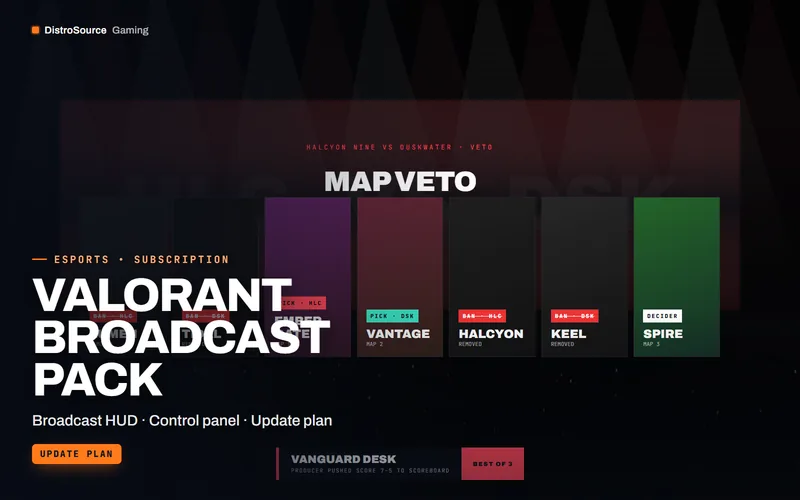
Broadcast overlays for Valorant matches that a producer operates from a local control panel, covering agent select, scoreboard, veto, round summary, spotlight and caster lower thirds.
- Broadcast HUD
- Control panel
- Update plan
View details$45/mo
Subscription
$119/mo
Broadcast Production Bundle