
 1 / 3
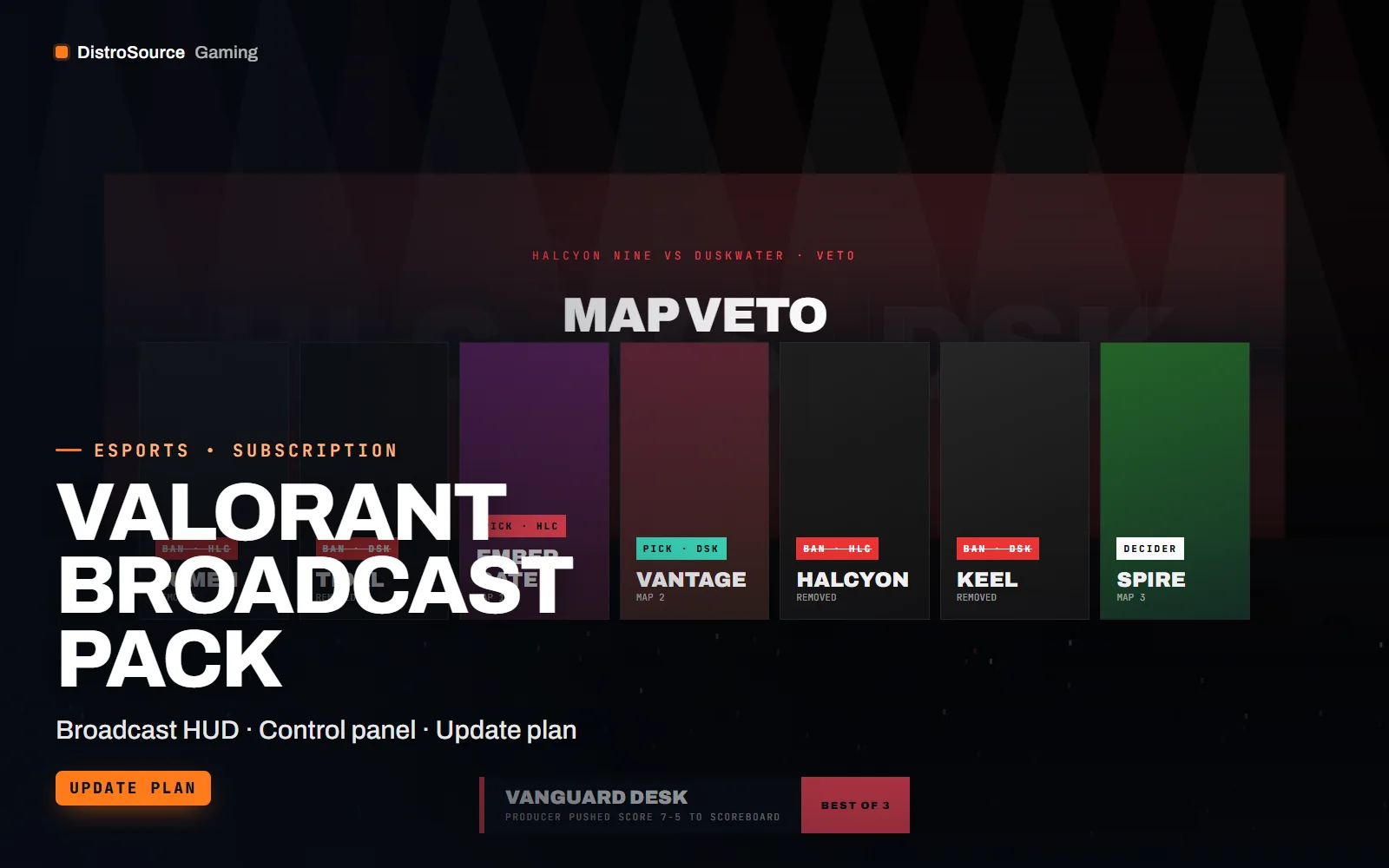
1 / 3Built interface — Veto board
Overview
Valorant Broadcast Pack is a set of OBS browser-source overlays for Valorant productions. Valorant offers no server access and no public game state feed, so nothing here reads the game. Instead a producer runs a local control panel and updates the overlays by hand: pushing the score after a round, marking an agent as picked, advancing the veto or cueing a lower third. The overlays listen on a local websocket and animate the change in.
The pack covers the segments a match broadcast needs. The agent select board shows both rosters with agent portraits filled in as the picks are announced. The scoreboard carries team names, score, half and map, and the round summary appears between rounds with the round type and the player who won it. A player spotlight card takes a name, role and three stats the producer types in, and the caster lower thirds take names and social handles.
Team colours, logos and the agent portrait set are inputs in one config file, so a new match is a change of two team entries rather than a redesign. The control panel keeps the state of the match in a local file, so a browser refresh or an OBS restart does not lose the score. The panel, the overlays and the config are delivered as source code for you to run on the production PC.
Valorant adds agents and maps on its own schedule, and this plan keeps the pack current. New agents get portraits and the map pool is revised for the veto board when the rotation changes, with the update placed in your Gaming Library and a short note about what was added. Overlay fixes for new OBS releases are handled the same way, so the pack keeps working on the production PC.
What you get
- Local control panel that a producer uses to update every overlay by hand
- Agent select board with both rosters and portraits filled in as picks are called
- Scoreboard with team names, score, half marker and current map
- Map veto board with pick, ban and decider states for the current pool
- Round summary card with round type, winning side and the player of the round
- Player spotlight card with name, role and three typed stats
- Caster lower thirds with names, roles and handles, plus a break screen
- One config for team colours, logos and the agent portrait set
Eligible resources
The plan covers these resource types. Individual resources are listed in your Gaming Library as they publish.
- Overlay pages
- Control panel
- Agent portraits
- Veto board
- Lower thirds
- Config schema
Features
- Operated from a panel
- A producer updates score, picks and cues from a local panel because Valorant has no game state feed to read from.
- Match state survives restarts
- The panel writes the current score, veto and picks to a local file, so an OBS or browser restart does not reset the overlay.
- Current agents and maps
- New agents get portraits and the veto pool is revised when the rotation changes, with the update placed in your library.
Compatibility and requirements
Works with
- OBS Studio 30 or newer with browser sources
- Node.js 20 or newer for the control panel and websocket server
- 1080p and 1440p canvases, 16:9
- Works with any observed Valorant match, no game data connection is used
You need
- A production PC with Node.js and OBS on the same machine or LAN
- A producer to operate the control panel during the match
- Team logos as PNG files with transparent backgrounds
Updates and content cadence
- The full overlay set, control panel and config from your first day
- Agent portraits and map pool revisions as the Valorant roster and rotation change
- Panel and overlay fixes for new OBS releases
License
- Licensed for your own community, server, team or channel.
- You may edit and publish the designs (or run the tools) for that community.
- Reselling the files or offering them as templates is not permitted.
Installation
- 1Download Valorant Broadcast Pack from your Gaming Library.
- 2Run npm install and npm start in the panel folder, then open the local panel URL.
- 3Edit match.config.json with team names, colours, logos and the map pool.
- 4Add each overlay URL as an OBS browser source at your canvas size.
- 5Open the control panel on a second screen and rehearse a round before going live.
If you cancel
- Access and updates continue until the end of the period you paid for.
- The licence to run the overlays ends with the subscription.
- Stop publishing the overlays once access ends.
More from DistroSource Gaming
Browse all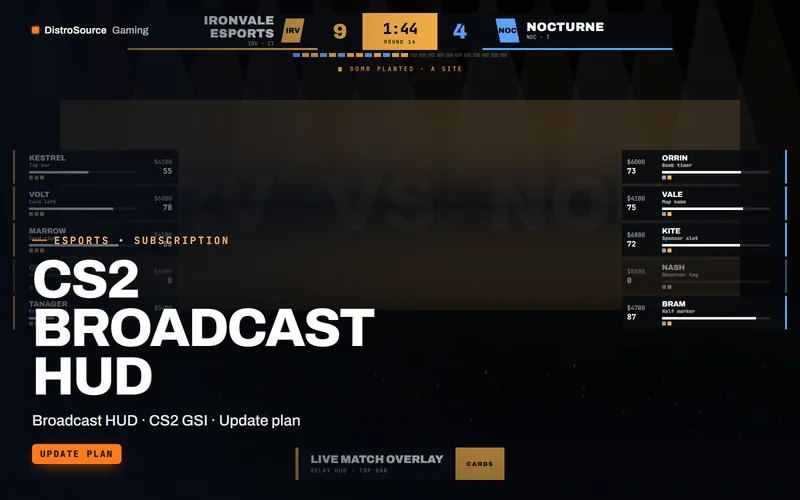 3
3CS2, Valorant & EsportsBroadcast HUDs
CS2 Broadcast HUD
An observer HUD for Counter-Strike 2 broadcasts that reads the game state integration feed and renders score, timers, player cards and economy as OBS browser sources.
- Broadcast HUD
- CS2 GSI
- Update plan
View details$49/mo
Subscription
 3
3CS2, Valorant & EsportsBroadcast HUDs
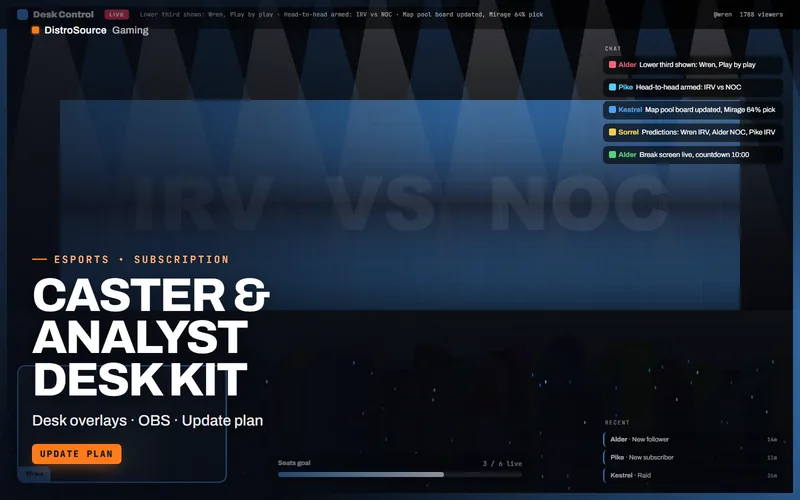
Caster & Analyst Desk Kit
Desk and segment overlays for casters and analysts, from name plates and lower thirds to head-to-head panels, map pool boards, prediction polls, sponsor loops and a break screen.
- Desk overlays
- OBS
- Update plan
View details$22/mo
Subscription
 3
3CS2, Valorant & EsportsBundles
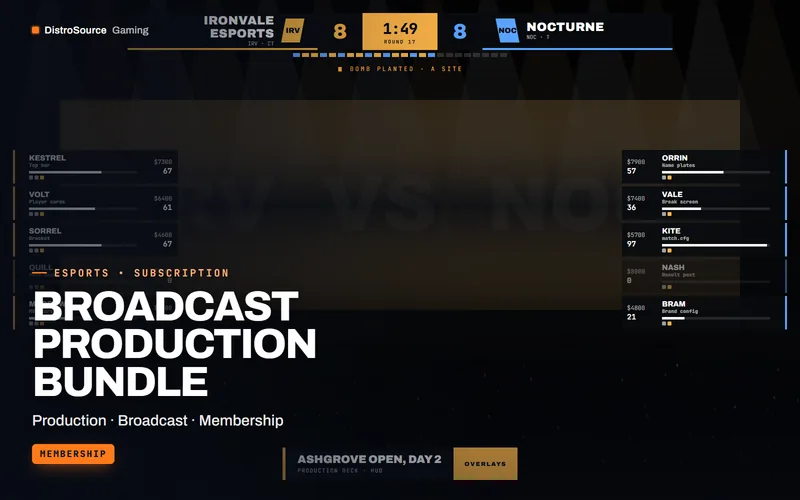
Broadcast Production Bundle
The production stack for a tournament organiser in one plan: CS2 and Valorant broadcast packs, the caster desk kit, tournament manager, both server kits and the match graphics drop.
- Production
- Broadcast
- Membership
View details$119/mo
Subscription
$45/mo
Valorant Broadcast Pack