 1 / 3
1 / 3Built interface — Desk scene
Overview
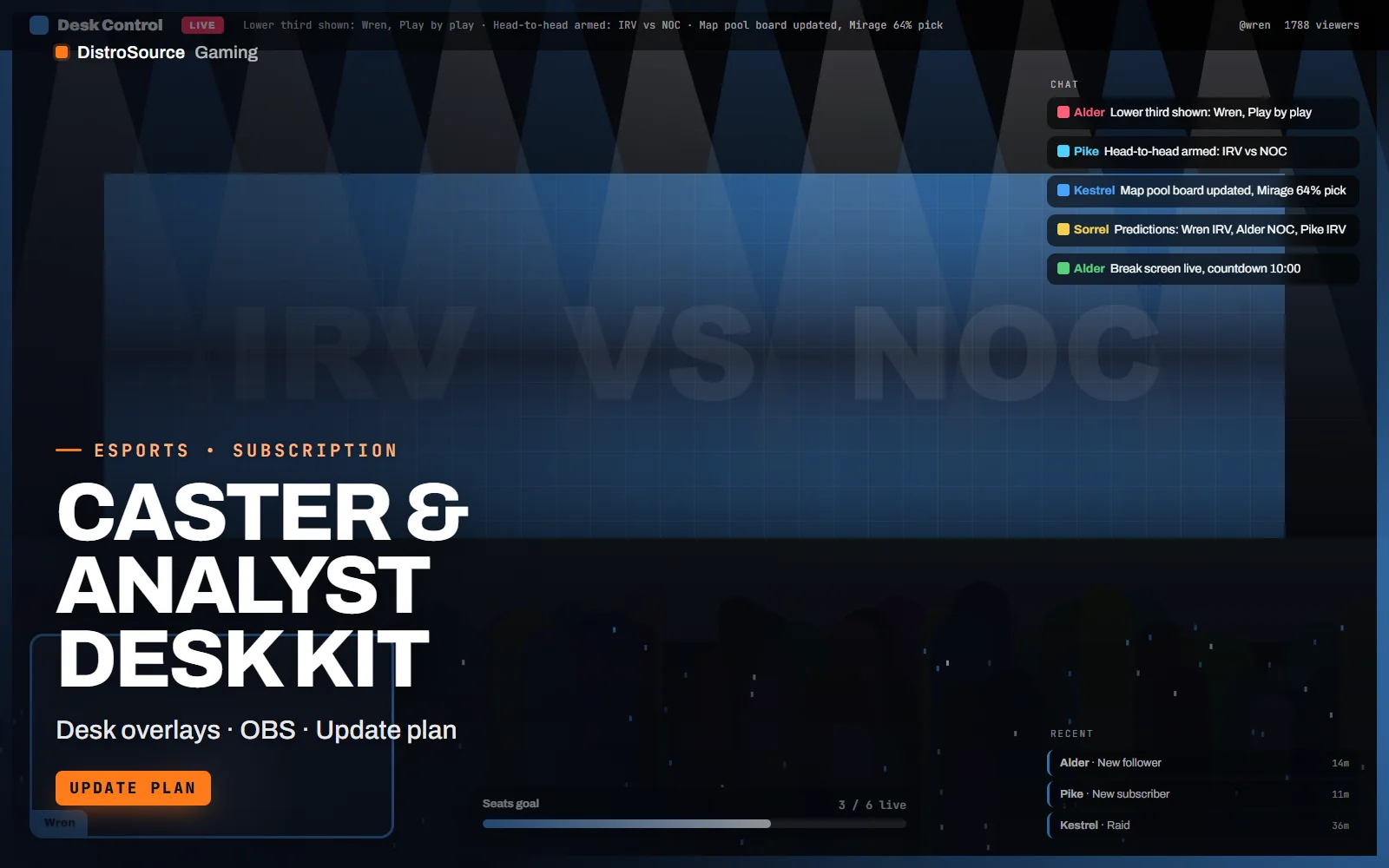
Caster & Analyst Desk Kit is a set of OBS browser-source overlays for the parts of a broadcast that happen between the rounds: the desk. Name plates for each seat, lower thirds with roles and handles, a head-to-head panel comparing two teams or two players, a map pool board with pick rates and a prediction poll where each analyst's pick sits beside their name. A break screen with a countdown and sponsor loop covers the gaps.
Every overlay is updated from a small local control page: a producer types the names, sets the comparison stats and starts the countdown, and the overlay animates the change. Nothing reads from a game, so the same kit works for Counter-Strike 2, Valorant or any other title you cover. The control page saves its state to a local file, so a refresh does not lose the desk setup.
Colours, logos and fonts come from one config so the desk matches your tournament brand, and the layouts are built for a desk shot with three or four seats. The sponsor loop takes a folder of PNG logos and a duration per logo. Everything is delivered as source, HTML, CSS and a Node.js control server, for you to run on the production PC.
OBS releases change how browser sources behave from time to time, and broadcast formats change with them. This plan keeps the kit current: fixes for new OBS releases, new segment layouts as they are designed, and revisions to the control page are placed in your Gaming Library while you are subscribed, each with a short note on what changed and whether your config needs an edit.
What you get
- Name plates and lower thirds for up to four desk seats with roles and handles
- Head-to-head panel comparing two teams or two players on five typed stats
- Map pool board with pick, ban and win rates typed per map
- Prediction poll overlay with each analyst's pick beside their name
- Break screen with countdown, up-next fixture and sponsor loop
- Local control page that updates every overlay and saves its state
- One config for colours, logos, fonts and seat count
- OBS setup guide with scene layouts for a three and four seat desk
Eligible resources
The plan covers these resource types. Individual resources are listed in your Gaming Library as they publish.
- Desk overlays
- Lower thirds
- Break screen
- Control page
- Sponsor loop
- Config schema
Features
- Everything between rounds
- Name plates, lower thirds, head-to-head, map pool, predictions and a break screen cover the desk segments of a match broadcast.
- Any title, no game feed
- The overlays are typed from a control page rather than read from a game, so the desk works for any title you cover.
- Kept working in OBS
- Fixes for new OBS releases and new segment layouts are placed in your library while you are subscribed.
Compatibility and requirements
Works with
- OBS Studio 30 or newer with browser sources
- Node.js 20 or newer for the control server
- 1080p and 1440p canvases, 16:9
- Any game title, no game data connection is used
You need
- A production PC with Node.js and OBS on the same machine or LAN
- A producer to operate the control page during the desk segments
- Sponsor and team logos as PNG files
Updates and content cadence
- The full overlay set, control page and config from your first day
- Fixes for new OBS releases and browser source behaviour changes
- New segment layouts added as they are designed
License
- Licensed for your own community, server, team or channel.
- You may edit and publish the designs (or run the tools) for that community.
- Reselling the files or offering them as templates is not permitted.
Installation
- 1Download Caster & Analyst Desk Kit from your Gaming Library.
- 2Run npm install and npm start in the control folder, then open the control page.
- 3Edit desk.config.json with colours, logos, fonts and the seat count.
- 4Add each overlay URL as an OBS browser source in your desk scene.
- 5Type the caster names on the control page and rehearse a segment.
If you cancel
- Access and updates continue until the end of the period you paid for.
- The licence to run the overlays ends with the subscription.
- Stop publishing the overlays once access ends.
More from DistroSource Gaming
Browse all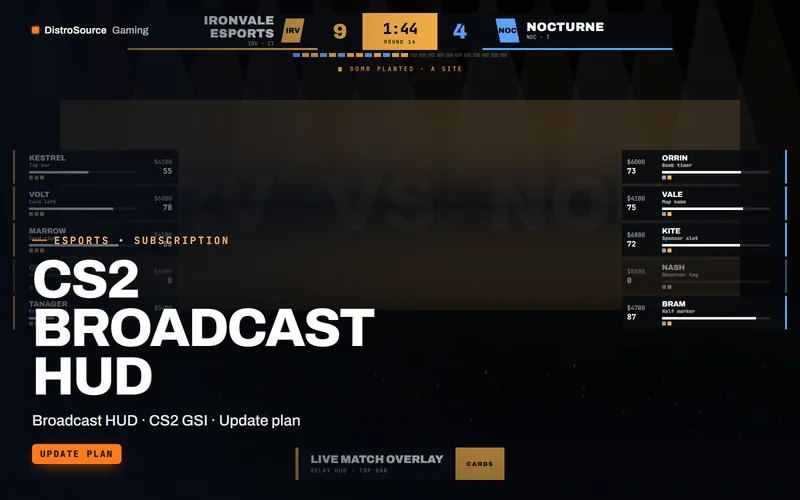 3
3CS2, Valorant & EsportsBroadcast HUDs
CS2 Broadcast HUD
An observer HUD for Counter-Strike 2 broadcasts that reads the game state integration feed and renders score, timers, player cards and economy as OBS browser sources.
- Broadcast HUD
- CS2 GSI
- Update plan
View details$49/mo
Subscription
 3
3CS2, Valorant & EsportsBroadcast HUDs
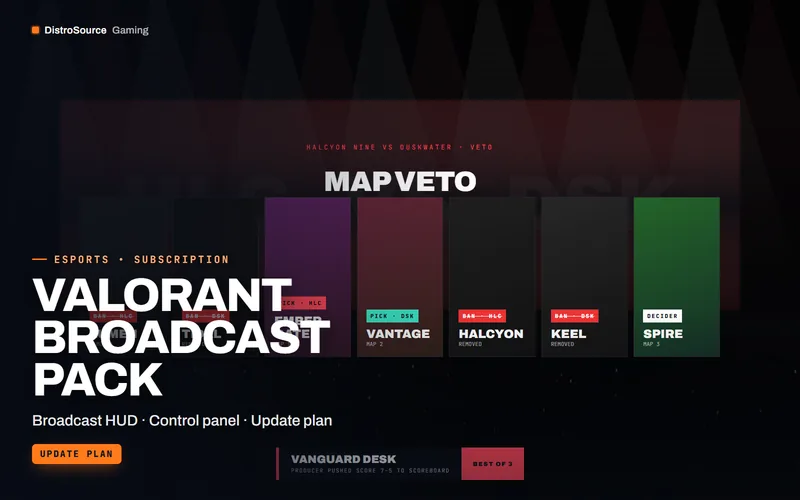
Valorant Broadcast Pack
Broadcast overlays for Valorant matches that a producer operates from a local control panel, covering agent select, scoreboard, veto, round summary, spotlight and caster lower thirds.
- Broadcast HUD
- Control panel
- Update plan
View details$45/mo
Subscription
 3
3CS2, Valorant & EsportsBundles
Broadcast Production Bundle
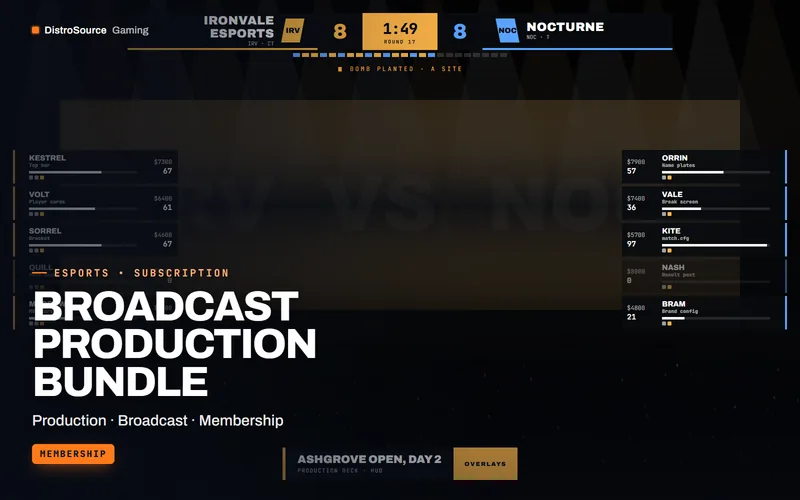
The production stack for a tournament organiser in one plan: CS2 and Valorant broadcast packs, the caster desk kit, tournament manager, both server kits and the match graphics drop.
- Production
- Broadcast
- Membership
View details$119/mo
Subscription
$22/mo
Caster & Analyst Desk Kit