
 1 / 3
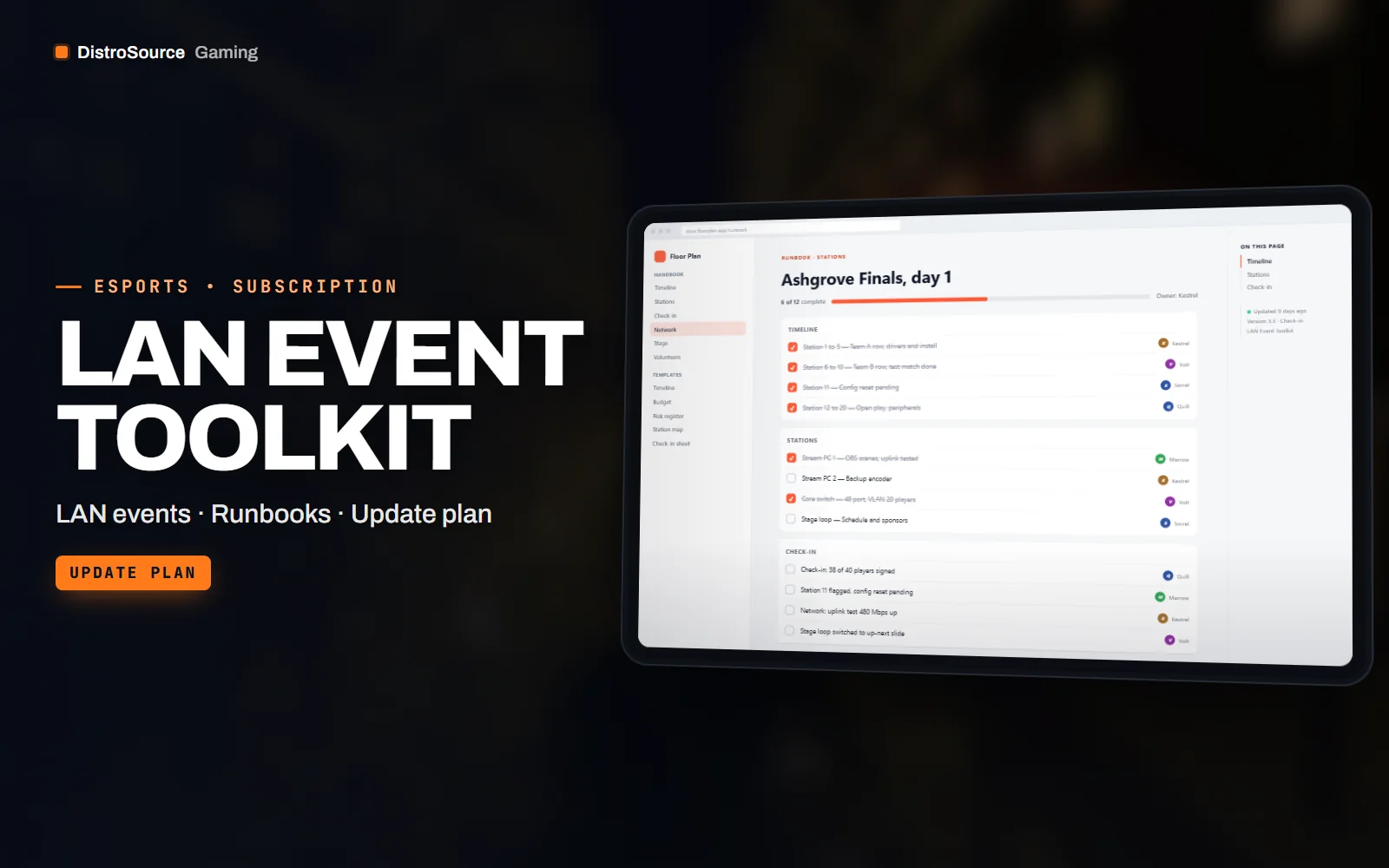
1 / 3Built interface — Event day checklist
Overview
LAN Event Toolkit is the paperwork and the screens for running a LAN, a studio final or a viewing party. It starts with the planning documents: a timeline template from venue booking to teardown, a budget sheet with the usual line items, a risk register and a volunteer roster with shift slots. Each is delivered as an editable document and a spreadsheet, with notes on which decisions tend to be left too late.
On the day, the toolkit covers the floor. Seat and station maps are editable diagrams with numbered stations and a legend for power, network and stream PCs. Check-in sheets take player names, team, station and a signature, and the PC setup checklist runs through drivers, game install, config reset, peripherals and a test match for each station. A network checklist covers switches, cabling, addressing and the stream uplink.
Screens are covered as well. Signage templates for entrances, stations and the stage are sized for A3 and A4 printing, and the stage loop is a set of slides for schedule, up-next, sponsors and house rules that plays between matches. Volunteer briefs are one page each for admins, runners, stream helpers and front desk, with a contact tree and the escalation path.
Events change as venues, networks and games change, and this plan keeps the toolkit current. Checklists are revised as Counter-Strike 2 and Valorant installs and config resets change, new templates are added as they are written, and the updates are placed in your Gaming Library while you are subscribed. Each update comes with a note on which document changed and why, so a team that has already printed can decide what to reprint.
What you get
- Planning timeline, budget sheet, risk register and volunteer roster as editable documents
- Seat and station map diagrams with a legend for power, network and stream PCs
- Check-in sheets with player, team, station and signature fields
- PC setup checklist per station with drivers, install, config reset and a test match
- Network checklist for switches, cabling, addressing and the stream uplink
- Signage templates for entrances, stations and stage sized for A3 and A4
- Stage loop slides for schedule, up-next, sponsors and house rules
- One-page volunteer briefs with a contact tree and escalation path
Eligible resources
The plan covers these resource types. Individual resources are listed in your Gaming Library as they publish.
- Planning documents
- Station maps
- Checklists
- Signage
- Stage loops
- Volunteer briefs
Features
- Planning to teardown
- A timeline, budget, risk register and roster cover the months before the event, and the checklists cover the day itself.
- Every station checked the same
- The PC and network checklists are run per station, so a missing driver or a bad cable is found before a player sits down.
- Briefs volunteers can read
- Each role gets one page with its tasks, the contact tree and the escalation path, so nobody has to ask who to call.
Compatibility and requirements
Works with
- Documents as DOCX and Google Docs, sheets as XLSX and Google Sheets
- Diagrams as editable SVG and PDF, signage as PSD and PDF
- Stage loop as a PowerPoint deck and PNG slides for OBS or a media player
- Checklists cover Counter-Strike 2 and Valorant station setup
You need
- Word or Google Docs and a spreadsheet application
- A printer for signage and check-in sheets
- Your venue plan and event schedule to fill the templates
Updates and content cadence
- The full document, checklist and screen set from your first day
- Checklist revisions as Counter-Strike 2 and Valorant station setup changes
- New templates and briefs added as they are written
License
- Licensed for your own community, server, team or channel.
- You may edit and publish the designs (or run the tools) for that community.
- Reselling the files or offering them as templates is not permitted.
Installation
- 1Download LAN Event Toolkit from your Gaming Library.
- 2Open the planning timeline and set your event dates and venue.
- 3Edit the station map with your floor plan and number the stations.
- 4Print the check-in sheets, checklists and signage at the listed sizes.
- 5Load the stage loop slides into OBS or the venue media player.
If you cancel
- Access and updates continue until the end of the period you paid for.
- The licence to use the templates ends with the subscription.
- Your own filled documents, maps and printed material stay with you.
More from DistroSource Gaming
Browse all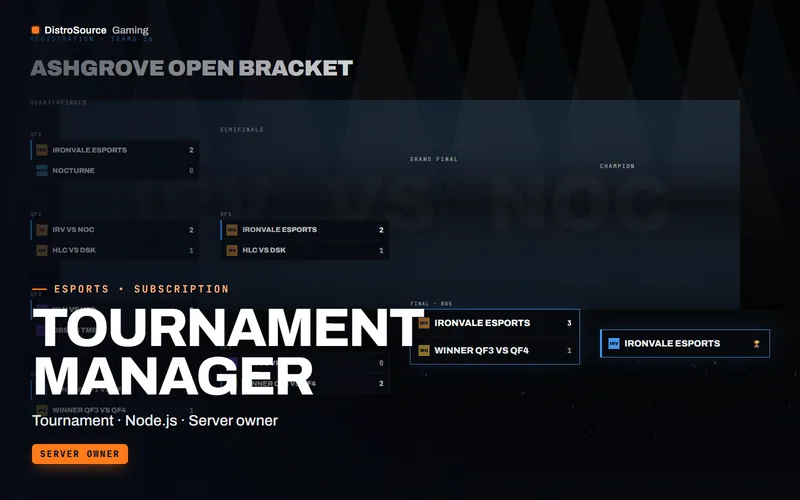 3
3CS2, Valorant & EsportsTournament Tools
Tournament Manager
A self-hosted web app and Discord bot that runs a tournament from registration and check-in through brackets, match reporting, disputes and public standings.
- Tournament
- Node.js
- Server owner
View details$39/mo
Subscription
 3
3CS2, Valorant & EsportsTournament Tools
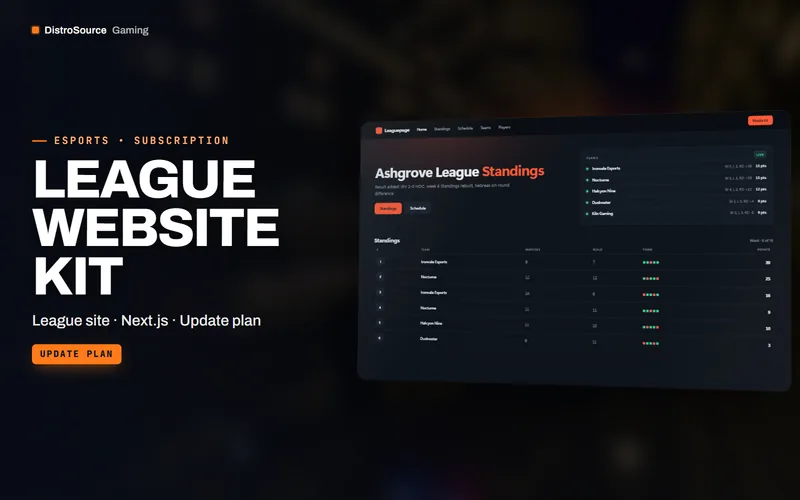
League Website Kit
A Next.js template for a league website with standings, schedule, results, team and player pages, match reports and a media kit, all driven by JSON content files.
- League site
- Next.js
- Update plan
View details$35/mo
Subscription
 3
3CS2, Valorant & EsportsBundles
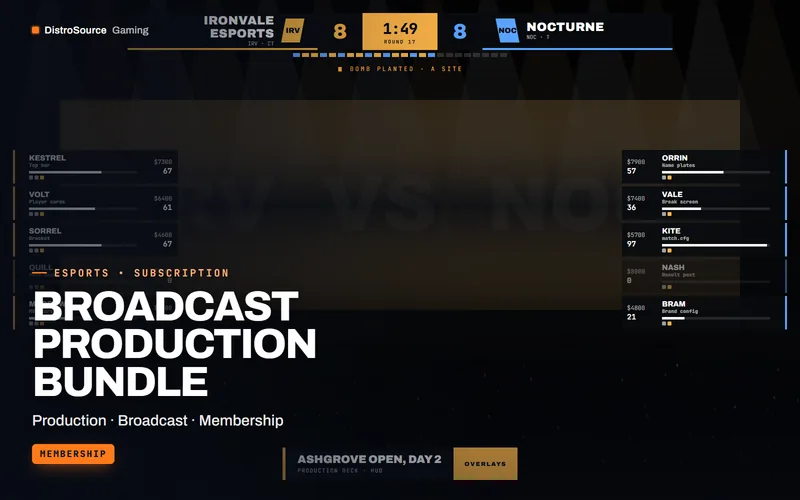
Broadcast Production Bundle
The production stack for a tournament organiser in one plan: CS2 and Valorant broadcast packs, the caster desk kit, tournament manager, both server kits and the match graphics drop.
- Production
- Broadcast
- Membership
View details$119/mo
Subscription
$29/mo
LAN Event Toolkit