
 1 / 3
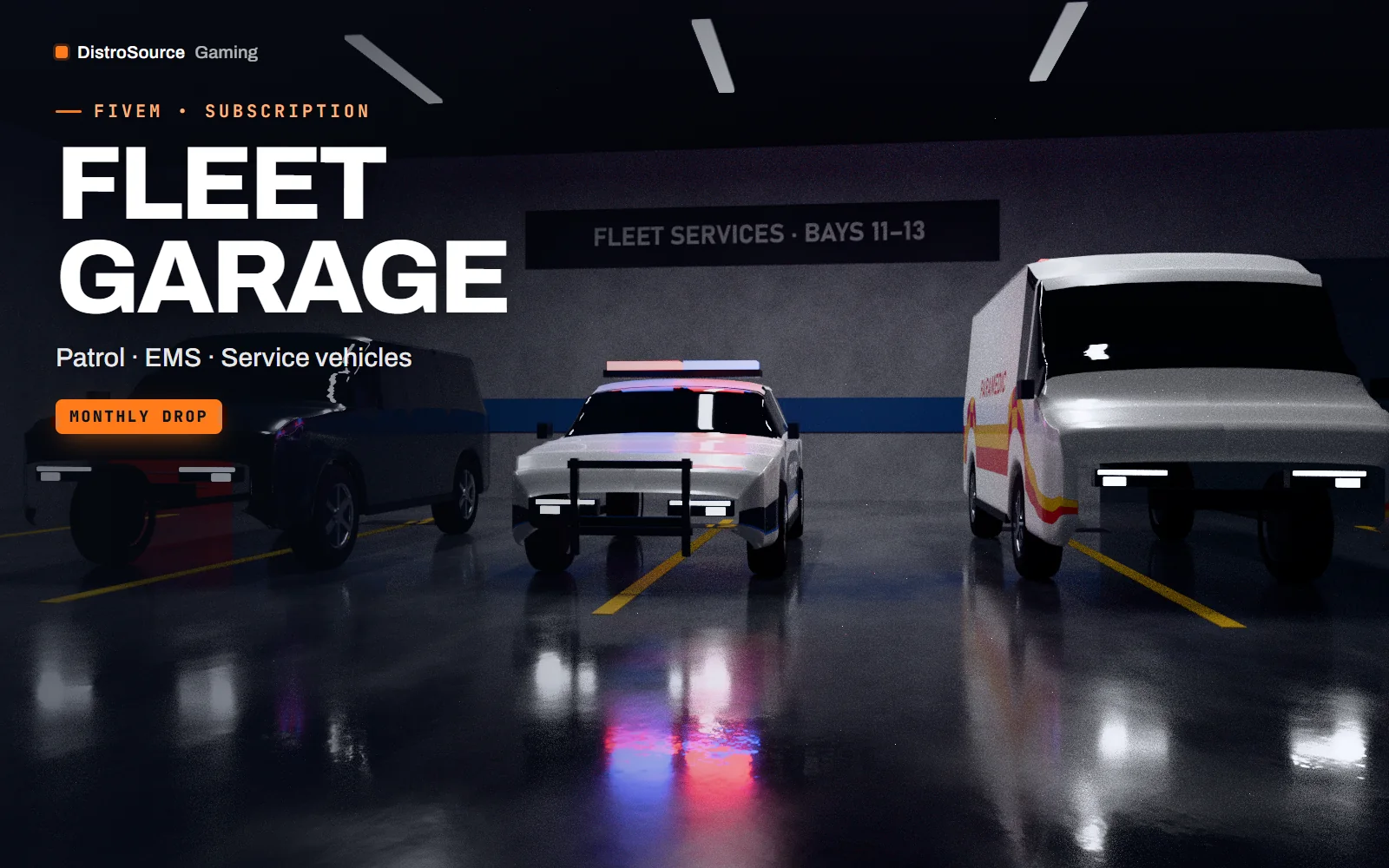
1 / 3Rendered preview — fleet garage
Overview
Fleet Garage is a vehicle subscription for FiveM servers. Each month DistroSource publishes a drop of service and civilian vehicles — patrol cars, EMS and fire apparatus, taxis, work vans and everyday cars — and you choose three of them to add to your server permanently.
It suits servers that want their fleet to grow steadily without paying pack prices for models they will never use. Every vehicle is optimised for streaming and ships with tuned handling, an emergency lighting setup where it applies, and livery templates you can edit.
The vehicles you pick are yours to keep, including after you cancel. Unused picks do not roll over, so a month you skip is a month without new additions. Fixes to vehicles you have claimed are included while you stay subscribed.
What you get
- A new drop of service and civilian vehicles every month
- Three vehicle picks per month, kept permanently
- Emergency lighting setups on patrol, EMS and fire vehicles
- Tuned handling for every vehicle
- Editable livery templates
- Streaming-optimised models with LODs
- Fixes to your claimed vehicles while subscribed
Eligible resources
The plan covers these resource types. Individual resources are listed in your Gaming Library as they publish.
- Patrol and unmarked police vehicles
- EMS and fire apparatus
- Taxis and public-service vehicles
- Work vans and trucks
- Civilian cars
Features
- Pick what you need
- Choose three vehicles a month instead of paying for a pack you half use.
- Emergency ready
- Service vehicles ship with lighting setups and livery templates.
- Light on streaming
- Optimised meshes, textures and LODs keep busy streets stable.
Compatibility and requirements
Works with
- Standalone add-on vehicle resources (no vanilla replacement)
- Works with any framework's garage, key and fuel systems
You need
- A FiveM server you own or operate
Updates and content cadence
- One vehicle drop every month
- Three picks per billing month
- Unused picks do not roll over
License
- Licensed for one server network you own or operate.
- You may edit, re-texture and configure resources for that network.
- Reselling, sharing or re-uploading the files is not permitted.
- Vehicles you pick stay licensed to you after you cancel.
Installation
- 1Pick your vehicles for the month in your Gaming Library.
- 2Download each vehicle resource and place it in your resources directory.
- 3Add `ensure <resource-name>` to server.cfg and restart.
- 4Register the spawn names with your garage or dealership resource.
If you cancel
- Vehicles you picked stay licensed to you permanently.
- No new picks after the paid period ends.
- Fixes to kept vehicles stop when the subscription ends.
More from DistroSource Gaming
Browse all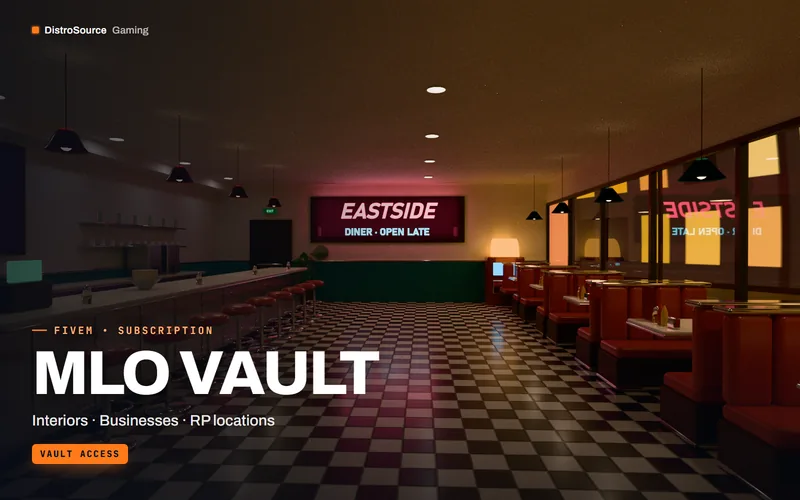 3
3FiveMMLOs & Maps
MLO Vault
Every DistroSource FiveM interior in one library, with new MLOs each month.
- MLO
- Interiors
- Vault
View details$19/mo
Subscription
 3
3FiveMUI & HUD
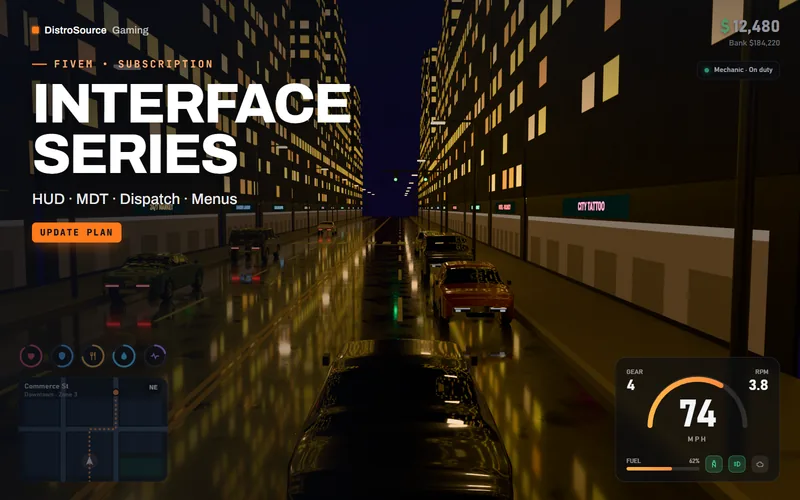
Interface Series
Player HUD, vehicle HUD, police MDT and dispatch in one maintained interface series.
- HUD
- MDT
- Dispatch
View details$16/mo
Subscription
 3
3FiveMServer Administration
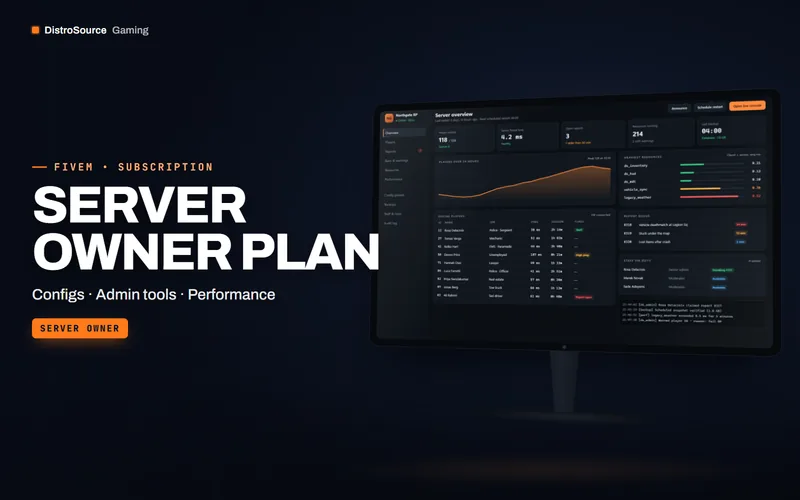
Server Owner Plan
Configs, admin tooling and performance packs for running a FiveM server, plus monthly credits.
- Server owner
- Configs
- Admin
View details$39/mo
Subscription
$12/mo
Fleet Garage