 1 / 3
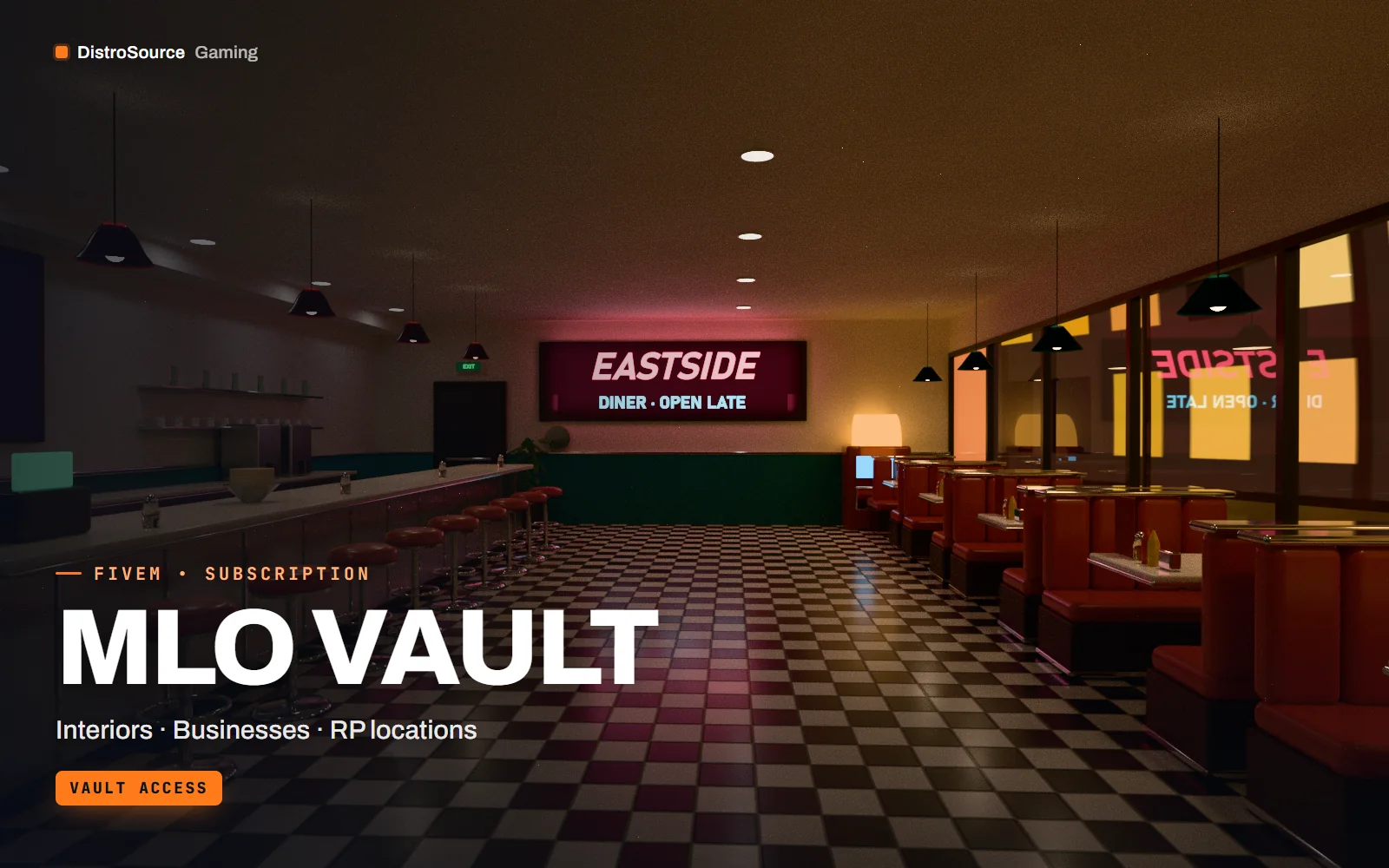
1 / 3Rendered preview — diner interior
Overview
MLO Vault is a subscription library of FiveM interiors for roleplay servers. Instead of buying locations one at a time, you get the whole DistroSource MLO catalogue — restaurants, workshops, medical, emergency-service and retail interiors — plus every interior added while you are subscribed.
It is built for server owners and developers growing a city who want consistent, optimised locations rather than a patchwork of styles. Each interior ships as a streamed map resource with collisions, occlusion and interior portals configured, and documented door coordinates you can drop into your lock and teleport systems.
New interiors are published to the vault every month and appear in your DistroSource Gaming Library on release day. Fixes, LOD work and new variants for existing interiors are included while your plan is active. If you cancel, access continues until the end of the period you have paid for.
What you get
- Every published DistroSource FiveM interior while your plan is active
- Two new MLO interiors added to the vault each month
- Restaurants, workshops, medical, emergency-service, retail and residential locations
- Streamed map resources with collisions, occlusion and portals configured
- Door, entry and teleport coordinates documented for each interior
- Fixes, LOD improvements and new variants for existing interiors
- Downloads through your DistroSource Gaming Library
Eligible resources
The plan covers these resource types. Individual resources are listed in your Gaming Library as they publish.
- Restaurant and bar interiors
- Workshops and garages
- Medical and emergency-service interiors
- Police and government interiors
- Retail and office interiors
- Residential interiors
Features
- One city, one standard
- Interiors share materials, lighting and scale, so a street of them reads as one place rather than a collage.
- Built to hold frame rate
- Tuned prop counts, LODs and occlusion keep busy interiors smooth on populated servers.
- Ready to place
- Coordinates, door positions and entry points are documented for every interior.
Compatibility and requirements
Works with
- Standalone map resources with no framework dependency
- Runs alongside ESX, QBCore and Qbox servers
- Current recommended FiveM server artifacts
You need
- A FiveM server you own or operate
- Space in your resources folder for streamed map assets
Updates and content cadence
- Two new interiors published every month
- Updates to existing interiors as they ship
- The library opens as soon as your first payment is confirmed
License
- Licensed for one server network you own or operate.
- You may edit, re-texture and configure resources for that network.
- Reselling, sharing or re-uploading the files is not permitted.
- Vault interiors are licensed while your subscription is active.
Installation
- 1Download an interior from your DistroSource Gaming Library.
- 2Place the resource folder in your server's resources directory.
- 3Add `ensure <resource-name>` to server.cfg.
- 4Restart the server and visit the documented coordinates.
If you cancel
- Access continues until the end of the period you paid for.
- After that, vault interiors can no longer be downloaded or updated.
- Remove vault interiors from live servers once access ends.
More from DistroSource Gaming
Browse all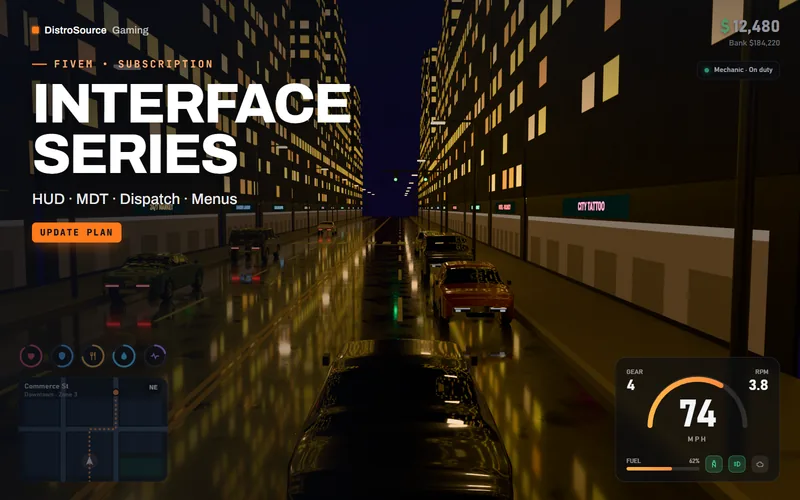 3
3FiveMUI & HUD
Interface Series
Player HUD, vehicle HUD, police MDT and dispatch in one maintained interface series.
- HUD
- MDT
- Dispatch
View details$16/mo
Subscription
 3
3FiveMVehicles
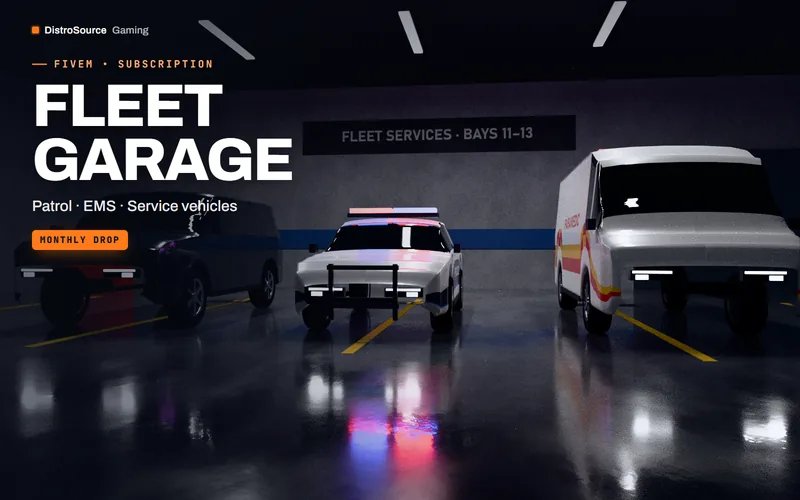
Fleet Garage
A monthly drop of service and civilian vehicles. Pick three each month and keep them.
- Vehicles
- Monthly drop
- Pick & keep
View details$12/mo
Subscription
 3
3FiveMServer Administration
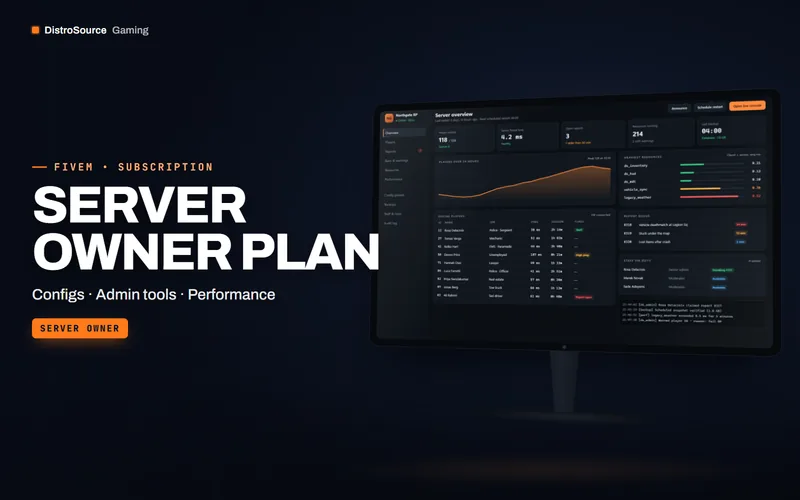
Server Owner Plan
Configs, admin tooling and performance packs for running a FiveM server, plus monthly credits.
- Server owner
- Configs
- Admin
View details$39/mo
Subscription
$19/mo
MLO Vault