
 1 / 3
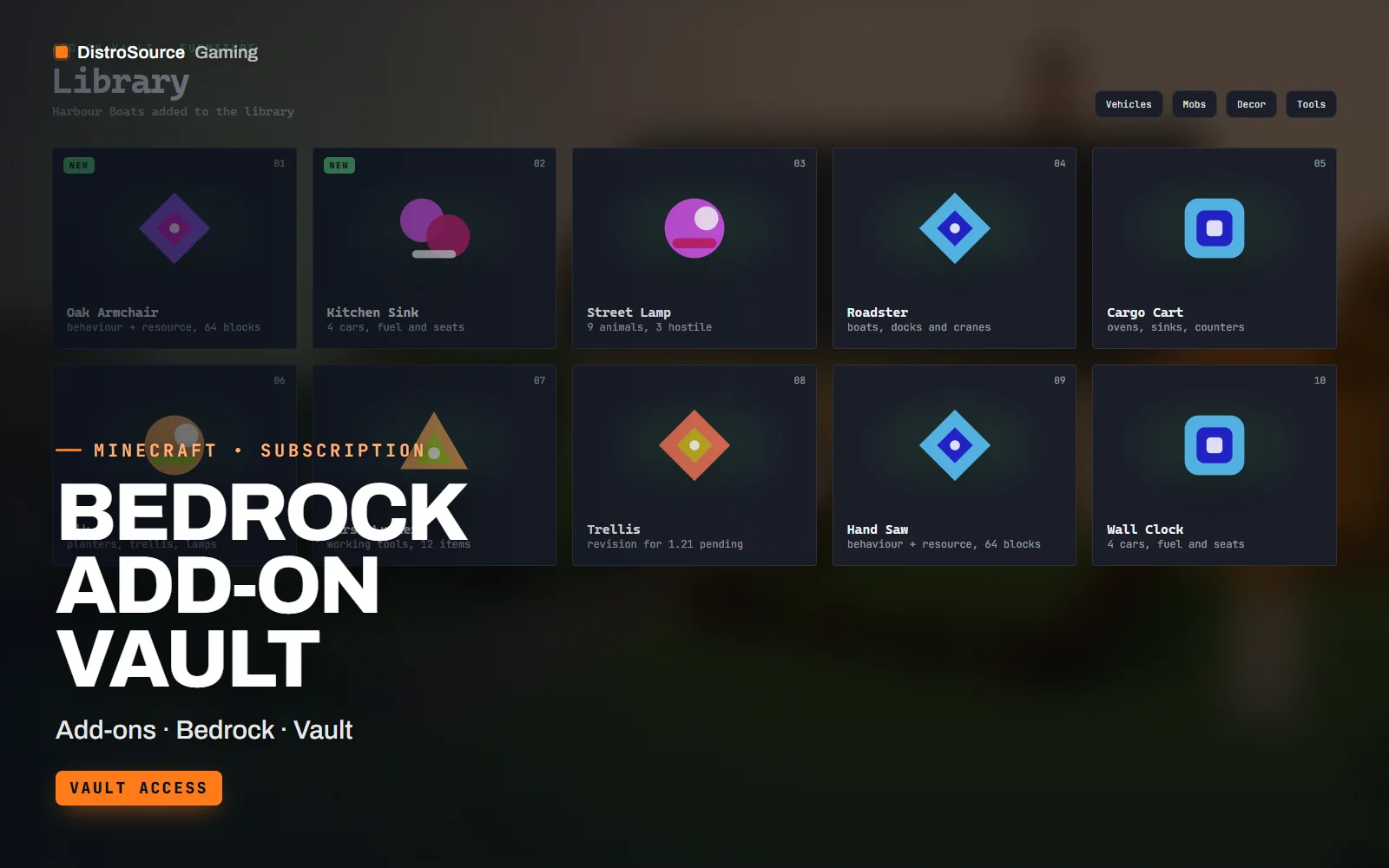
1 / 3Built interface — Add-on library grid
Overview
Bedrock Add-on Vault is a growing library of add-ons for Minecraft Bedrock Edition. Each add-on ships as a paired behaviour pack and resource pack inside a single .mcaddon file, so it imports on Windows, mobile and console clients and installs on a Bedrock Dedicated Server without extra steps. The plan page lists the current contents, and everything in the library is available to you from the first day of your subscription.
The packs cover the things a survival or creative community asks for most. Furniture sets add chairs, tables, lamps and kitchen blocks that sit correctly in a room. Vehicle packs add drivable cars, boats and carts with fuel and seats. Mob packs add new animals and hostile creatures with their own spawn rules, loot and sounds. Decoration and tool packs fill in the gaps with planters, signs, fences and working tools.
Every add-on is written against the current Bedrock format versions, with manifest UUIDs already set, subpacks where a pack has quality options and a readme that explains the recipes, the spawn eggs and the experimental toggles it needs, if any. Packs are tested together, so a furniture set and a mob pack loaded on the same world do not fight over identifiers or block IDs.
One new add-on joins the library each month. The theme is announced on the plan page ahead of time, and older packs are revised when a Bedrock release changes a component or breaks a behaviour. You download the packs by hand from your Gaming Library after payment, then import them into a world or drop them into the packs folders on your server.
What you get
- Every add-on in the library as a .mcaddon with paired behaviour and resource packs
- Furniture, vehicle, mob, decoration and tool packs with recipes and spawn eggs
- A readme per pack listing block IDs, entity IDs and any experimental toggles
- Bedrock Dedicated Server install notes with world_behavior_packs.json examples
- Subpacks for texture quality where a pack has high and low variants
- One new add-on added to the library each month, announced ahead of time
- Revisions to older packs when a Bedrock release changes a component
Eligible resources
The plan covers these resource types. Individual resources are listed in your Gaming Library as they publish.
- Behaviour packs
- Resource packs
- Furniture sets
- Vehicle packs
- Mob packs
- Decoration blocks
Features
- Packs that load together
- Identifiers, block IDs and namespaces are planned across the whole library, so several packs on one world do not overwrite each other.
- Server and client ready
- Each .mcaddon imports into a client world and also unpacks into the behavior_packs and resource_packs folders on a Bedrock Dedicated Server.
- Written for current formats
- Manifests target the current Bedrock format version, and packs are revised when a game update changes a component or a JSON schema.
Compatibility and requirements
Works with
- Minecraft Bedrock Edition 1.21 and later on Windows, mobile and console
- Bedrock Dedicated Server with world_behavior_packs.json and world_resource_packs.json
- Realms where the pack does not require experimental toggles
You need
- A Bedrock Edition client or a Bedrock Dedicated Server you control
- File access to the world or the server packs folders
Updates and content cadence
- Use everything in the library while your subscription is active
- One new add-on is added to the plan each month
- The current library is available from day one, and the plan page lists the current contents
- Older packs are revised when a Bedrock release changes a component
License
- Licensed for one server network you own or operate.
- You may edit, re-texture and configure resources for that network.
- Reselling, sharing or re-uploading the files is not permitted.
Installation
- 1Download Bedrock Add-on Vault from your Gaming Library.
- 2Open a .mcaddon on a client to import it, or unzip it into the behavior_packs and resource_packs folders on your server.
- 3Add the pack UUIDs and versions to world_behavior_packs.json and world_resource_packs.json for the world.
- 4Enable any experimental toggle the readme lists, then restart the server or reload the world.
If you cancel
- Access and updates continue until the end of the period you paid for.
- The licence to run the add-ons ends with the subscription.
- Remove the add-ons from live servers once access ends.
More from DistroSource Gaming
Browse all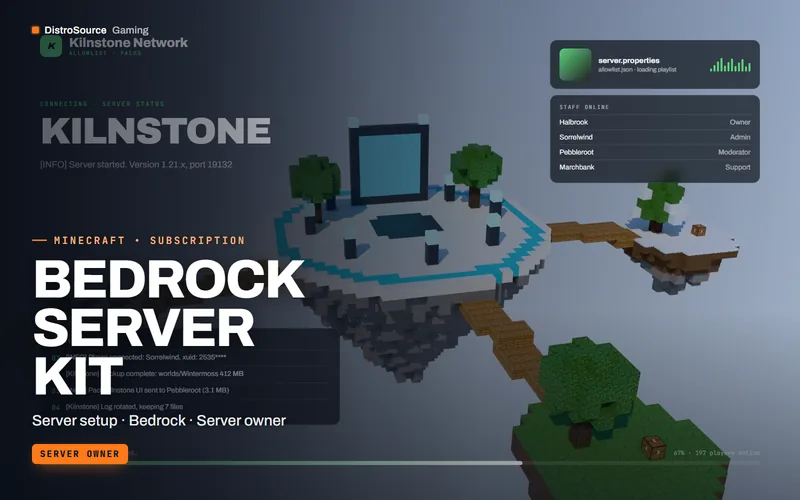 3
3MinecraftBedrock Add-ons
Bedrock Server Kit
A Bedrock Dedicated Server configured for a community: world, add-ons, permissions, allowlist, backups, start script, pack delivery and maintenance notes revised for each Bedrock release.
- Server setup
- Bedrock
- Server owner
View details$29/mo
Subscription
 3
3MinecraftSpawns & Lobbies
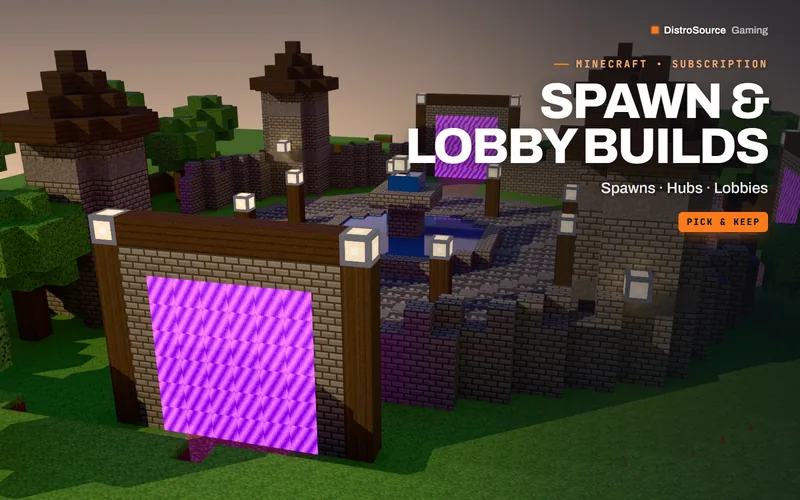
Spawn & Lobby Builds
Hub spawns and network lobbies for Minecraft servers. Claim two builds a month and keep them.
- Builds
- Spawns
- Pick & keep
View details$14/mo
Subscription
 3
3MinecraftServer Setups
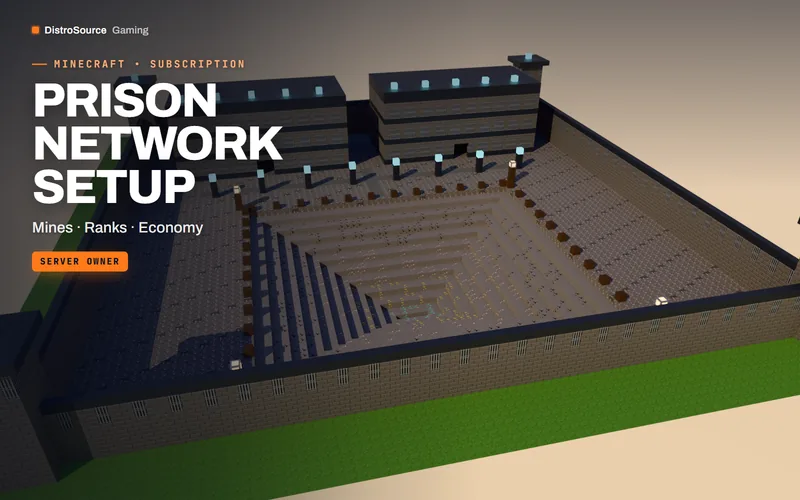
Prison Network Setup
A complete prison server — mines, ranks, cells and economy — built, configured and updated every month.
- Server setup
- Prison
- Monthly update
View details$144/mo
Subscription
$15/mo
Bedrock Add-on Vault