
 1 / 3
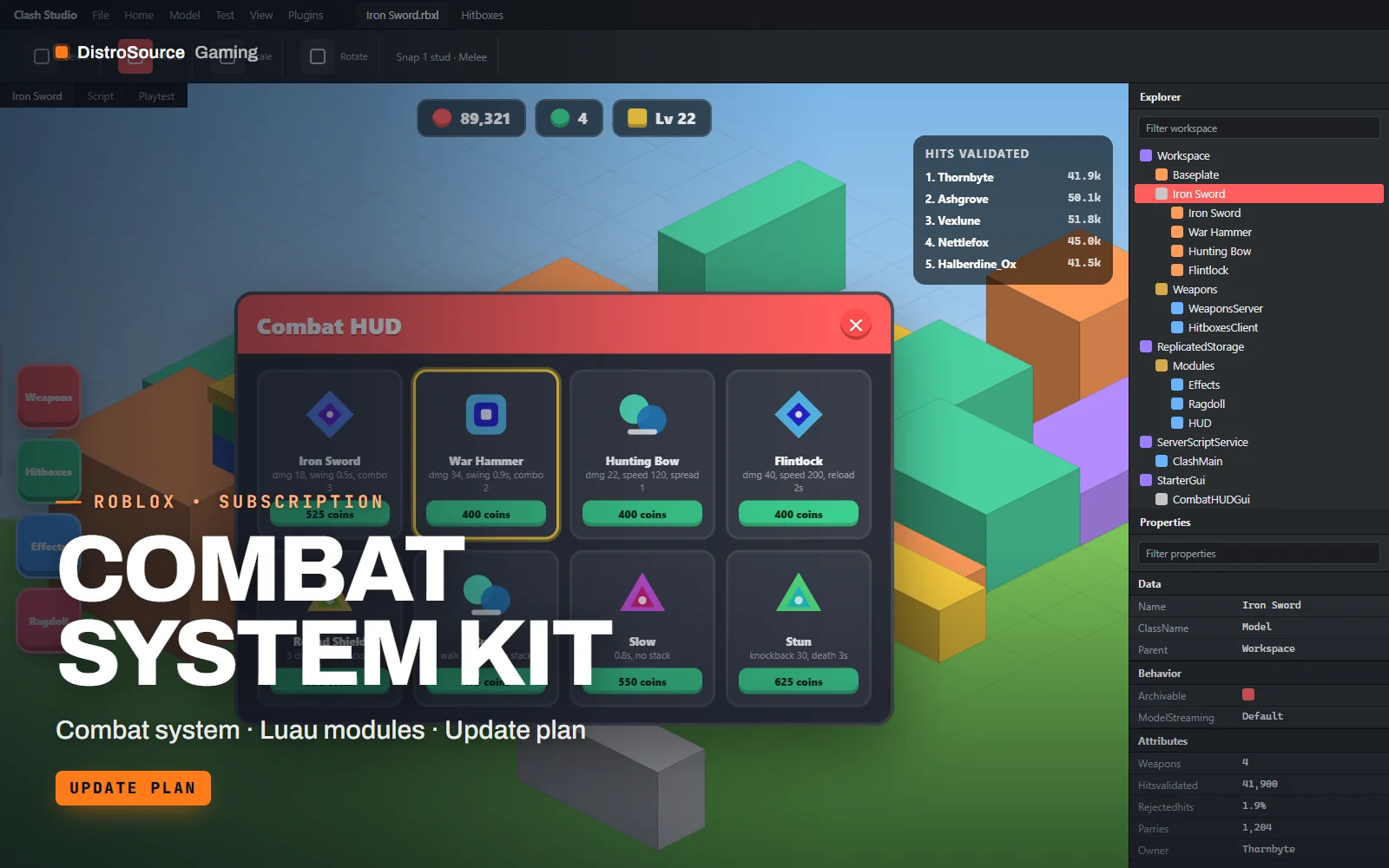
1 / 3Built interface — Combat HUD
Overview
Combat System Kit is a server-authoritative combat layer for Roblox experiences. The client sends an intent, attack, block or fire, and the server runs the hitbox, checks range, angle and timing against the weapon definition and applies damage. Melee hitboxes are spatial queries swept over the swing window, and ranged weapons use server raycasts with a lag allowance you set, so hits are fair on a phone without being spoofable from an exploit.
Weapons are rows in a definition table: damage, swing time, combo steps, block cost, projectile speed, spread and the animation and effect names to play. A three-hit combo, a parry window that staggers the attacker and a stamina-based block are all configured per weapon. Status effects such as burn, slow and stun run on the server with stacking rules, and a ragdoll module handles knockback and death with R15 constraints.
The client side draws damage numbers, a health and stamina HUD, a hit marker and a target lock, and hooks into Animation Set Club and VFX & Ability Pack by name. Everything scales for phone and console with touch buttons for attack and block. Because exploit patterns and Roblox physics change, the validation and ragdoll modules are revised while you subscribe.
What you get
- Server hit validation for melee sweeps and ranged raycasts with lag allowance
- Weapon definition table covering damage, timing, combos, block cost and projectiles
- Blocking with stamina and a parry window that staggers the attacker
- Status effects with stacking rules for burn, slow, stun and bleed
- Ragdoll module for knockback and death on R15 rigs
- Client HUD with health, stamina, damage numbers, hit marker and target lock
- Touch controls for attack and block on phone
- Demo place with an arena and four example weapons
Eligible resources
The plan covers these resource types. Individual resources are listed in your Gaming Library as they publish.
- Hit validation
- Weapon tables
- Block and parry
- Status effects
- Ragdoll modules
- Combat HUDs
Features
- Hits decided on server
- The client only reports intent, and the server sweeps the hitbox or casts the ray, so damage cannot be forged or extended.
- Weapons as table rows
- Adding a weapon means one row with its timings, combo steps and effect names, without editing the combat services.
- Parry and block built in
- Blocking spends stamina and a short parry window staggers attackers, giving melee a rhythm beyond swinging first.
Compatibility and requirements
Works with
- Roblox Studio, current release
- R15 rigs with Humanoid and Animator
- Animation Set Club and VFX & Ability Pack hooks by name
- Works with Anti-Exploit Core remote registry
You need
- A Roblox group or account with an experience you publish
- Your own animation IDs uploaded under your group for swings and blocks
- R15 characters enabled in Game Settings
Updates and content cadence
- The full combat layer and demo arena from your first day
- Validation and ragdoll revisions as Roblox physics and exploit patterns change
- New weapon types and status effects added as they are written
License
- Licensed for experiences published by one Roblox group or account you control.
- You may edit and extend the modules and assets for those experiences.
- Reselling, sharing or re-uploading the files or models is not permitted.
Installation
- 1Download Combat System Kit from your Gaming Library.
- 2Insert the server .rbxm into ServerScriptService and the client .rbxm into StarterPlayerScripts.
- 3Define your weapons in ReplicatedStorage.Config.Weapons with your animation and effect names.
- 4Place weapon tools in StarterPack or your shop and open the demo arena to test.
If you cancel
- Access and updates continue until the end of the period you paid for.
- The licence to run the combat system ends with the subscription.
- Stop publishing the combat system once access ends.
More from DistroSource Gaming
Browse all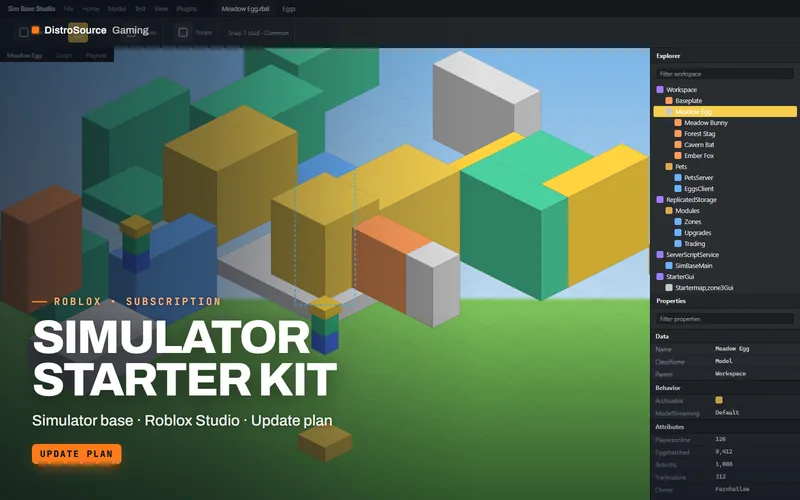 3
3RobloxGame Systems
Simulator Starter Kit
A complete simulator game base with pets, eggs, rebirths, gated zones, collecting tools, upgrades, trading and gamepass hooks, plus a starter map and UI, maintained across Studio updates.
- Simulator base
- Roblox Studio
- Update plan
View details$29/mo
Subscription
 3
3RobloxGame Systems
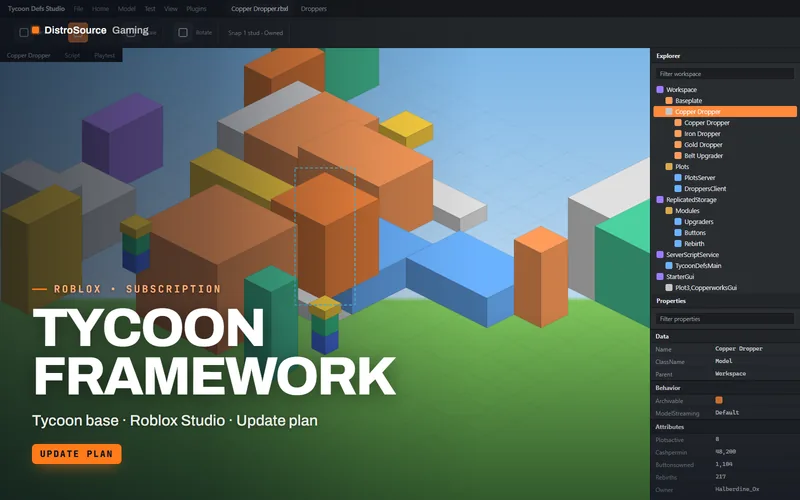
Tycoon Framework
A data-driven tycoon framework where droppers, conveyors, upgraders, collectors and purchase buttons are defined in Luau tables, with saving, rebirth, team plots and an example map.
- Tycoon base
- Roblox Studio
- Update plan
View details$25/mo
Subscription
 3
3RobloxGame Systems
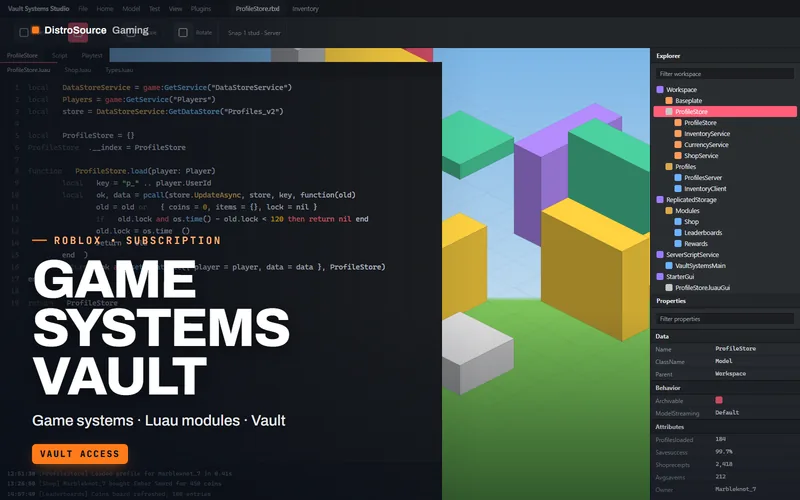
Game Systems Vault
A library of tested Luau modules for Roblox experiences, covering profiles, inventory, shop, currency, leaderboards and daily rewards, delivered as .rbxm files you drop into Studio.
- Game systems
- Luau modules
- Vault
View details$19/mo
Subscription
$22/mo
Combat System Kit