 1 / 3
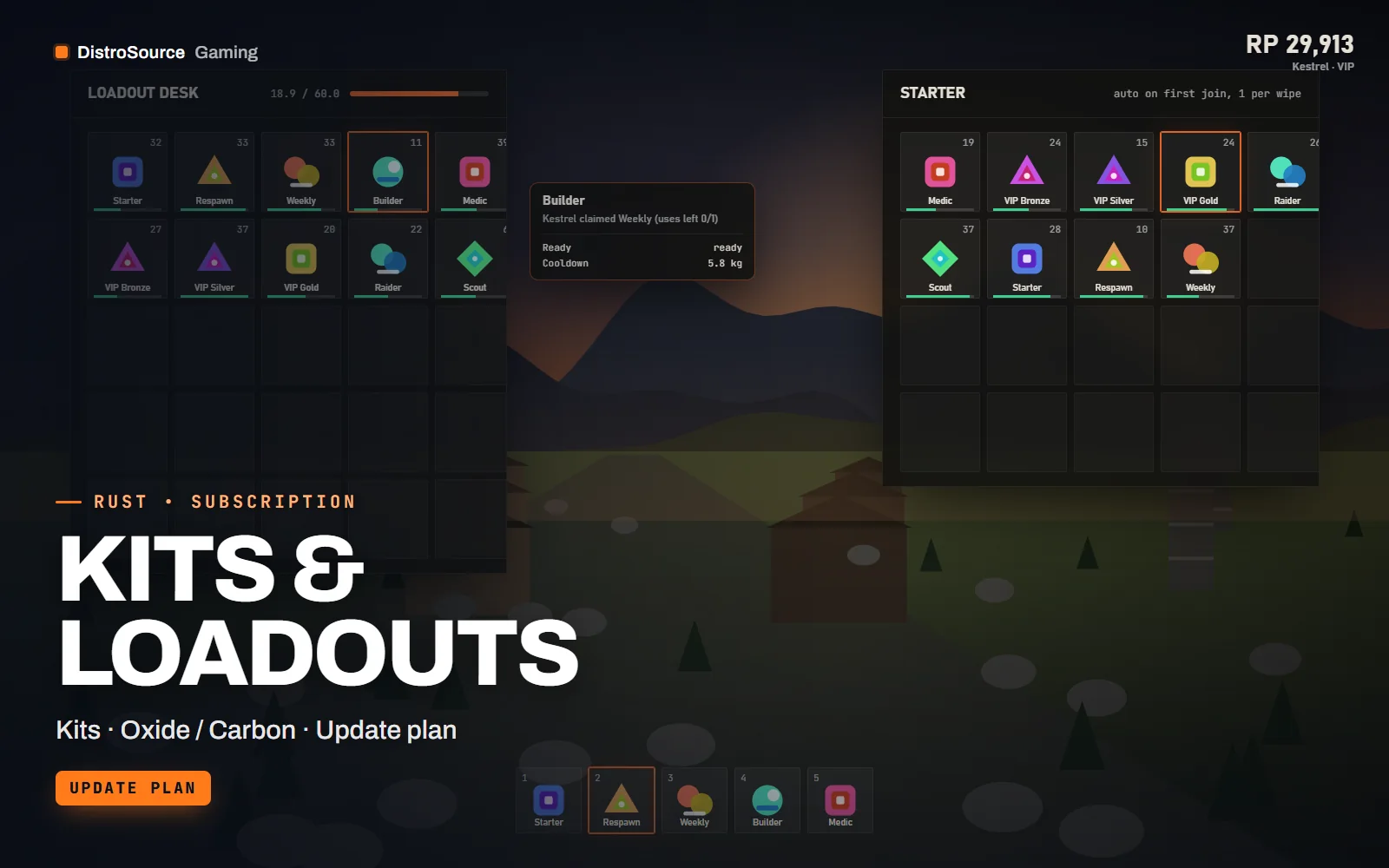
1 / 3Built interface — Kit menu
Overview
Kits & Loadouts replaces a text command with a kit menu players can see. Each kit shows its items, the cooldown left and how many uses remain this wipe, so a player knows before claiming whether the weekly kit is ready. Kits are stored in oxide/data as JSON with item, amount, skin and container slot, which means a kit can fill belt, wear and main inventory exactly as you built it.
Cooldowns and uses per wipe are set per kit and can be overridden per permission tier, so a VIP group can have a shorter cooldown on the same kit without a second copy. Auto-kits give a starter loadout on respawn, or a different one on first join, and the plugin respects a max wipe uses count so a starter kit cannot be farmed by dying on purpose.
Admins build kits in-game with the editor: fill your inventory, run a command and the kit is saved with skins and slot positions. The editor also sets the cooldown, uses, permission and the icon shown in the menu. Kit data survives plugin reloads and the config marks which kits reset on wipe and which persist.
While you are subscribed, the plugin is rebuilt after each forced wipe and after Oxide, uMod or Carbon changes, and the item definitions are refreshed when Rust adds items. The plugin binds to the economy API from Economy & Shop System or Rust Plugin Vault when present, so kits can carry a price. Nothing is hosted by us.
What you get
- Kits plugin as .cs source with a CUI kit menu and item previews
- Cooldowns and uses per wipe set per kit and per permission tier
- Auto-kits on first join and on respawn with farm protection
- In-game kit editor that saves items, skins and slot positions
- Optional kit prices through the shared economy API
- Sample starter, weekly and VIP kits tuned for 2x and 3x rates
- Plugin rebuilds after each forced wipe and framework update
Eligible resources
The plan covers these resource types. Individual resources are listed in your Gaming Library as they publish.
- Kits plugin
- Kit data files
- Sample kits
- Config file
- Kit editor
Features
- Players see the kit
- The menu shows every item, the cooldown left and uses remaining, so claims happen when the kit is ready rather than by trial and error.
- Tiers without copies
- Cooldown and uses can be overridden per permission, so one kit serves default and VIP players with different limits.
- Built from your inventory
- Fill your inventory, save it as a kit and the slot positions and skins are kept, which makes loadout kits quick to make.
Compatibility and requirements
Works with
- Oxide / uMod or Carbon on a current Rust dedicated server
- Economy API from Economy & Shop System or Rust Plugin Vault, optional
- CUI rendered in-game, no external host
You need
- A Rust dedicated server you control with Oxide, uMod or Carbon installed
- File access to oxide/plugins, oxide/config and oxide/data
- Permission grants for kits.admin through the console or RCON
Updates and content cadence
- The full kits plugin and sample kits from your first day
- Plugin rebuilds after each forced wipe and after Oxide, uMod or Carbon updates
- Item definition refreshes when Rust adds or changes items
License
- Licensed for one server network you own or operate.
- You may edit, re-texture and configure resources for that network.
- Reselling, sharing or re-uploading the files is not permitted.
Installation
- 1Download Kits & Loadouts from your Gaming Library.
- 2Copy Kits.cs into oxide/plugins and let the framework compile it.
- 3Load the sample kits from oxide/data or build your own with /kit edit in-game.
- 4Grant kits.use and any VIP permissions to your groups, then reload the plugin.
If you cancel
- Access and updates continue until the end of the period you paid for.
- The licence to run the kits plugin ends with the subscription.
- Remove the kits plugin from live servers once access ends.
More from DistroSource Gaming
Browse all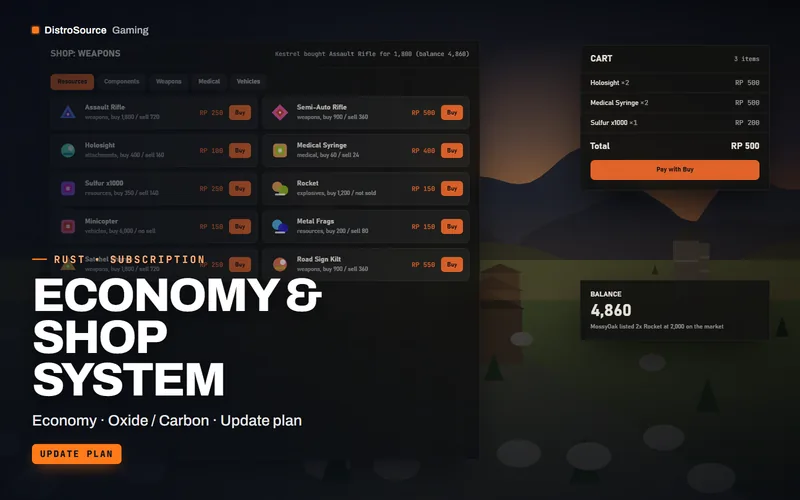 3
3RustEconomy & Shop
Economy & Shop System
A server currency for Rust with a CUI shop, player market, playtime and event rewards, balance transfers and an admin panel for prices, kept current across wipes.
- Economy
- Oxide / Carbon
- Update plan
View details$15/mo
Subscription
 3
3RustBundles
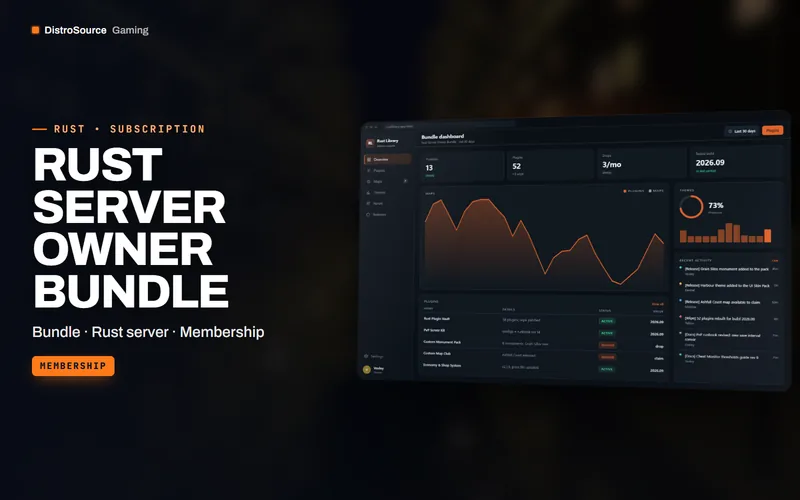
Rust Server Owner Bundle
The whole DistroSource Rust catalogue in one plan: plugin vault, PvP server kit, monuments and maps, economy, events, admin tools and UI skins, with the monthly drops included.
- Bundle
- Rust server
- Membership
View details$79/mo
Subscription
 3
3RustServer Kits
PvP Server Kit
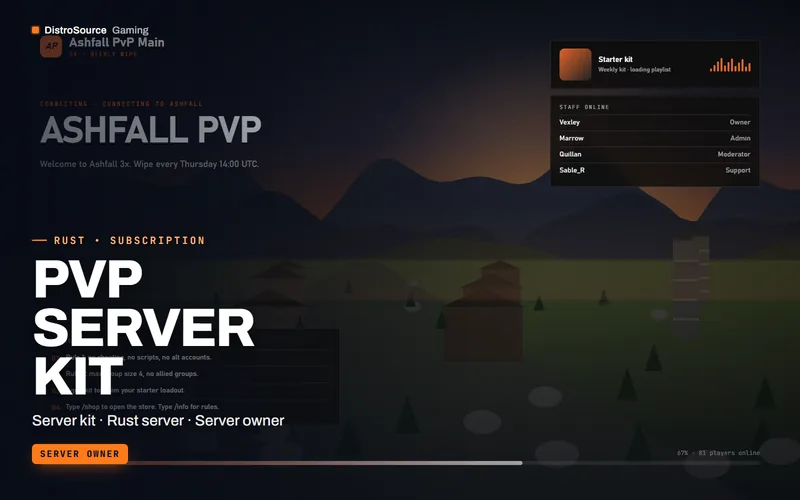
A complete Rust PvP server configuration with wipe schedule, rates, blueprint rules, kits, shop and info panels, plus a wipe-day runbook kept current with each forced wipe.
- Server kit
- Rust server
- Server owner
View details$59/mo
Subscription
$9/mo
Kits & Loadouts