
 1 / 3
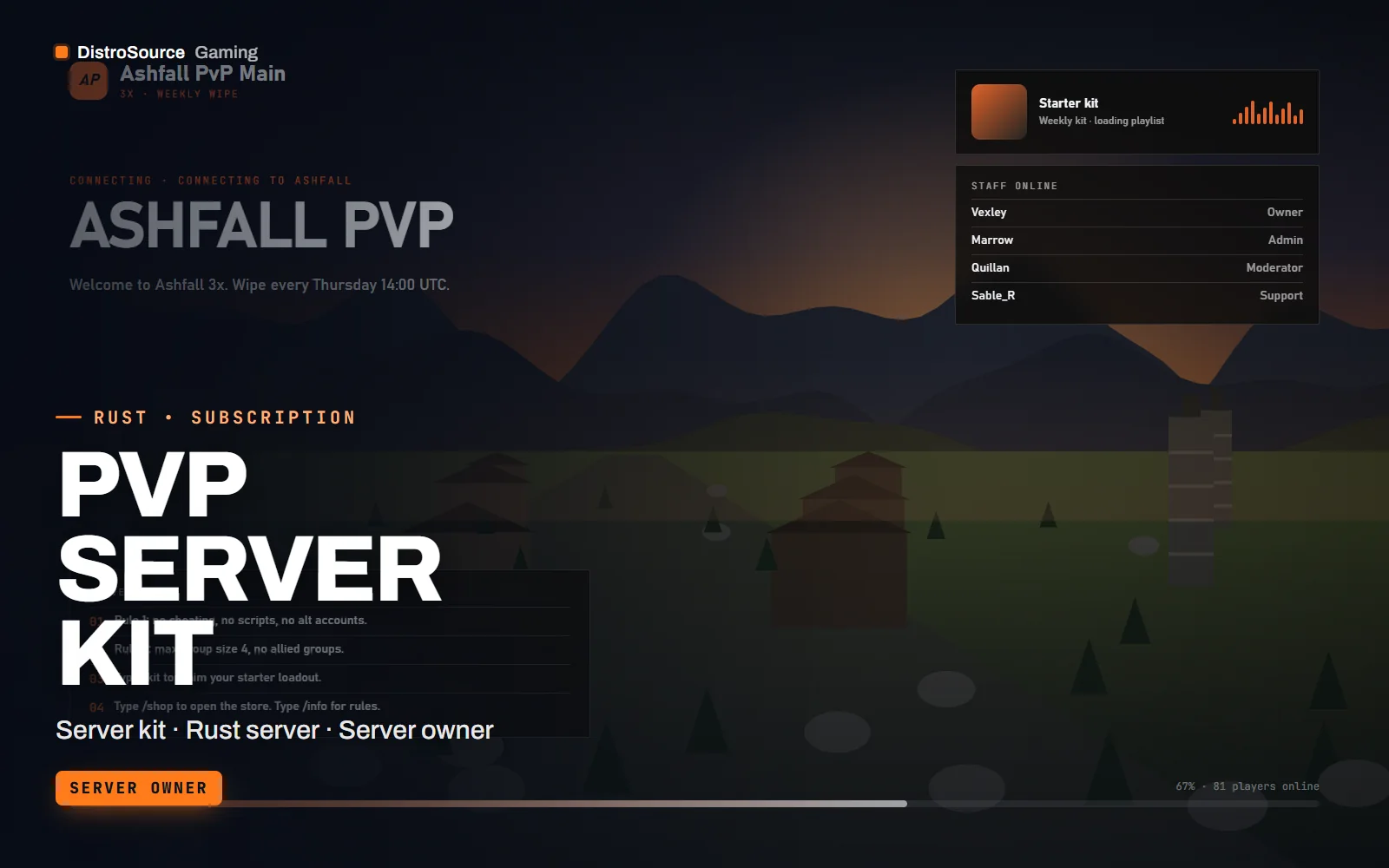
1 / 3Built interface — Loading screen
Overview
PvP Server Kit is the configuration set for a Rust server built around fighting rather than farming. It includes a server.cfg with tuned convars, gather and craft rate configs, blueprint rules for a fresh or kept-blueprint wipe, a kits plugin with starter and VIP loadouts, a shop with a balanced price list, and welcome and info panels so new players see the rules and the wipe date before they leave spawn.
The kit is opinionated about rates because PvP servers live or die on how fast a base goes up and how quickly a fight can be replaced. The included profiles cover 2x, 3x and 5x gather with matching craft and smelt speeds, stack sizes that suit each rate and a loot table that keeps guns common without making every fight an M249 fight. Each profile is a folder you copy into oxide/config.
Wipe day is documented as a runbook rather than a memory. It covers the map seed and size, the RCON commands to run, the order to reload plugins, the Discord posts to send and a short post-wipe check list. The Discord links plugin puts your server invite, rules and store in the in-game info panel so players find them without asking in chat.
While you are subscribed, the convars, plugin configs and runbook are revised after each forced wipe as Facepunch changes loot, monuments or server settings. Everything is delivered as files for your own dedicated server. We do not host anything and nothing in the kit depends on a service we run. The plan page lists the current convar set and the Rust build the kit was last tested on.
What you get
- A server.cfg with tuned convars for a PvP-first population and wipe cycle
- Gather, craft and smelt rate profiles for 2x, 3x and 5x with matching stack sizes
- Blueprint wipe rules for fresh-wipe and kept-blueprint wipe schedules
- Kits plugin with starter, weekly and VIP loadouts and cooldowns
- UI shop with a balanced price list tied to a server currency
- Welcome screen and info panel plugins with rules, wipe date and Discord links
- A wipe-day runbook with RCON commands, plugin order and announcement templates
- Revisions to configs and the runbook after each forced wipe
Eligible resources
The plan covers these resource types. Individual resources are listed in your Gaming Library as they publish.
- Server configs
- Rate profiles
- Kits and shop plugins
- Info panels
- Wipe runbook
- Announcement templates
Features
- Rates that fit the wipe
- Each rate profile changes gather, craft, smelt and stack sizes together, so a 3x server feels like 3x everywhere rather than only in the quarry.
- Wipe day as a runbook
- The runbook lists every command, plugin reload and Discord post in order, so a wipe takes the same steps whether you or a moderator runs it.
- Players see the rules first
- The welcome screen and info panel show rules, wipe schedule and links on join, which cuts the questions your staff answer in chat.
Compatibility and requirements
Works with
- Rust dedicated server on Windows or Linux via SteamCMD
- Oxide / uMod or Carbon for the included plugins
- RCON via WebRCON or a panel such as Pterodactyl for the runbook commands
- Custom maps as .map files or procedural maps by seed and size
You need
- A Rust dedicated server you control with file access to server.cfg and oxide/
- Oxide, uMod or Carbon installed before loading the plugins
- A Discord server if you want the announcement templates and links panel
Updates and content cadence
- The full configuration set, plugins and runbook from your first day
- Convar, rate and loot revisions after each forced wipe as Rust changes
- Plugin compatibility patches after Oxide, uMod or Carbon updates
- Runbook revisions when Facepunch changes wipe or server behaviour
License
- Licensed for one server network you own or operate.
- You may edit, re-texture and configure resources for that network.
- Reselling, sharing or re-uploading the files is not permitted.
Installation
- 1Download PvP Server Kit from your Gaming Library.
- 2Merge the supplied server.cfg convars into your own server.cfg and set the hostname, seed and size.
- 3Copy the plugins into oxide/plugins and the chosen rate profile into oxide/config.
- 4Edit the info panel config with your rules, wipe schedule and Discord invite.
- 5Follow the runbook for your first wipe, then keep it as the standard procedure.
If you cancel
- Access and updates continue until the end of the period you paid for.
- The licence to run the kit's plugins ends with the subscription.
- Remove the kit's plugins from live servers once access ends.
More from DistroSource Gaming
Browse all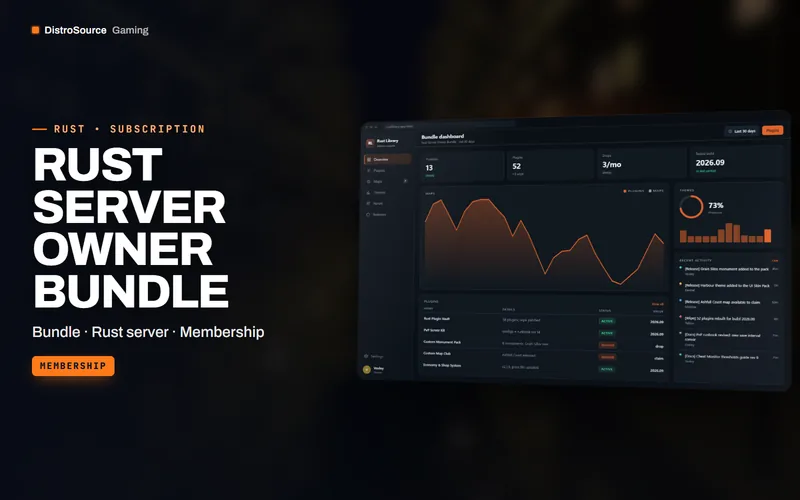 3
3RustBundles
Rust Server Owner Bundle
The whole DistroSource Rust catalogue in one plan: plugin vault, PvP server kit, monuments and maps, economy, events, admin tools and UI skins, with the monthly drops included.
- Bundle
- Rust server
- Membership
View details$79/mo
Subscription
 3
3RustMaps & Monuments
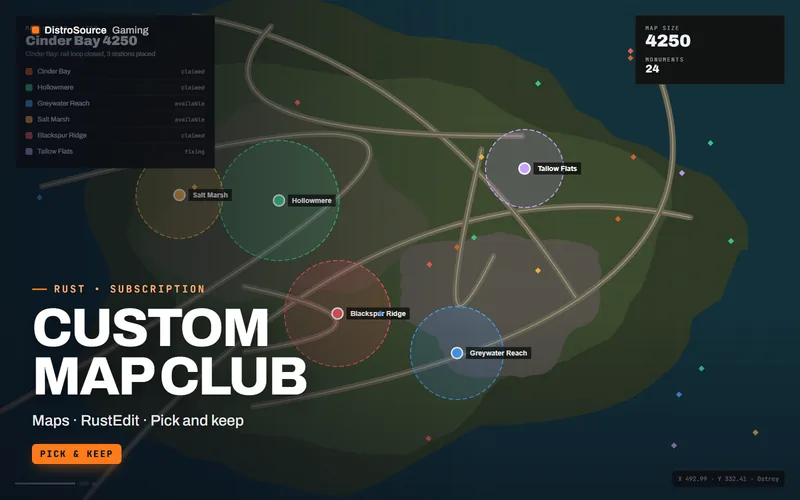
Custom Map Club
Hand-built Rust maps between 3500 and 4500 in size with custom monuments, roads, rail and checked topology, delivered as .map files you claim and keep.
- Maps
- RustEdit
- Pick and keep
View details$29/mo
Subscription
 3
3RustPlugins
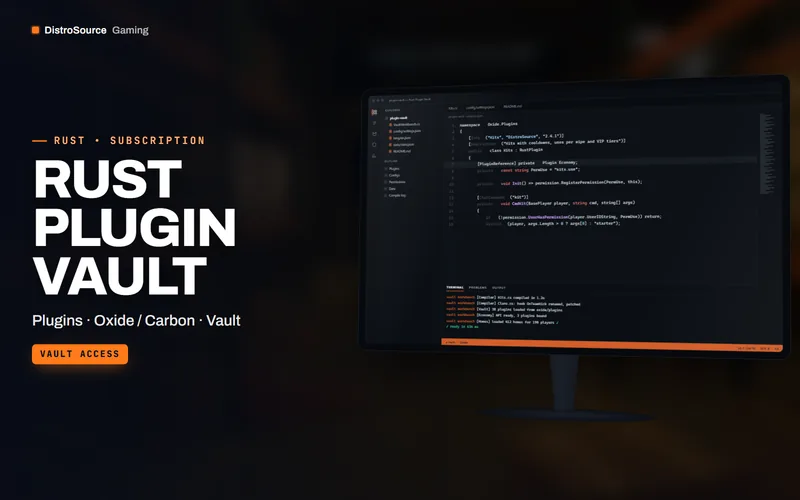
Rust Plugin Vault
Every DistroSource Oxide and Carbon plugin for Rust in one library while subscribed, with configs, permissions and compatibility updates after each forced wipe and Rust patch.
- Plugins
- Oxide / Carbon
- Vault
View details$25/mo
Subscription
$59/mo
PvP Server Kit