
 1 / 3
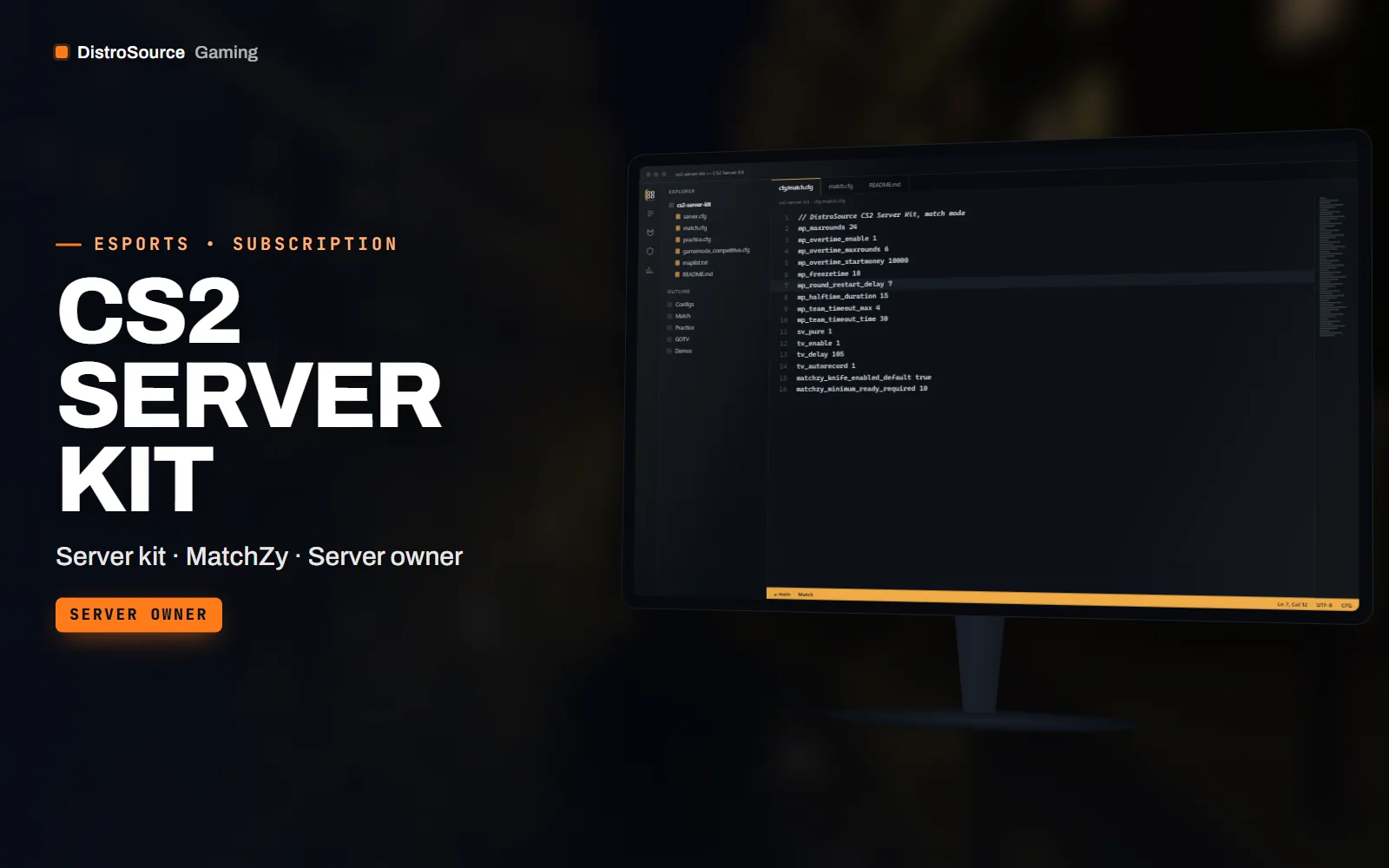
1 / 3Built interface — Match config
Overview
CS2 Server Kit is the configuration set for a Counter-Strike 2 dedicated server that runs league and scrim matches. It assumes a server installed with SteamCMD and adds CounterStrikeSharp with MatchZy on top, with configs for the match mode leagues use: knife round for side choice, a veto flow for one, three and five map series, overtime rules, pauses with limits and a ready system that starts the match when both teams are set.
Practice mode has its own config with grenade throw and rethrow, bot placement, no-clip, a spawn selector and a smoke-lineup helper, so the same server switches from scrim to practice with one command. Demo recording is on by default with a naming scheme that includes teams, map and date, and GOTV is configured with the delay, relay and broadcast settings that stop stream sniping.
The kit also includes a server.cfg with the convars that matter for tick behaviour, rates and sv_pure, a map list for the active duty pool and a MatchZy match JSON template you fill with team names, players and the veto order. A match-day checklist walks through starting the server, loading the match, checking GOTV and collecting demos afterwards.
Counter-Strike 2 patches change convars and break plugins, and this plan keeps the kit current. When a patch alters a convar, changes the map pool or requires a new CounterStrikeSharp or MatchZy build, the configs and the version notes are revised and placed in your Gaming Library with a short note about what to update on your server.
What you get
- CounterStrikeSharp and MatchZy install steps with pinned versions that work together
- Match configs for one, three and five map series with knife rounds and veto flow
- Practice config with throw, rethrow, bot placement, no-clip and spawn selection
- Demo recording with a team, map and date naming scheme
- GOTV configuration with delay, relay and broadcast settings
- server.cfg with tick, rate and sv_pure convars for competitive play
- MatchZy match JSON template and the active duty map list
- Match-day checklist from server start to demo collection
Eligible resources
The plan covers these resource types. Individual resources are listed in your Gaming Library as they publish.
- Match configs
- Practice config
- server.cfg
- Match templates
- GOTV settings
- Checklist
Features
- Match mode leagues use
- Knife round, veto flow, overtime, pause limits and a ready system are configured the way league admins expect them to behave.
- Practice in one command
- The same server switches to a practice config with throw, rethrow, bots and no-clip without a second install.
- Revised after every patch
- When a Counter-Strike 2 patch changes convars or breaks a plugin build, the configs and version notes are updated in your library.
Compatibility and requirements
Works with
- Counter-Strike 2 dedicated server installed with SteamCMD on Linux or Windows
- CounterStrikeSharp and MatchZy at the versions listed in the kit notes
- Metamod:Source as required by CounterStrikeSharp
- GOTV for demos and broadcast relays
You need
- A dedicated server or VPS you control with shell access
- A Steam game server login token for the server
- Enough disk space for demo storage
Updates and content cadence
- The full config set, templates and checklist from your first day
- Config and version note revisions when Counter-Strike 2 patches change convars or plugins
- Map list updates when the active duty pool changes
License
- Licensed for one server network you own or operate.
- You may edit, re-texture and configure resources for that network.
- Reselling, sharing or re-uploading the files is not permitted.
Installation
- 1Download CS2 Server Kit from your Gaming Library.
- 2Install Metamod, CounterStrikeSharp and MatchZy at the versions in the kit notes.
- 3Copy the cfg folder and the MatchZy configs into your server's game directory.
- 4Edit server.cfg with your hostname, RCON password and GOTV settings.
- 5Load a match JSON with the MatchZy command and run through the checklist.
If you cancel
- Access and updates continue until the end of the period you paid for.
- The licence to run the kit ends with the subscription.
- Remove the kit from live servers once access ends.
More from DistroSource Gaming
Browse all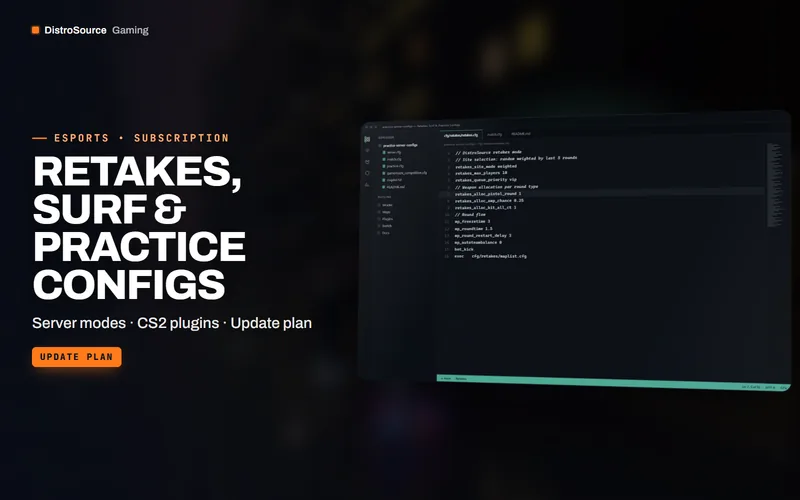 3
3CS2, Valorant & EsportsCS2 Servers
Retakes, Surf & Practice Configs
Plugin configs and map lists for Counter-Strike 2 community servers running retakes, executes, surf, bhop, aim and prefire practice, deathmatch and warmup arenas.
- Server modes
- CS2 plugins
- Update plan
View details$12/mo
Subscription
 3
3CS2, Valorant & EsportsBundles
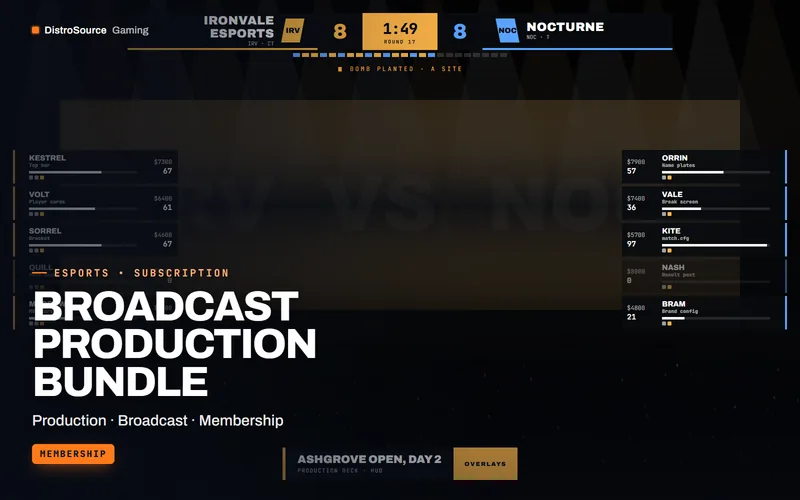
Broadcast Production Bundle
The production stack for a tournament organiser in one plan: CS2 and Valorant broadcast packs, the caster desk kit, tournament manager, both server kits and the match graphics drop.
- Production
- Broadcast
- Membership
View details$119/mo
Subscription
 3
3CS2, Valorant & EsportsBundles
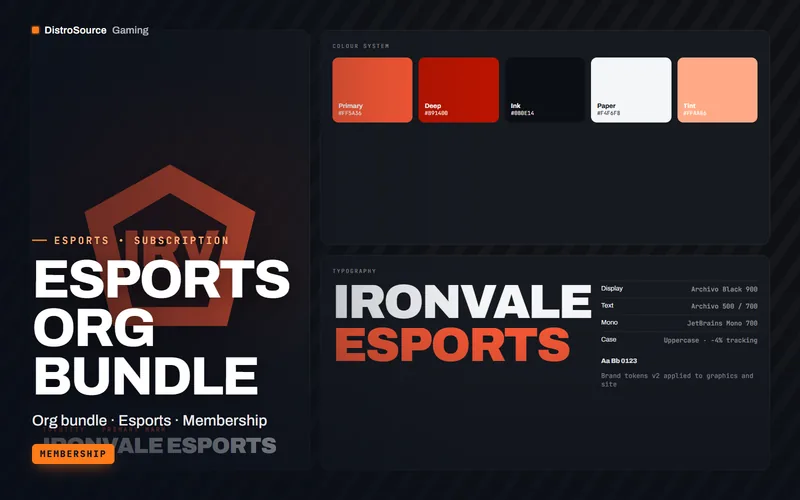
Esports Org Bundle
One plan for an organisation running several rosters: the team kit, match graphics drops, scrim and roster tools, stats and scouting and the league website kit together.
- Org bundle
- Esports
- Membership
View details$89/mo
Subscription
$29/mo
CS2 Server Kit